Packages
Packages extend R with additional functions, data, and documentation. The Packages tab lets you browse, install, and manage them directly on your device.
Finding and installing packages
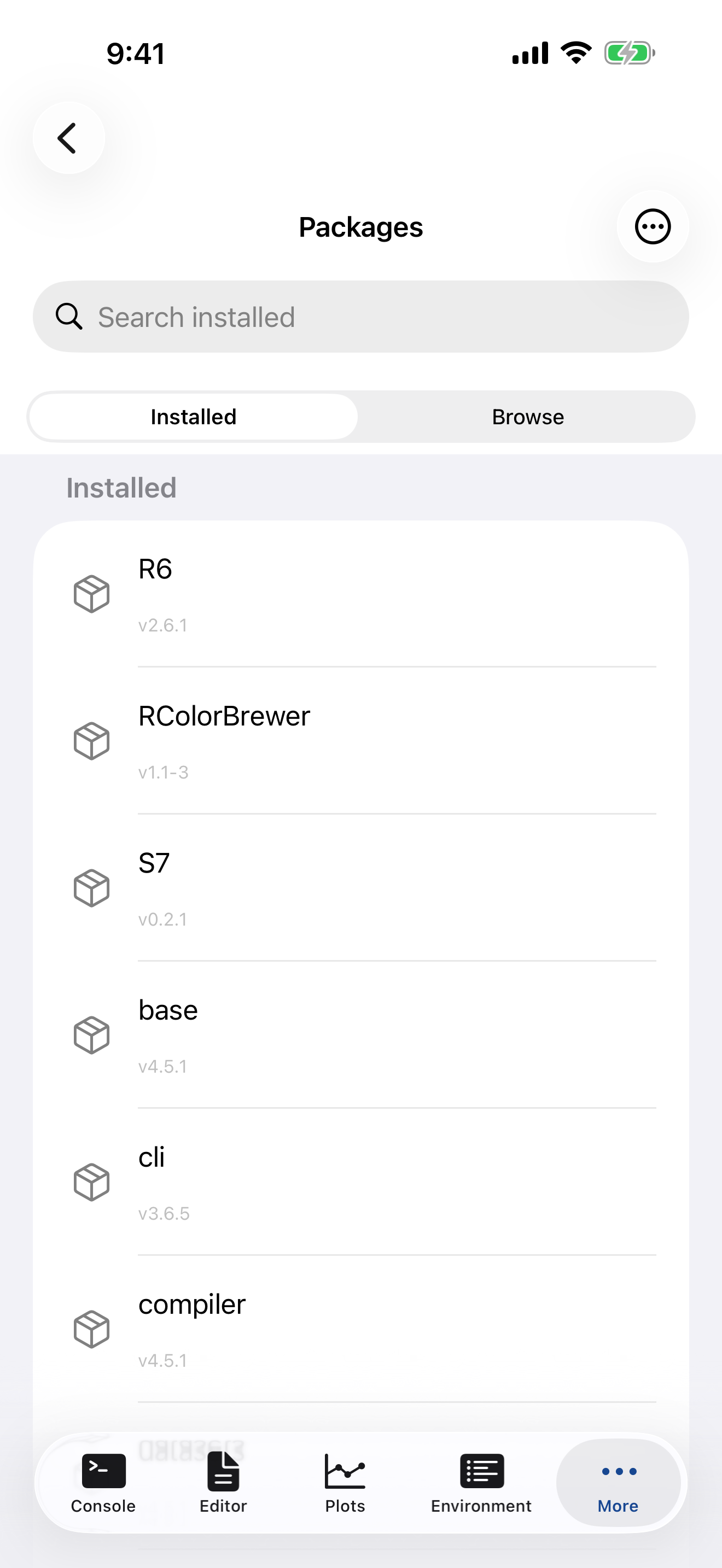
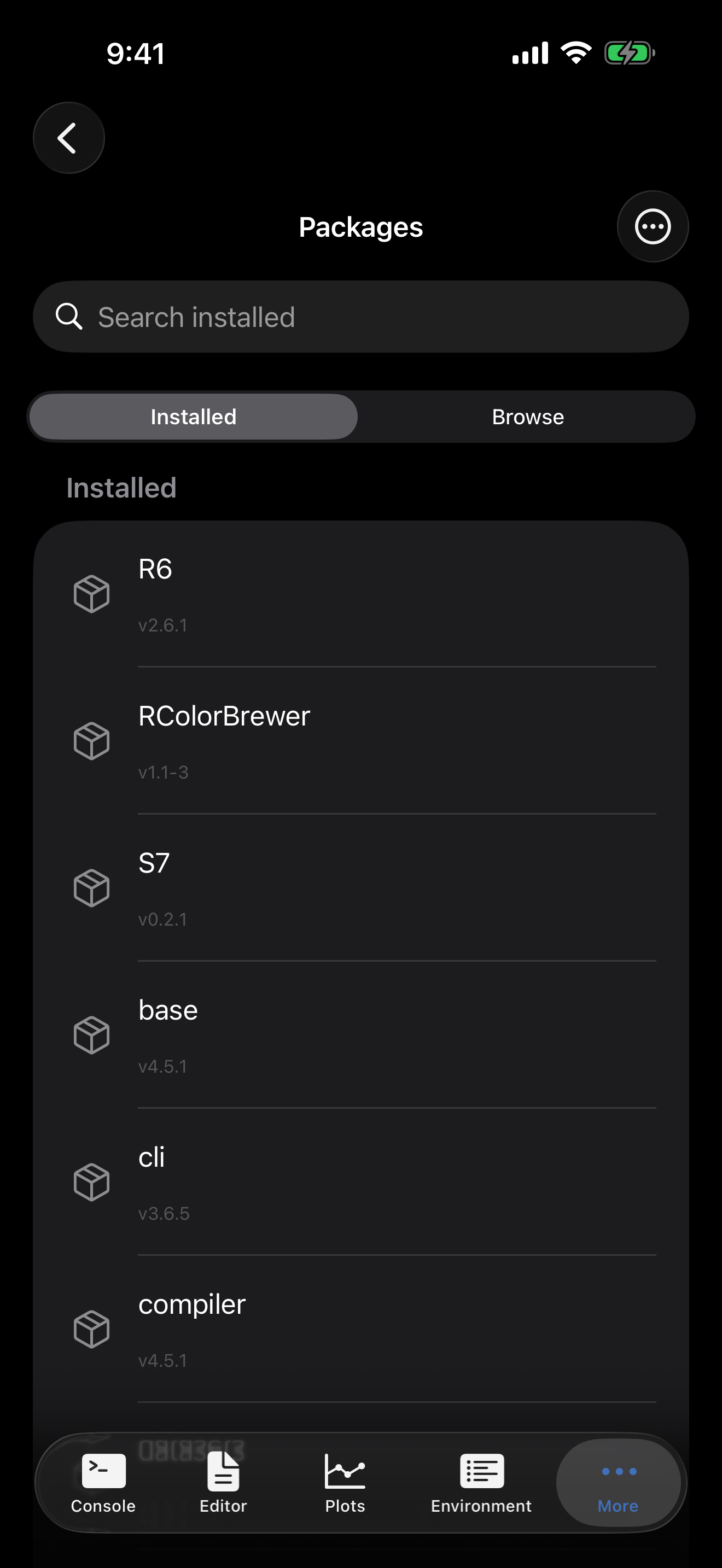
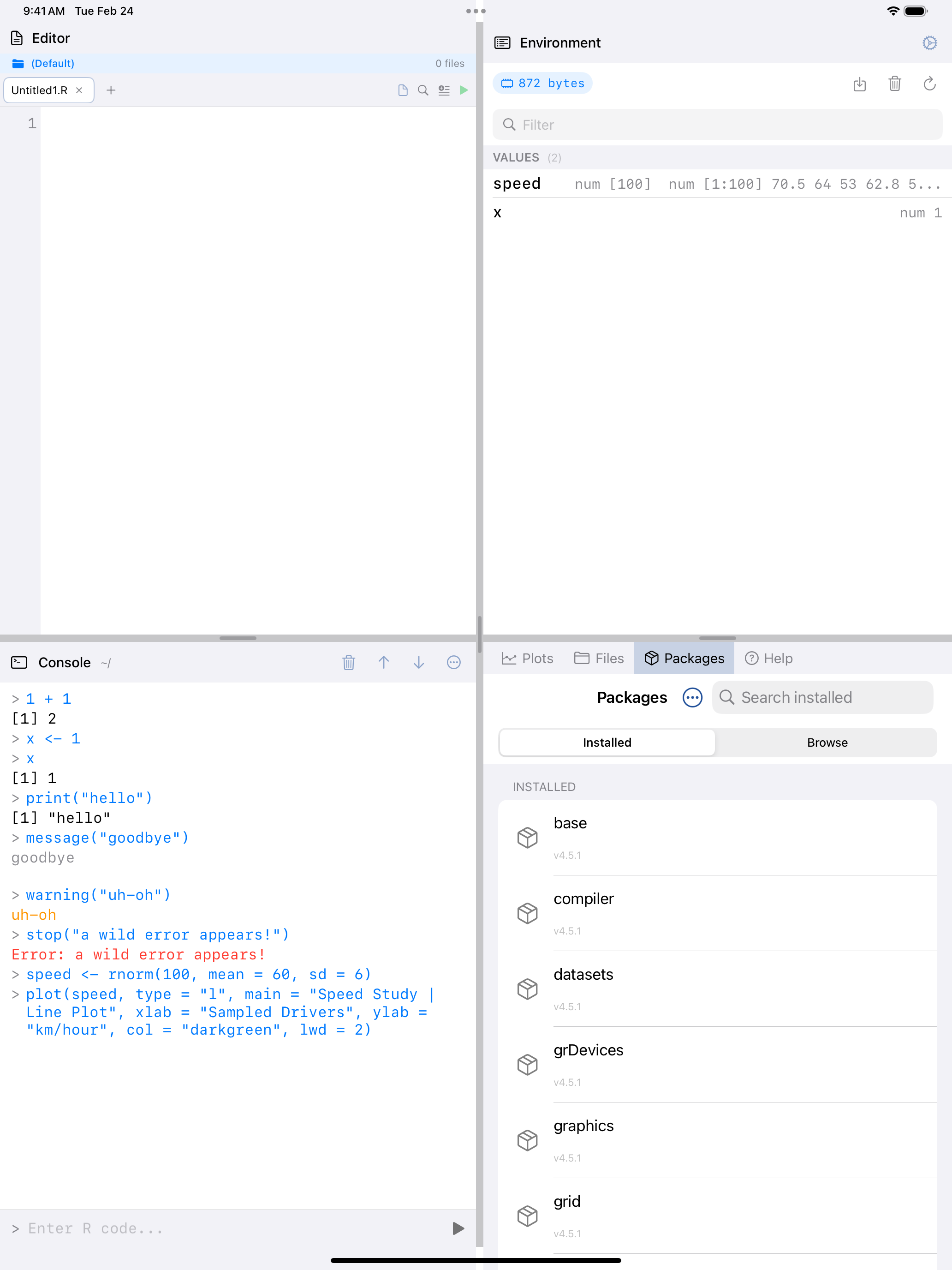
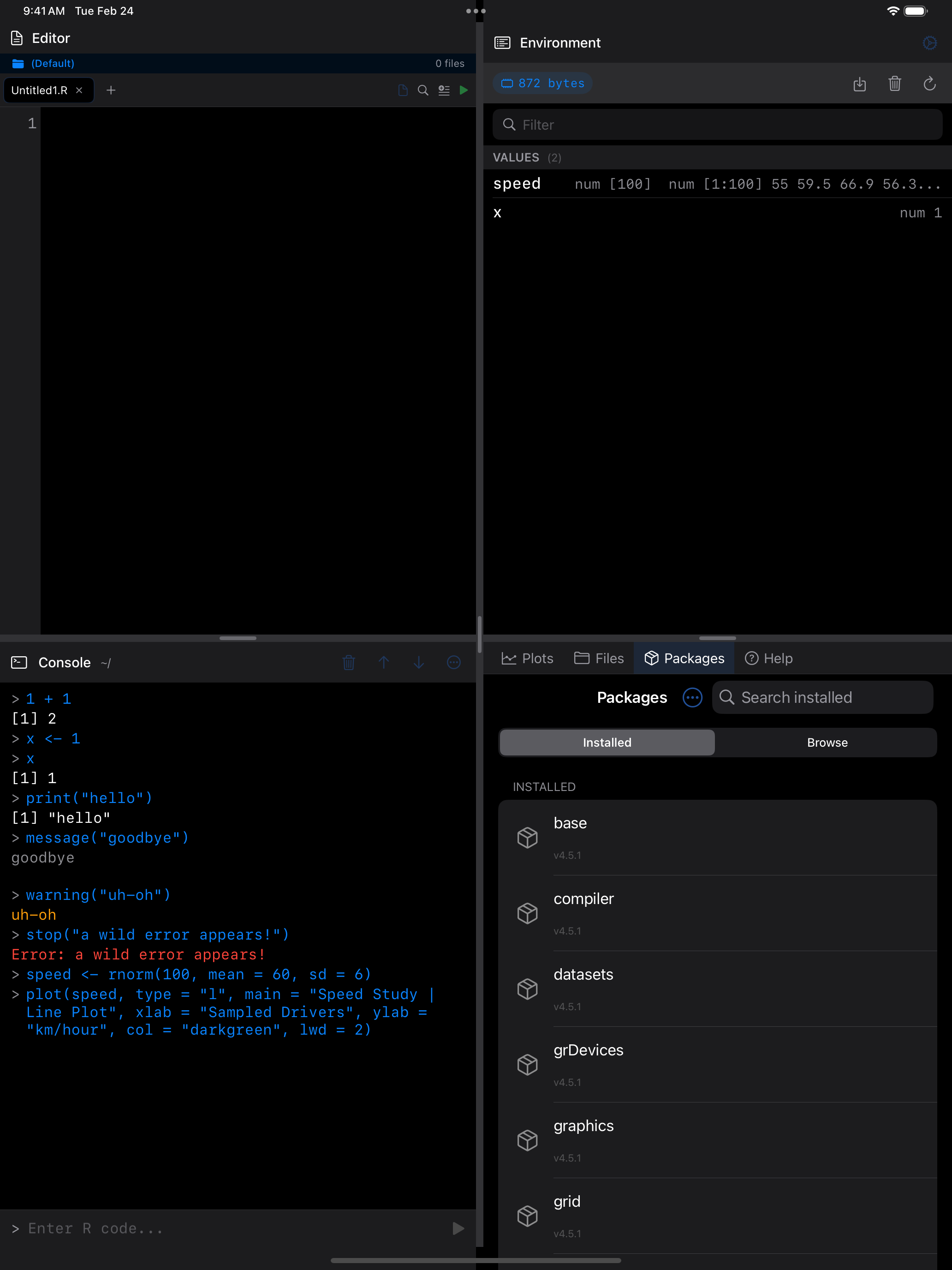
The Packages tab has two views, accessible via the segmented control at the top: Installed (packages already on your device) and Browse (packages available to install from the webR repository).
Installing a single package
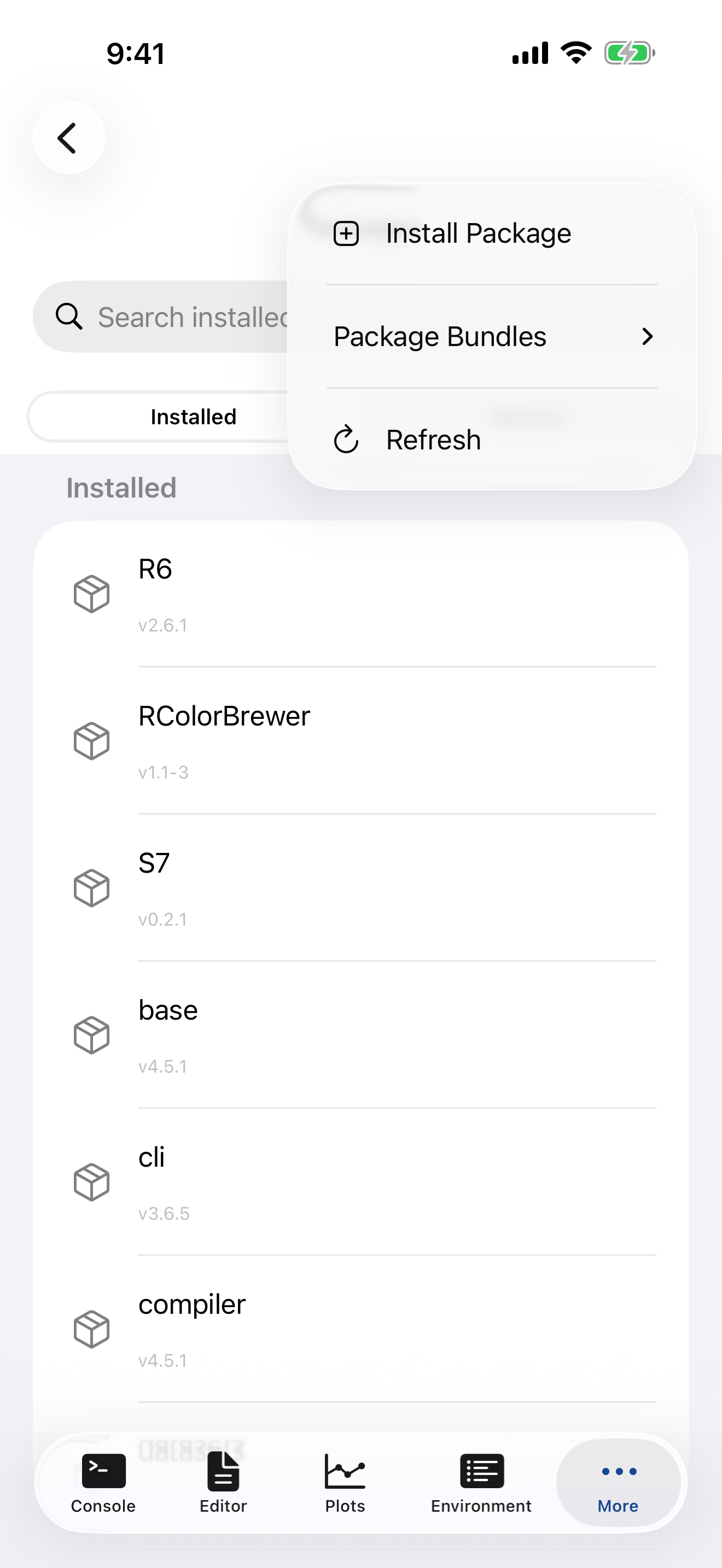
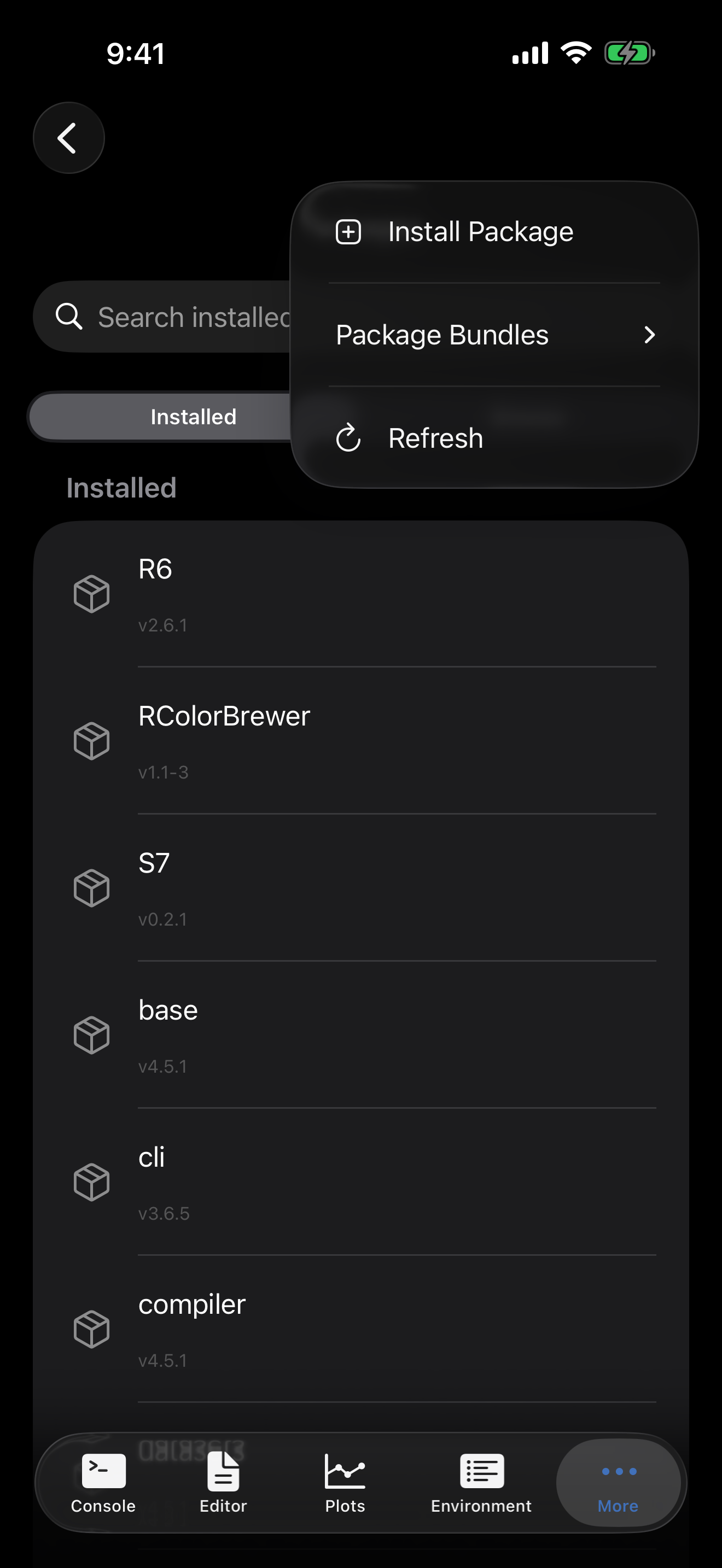
To install a specific package by name:
- Tap the menu button (
...) in the top-right corner. - Choose Install Package.
- Type the exact package name (for example,
ggplot2ordplyr). - Tap Install.
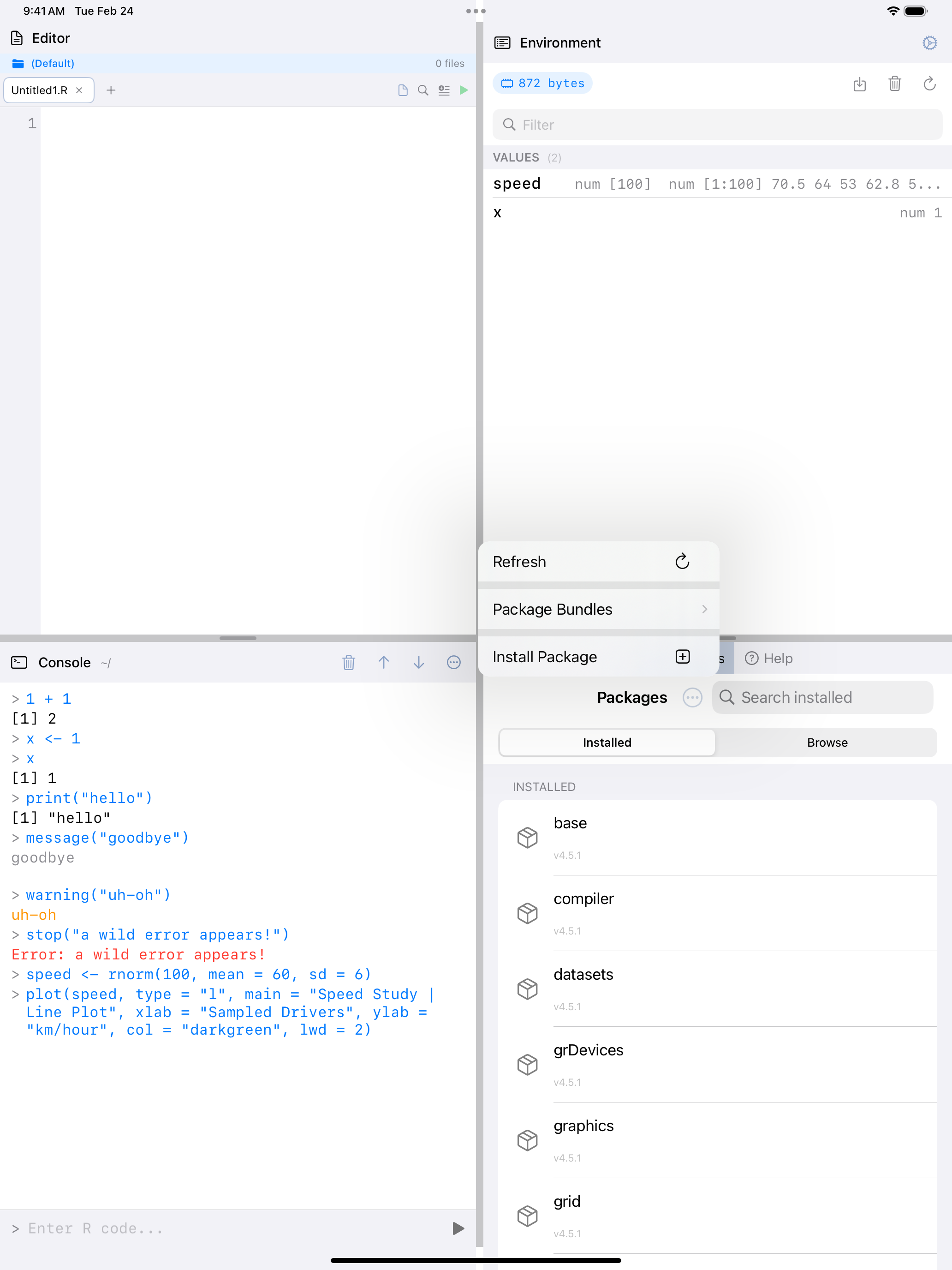
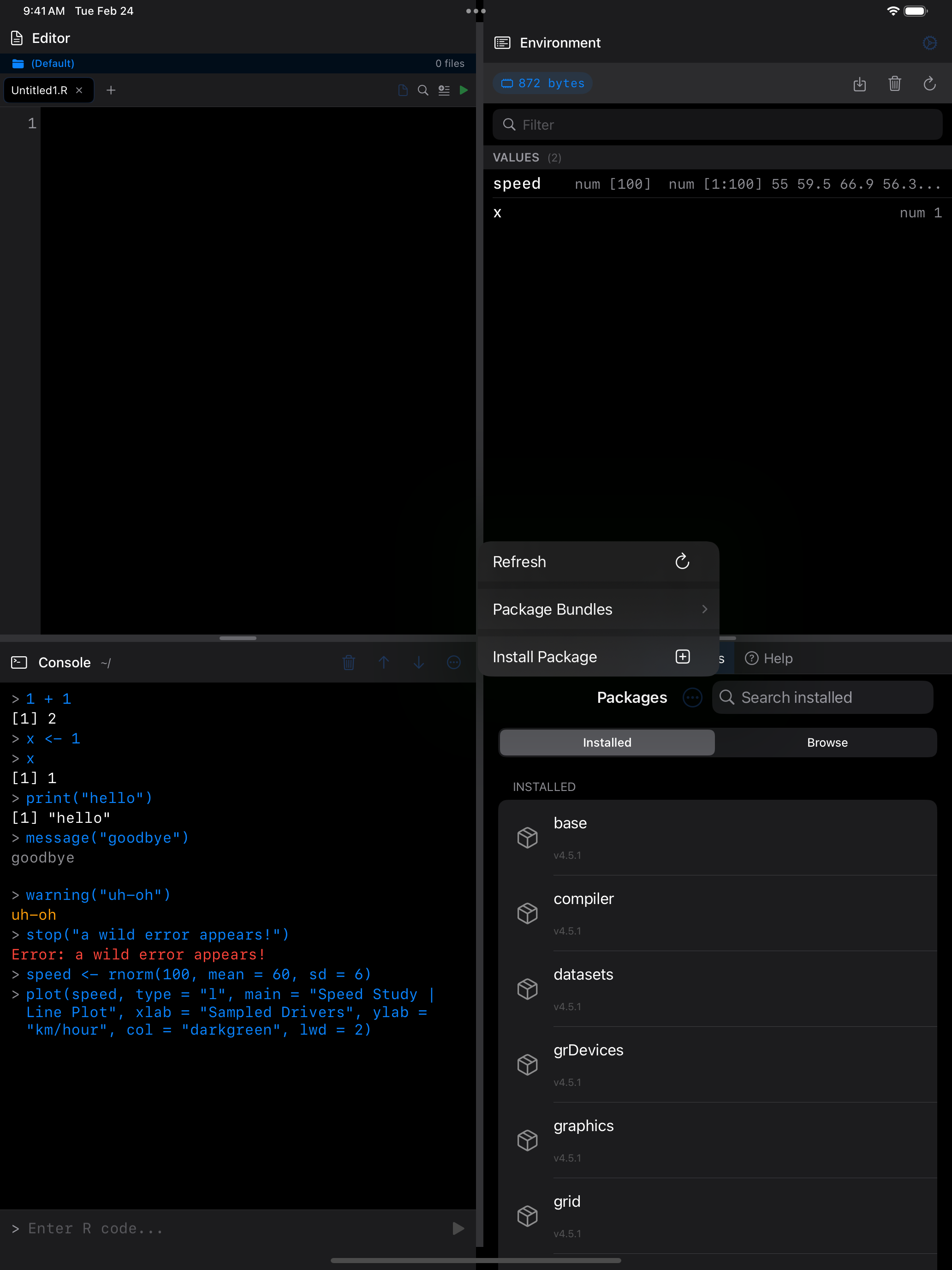
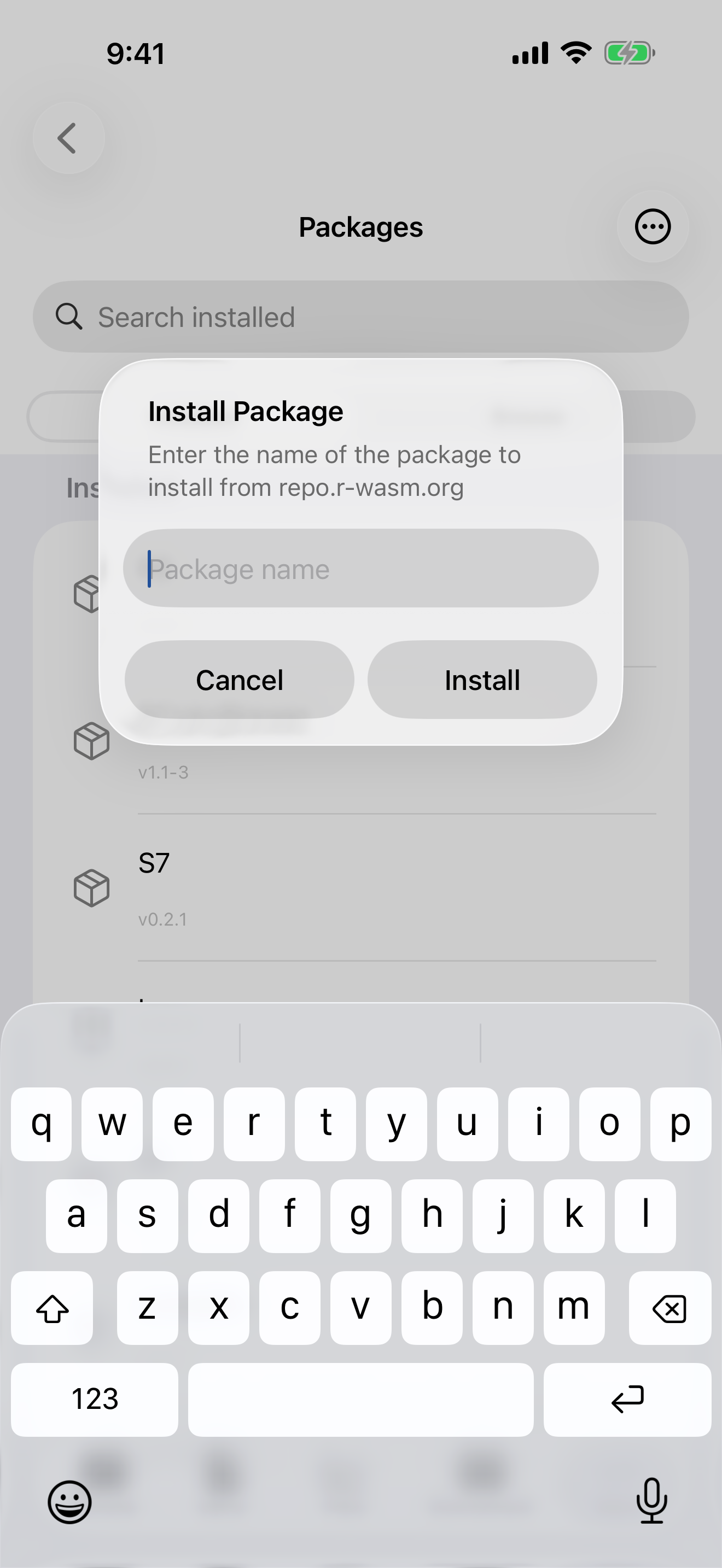
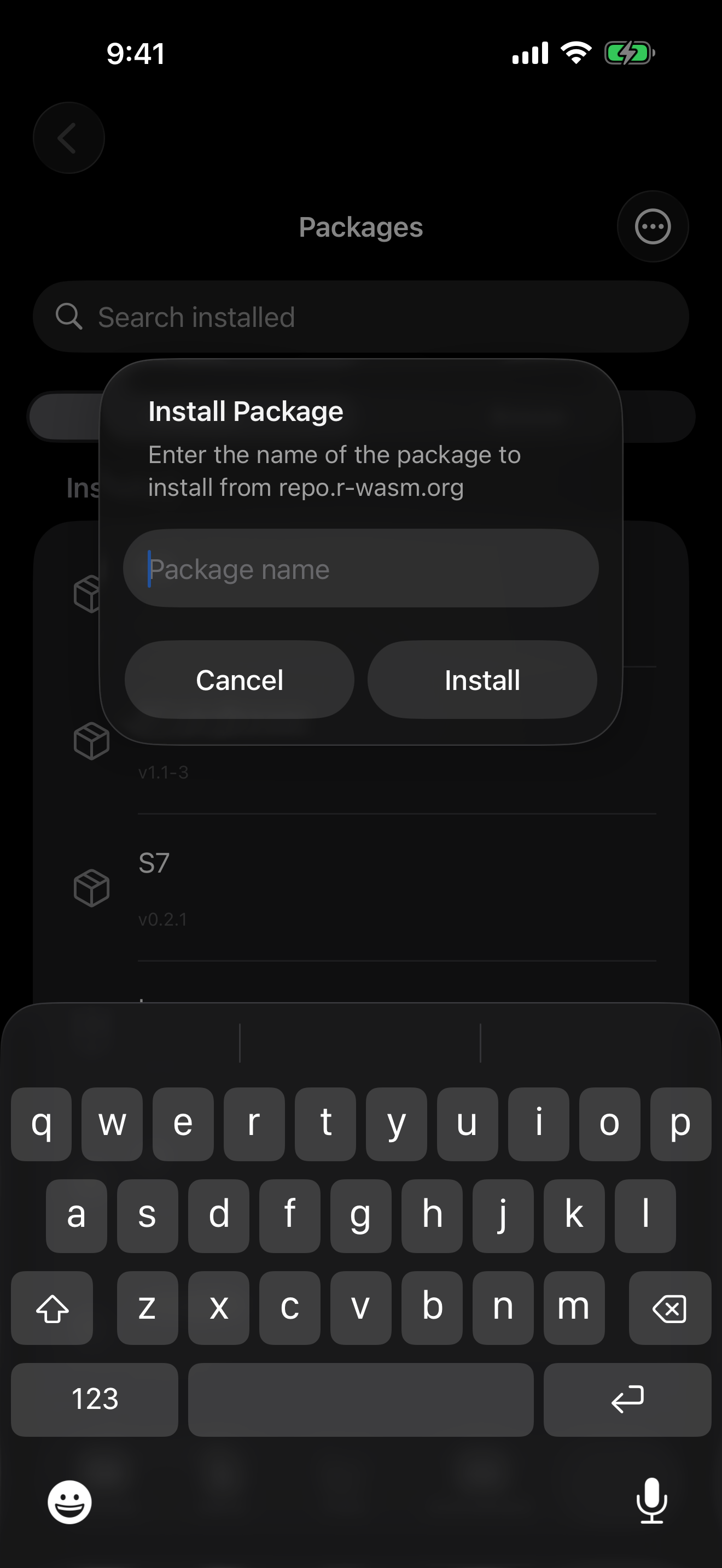
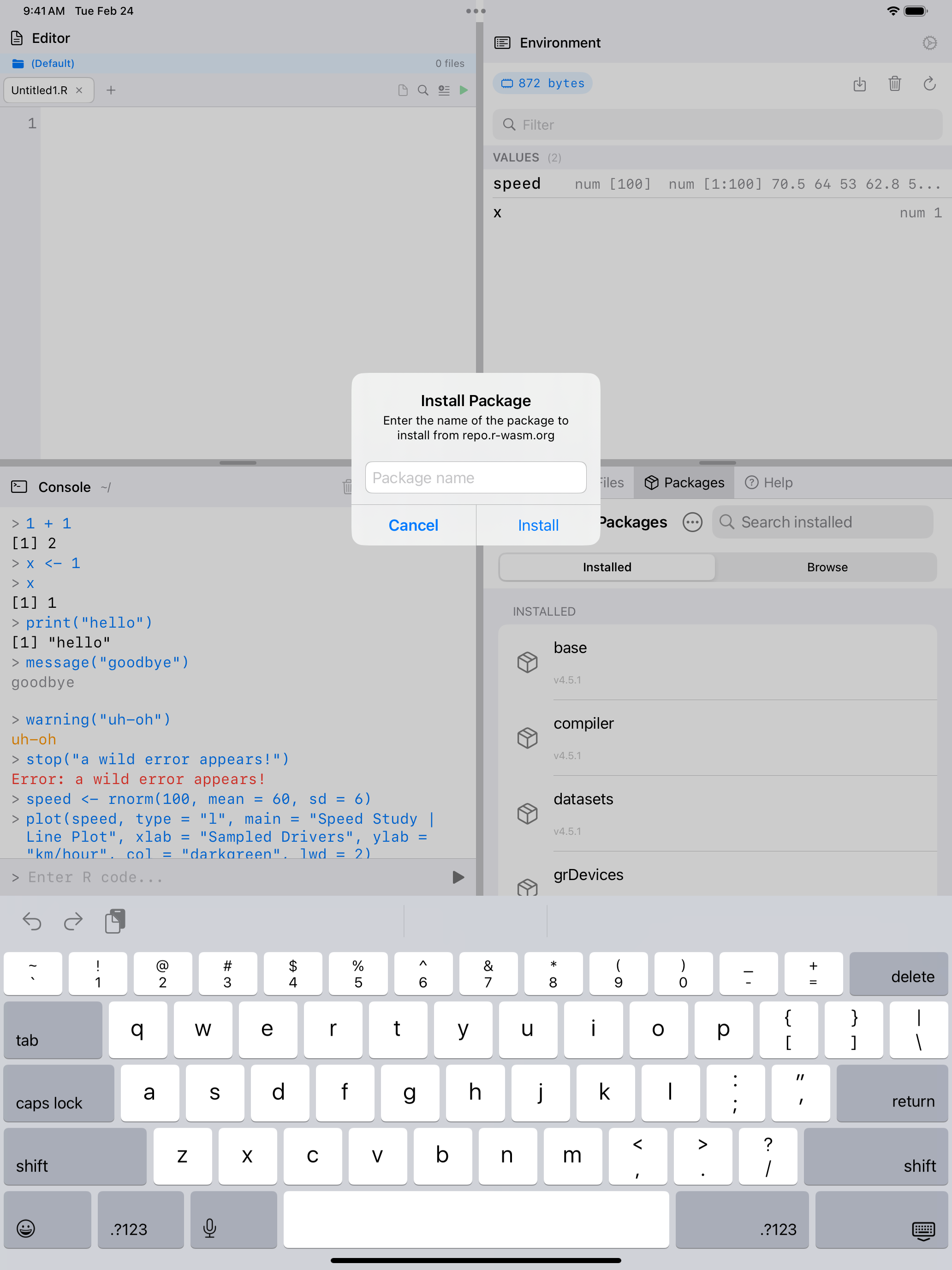
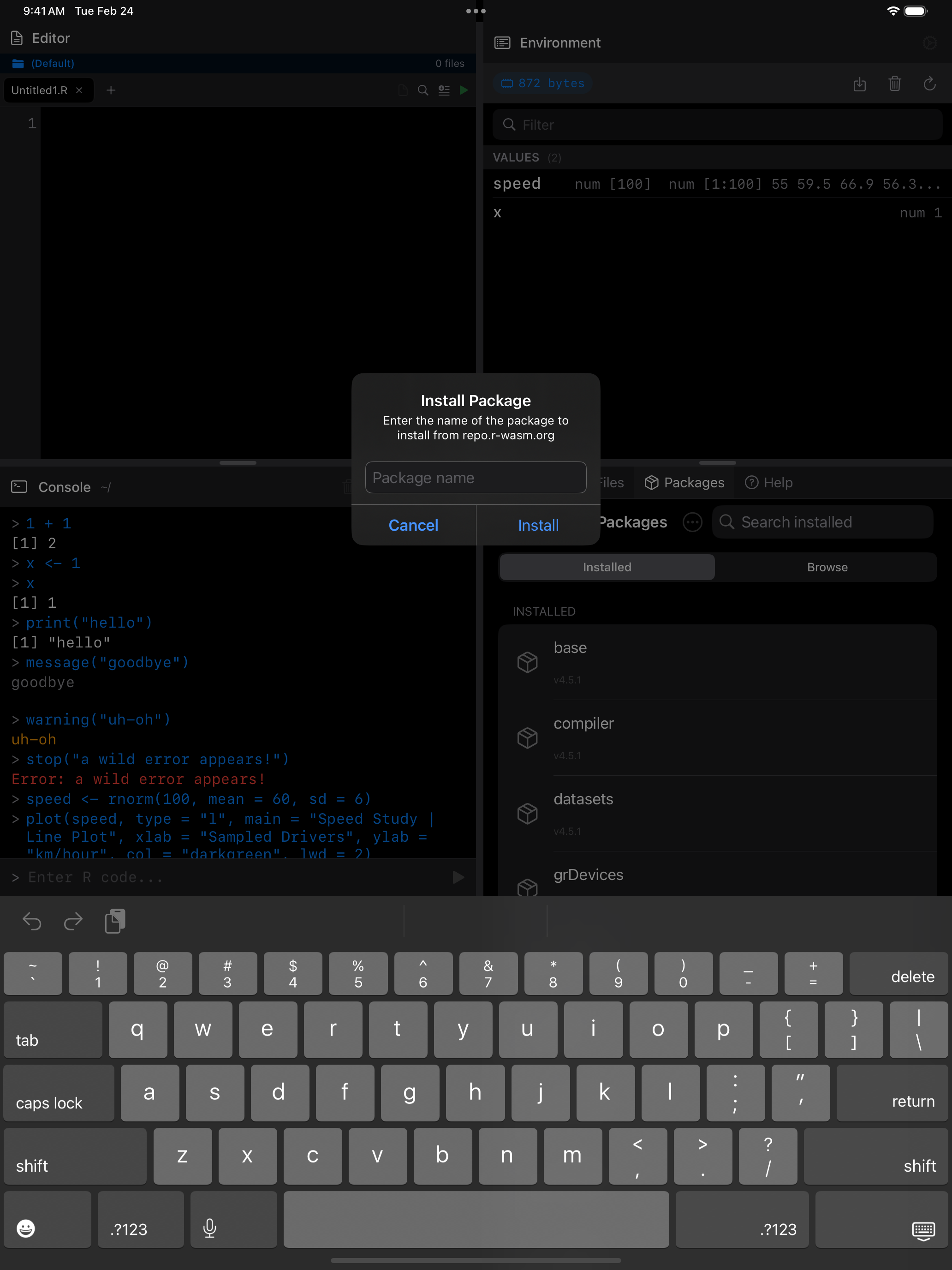
A progress banner appears while the package downloads and installs. When it finishes, the installed list is updated before “Installation complete!” appears, and VoiceOver announces it. If some names in a request aren’t in the repository, the rest still install and the error names the ones that didn’t.
Browsing available packages
Switch to the Browse tab to see all packages available from the webR repository. The first time you open it, tap Load Packages to fetch the list. Each package shows a one-line description of what it does under its name, and search matches those descriptions as well as names, so searching “regression” finds packages that never say it in their name. Tap the download arrow to install.
The list is kept on your device, so Browse opens straight away, and offline, with the last list you loaded. webRios checks for a newer list at most once a day; pull down to check now. The descriptions come from CRAN and are bundled with the app, so a package added to the repository since this release shows its name only.
A detail sheet shows dependencies before installation. Missing dependencies are installed automatically.
What installing a package actually looks like
webRios ships base R and nothing else. Every other package (ggplot2, dplyr, and the rest) is downloaded the first time you ask for it. The honest starting point is the error:
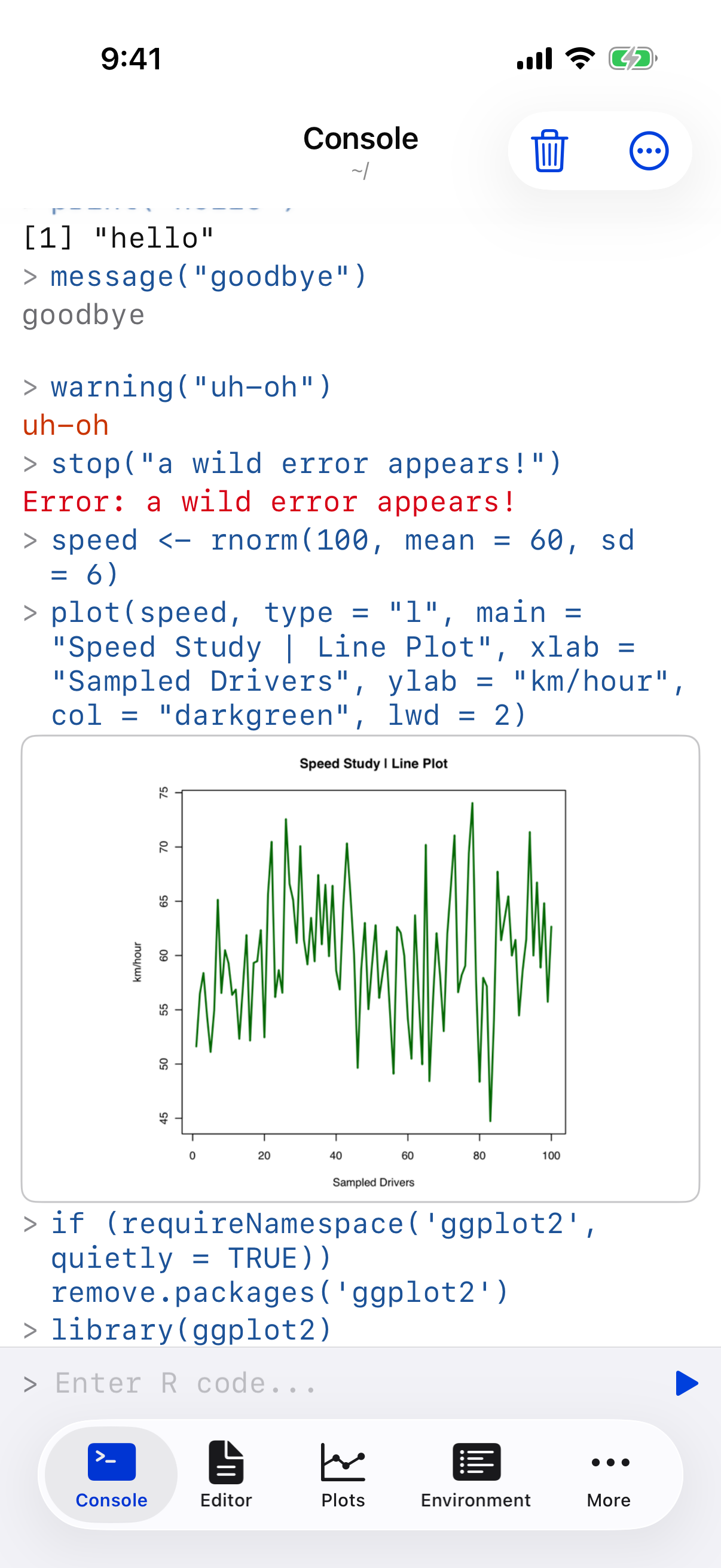
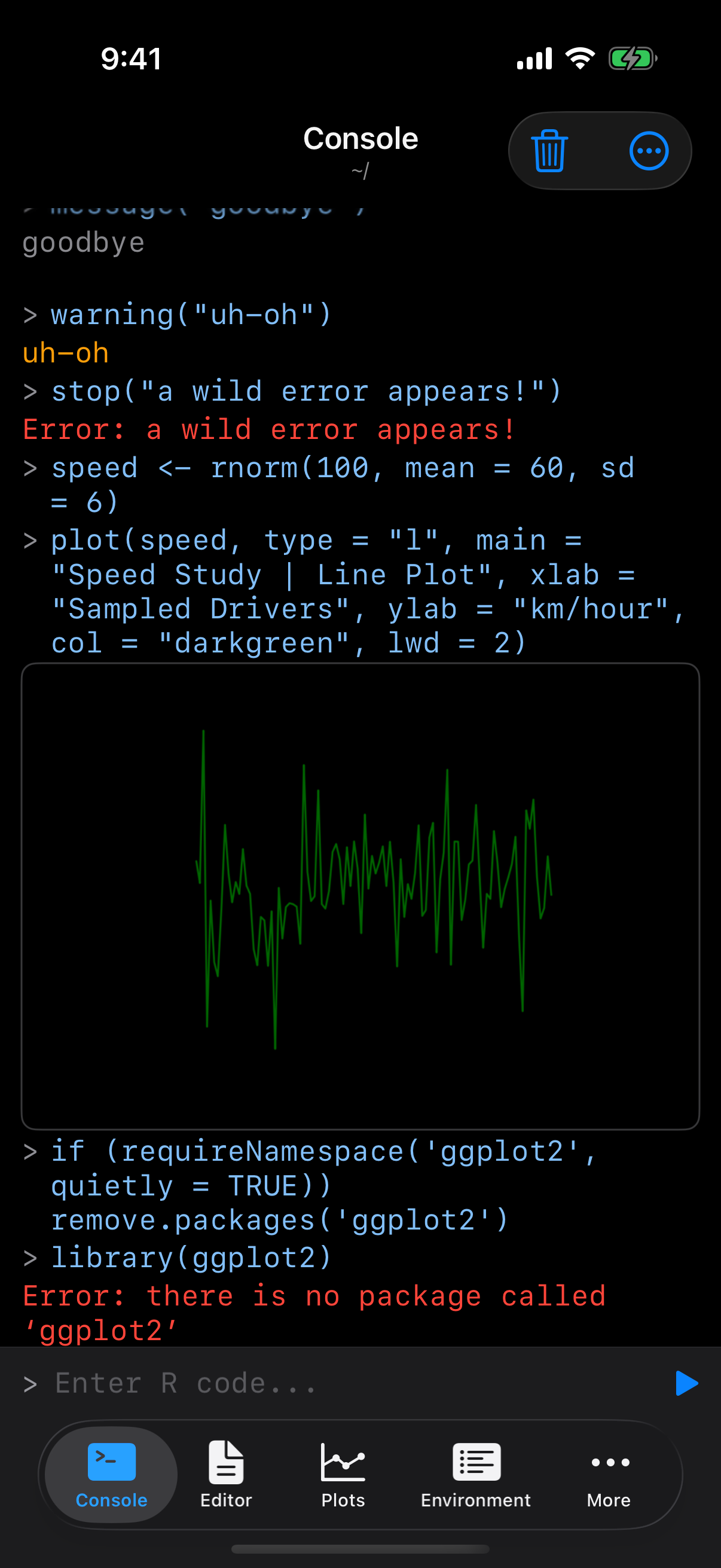
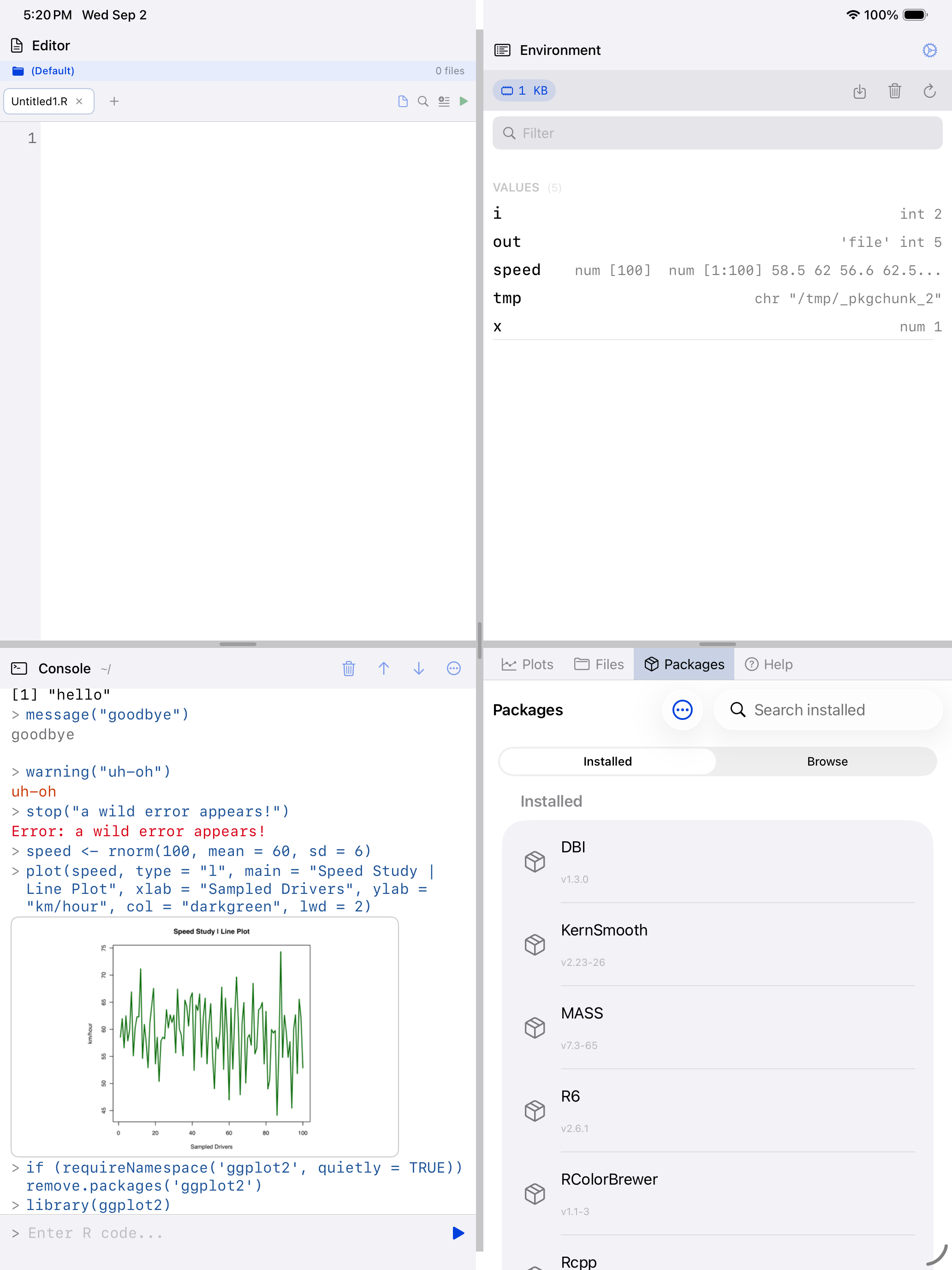
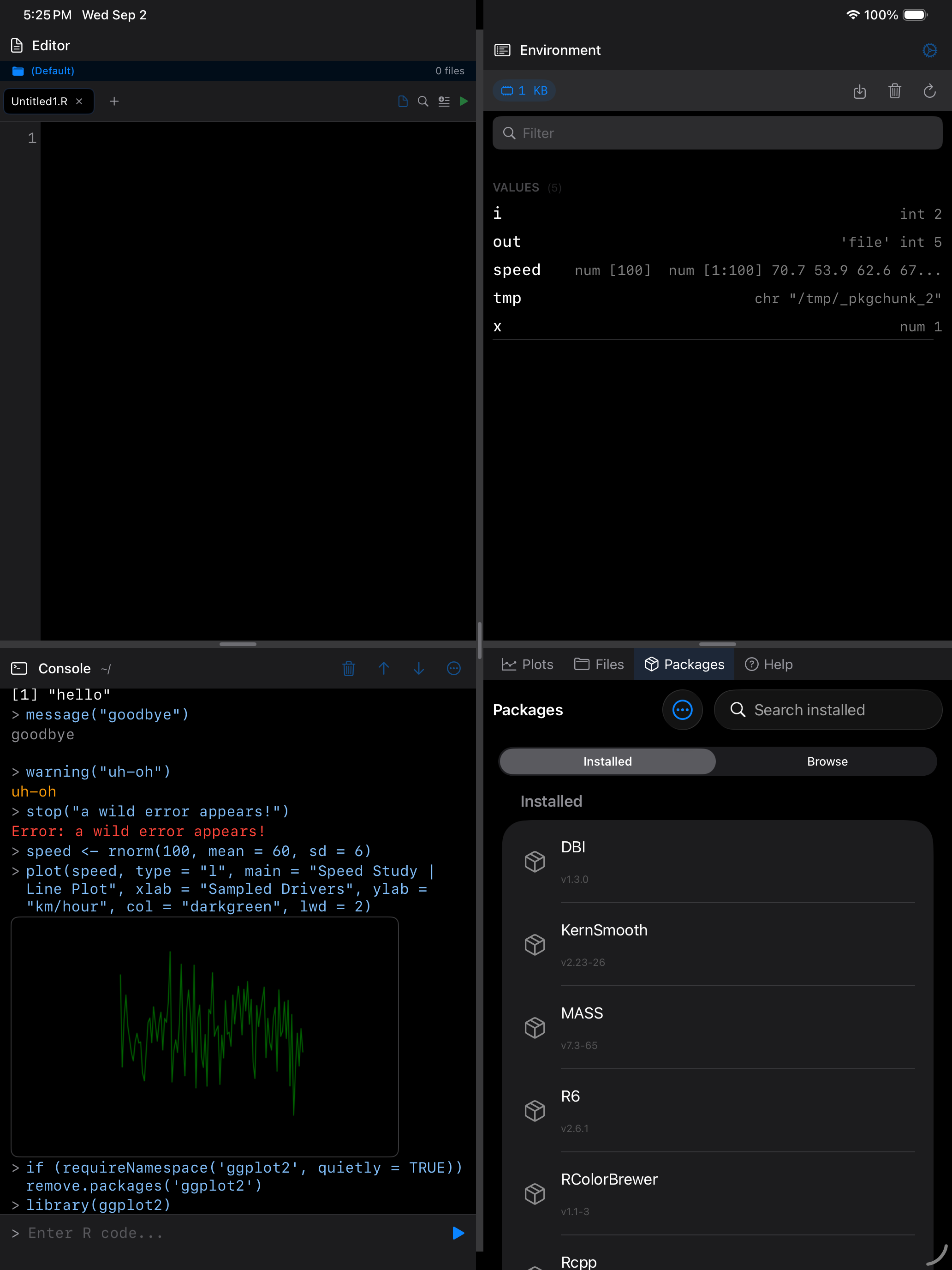
That is not a fault. It means the package has not been fetched yet.
Installing it pulls its dependencies too, each reported as it downloads:
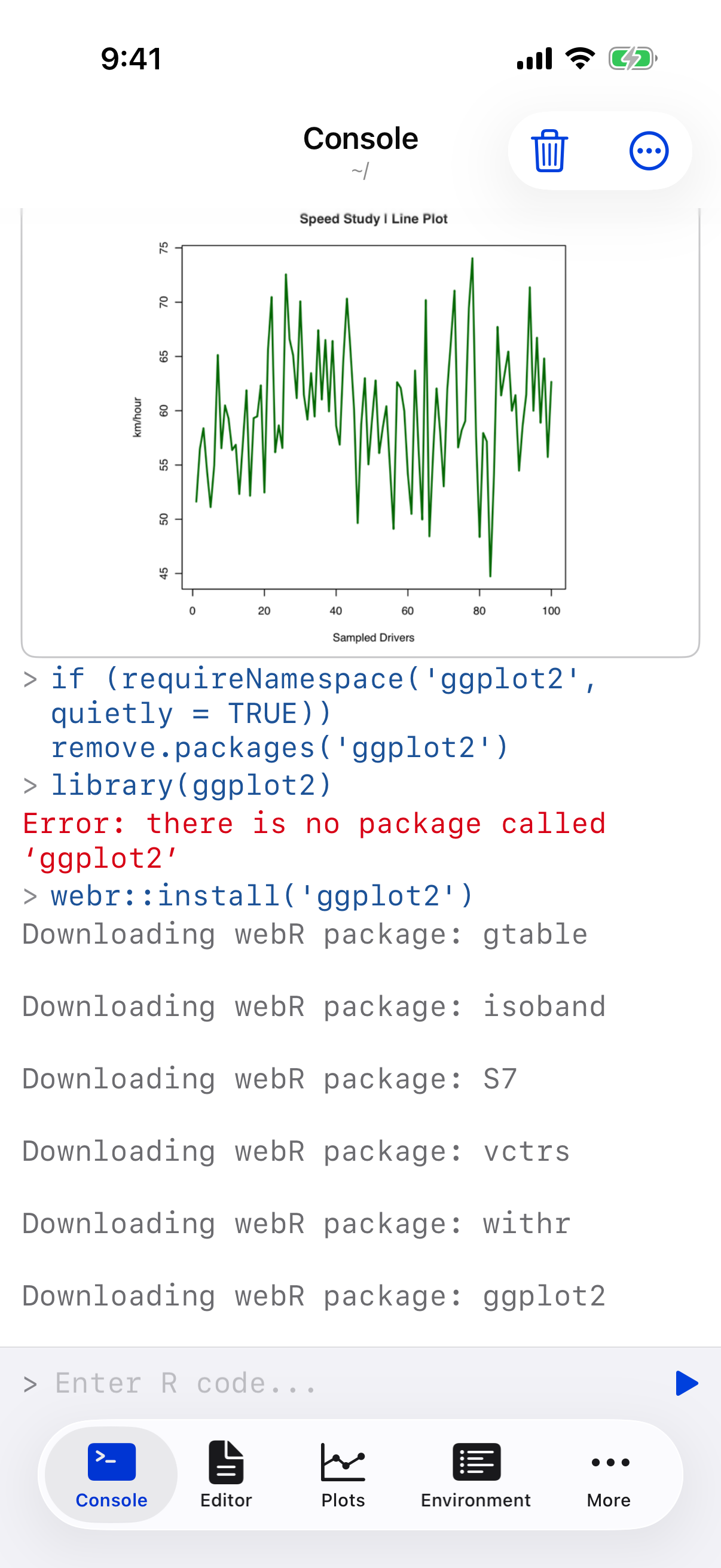
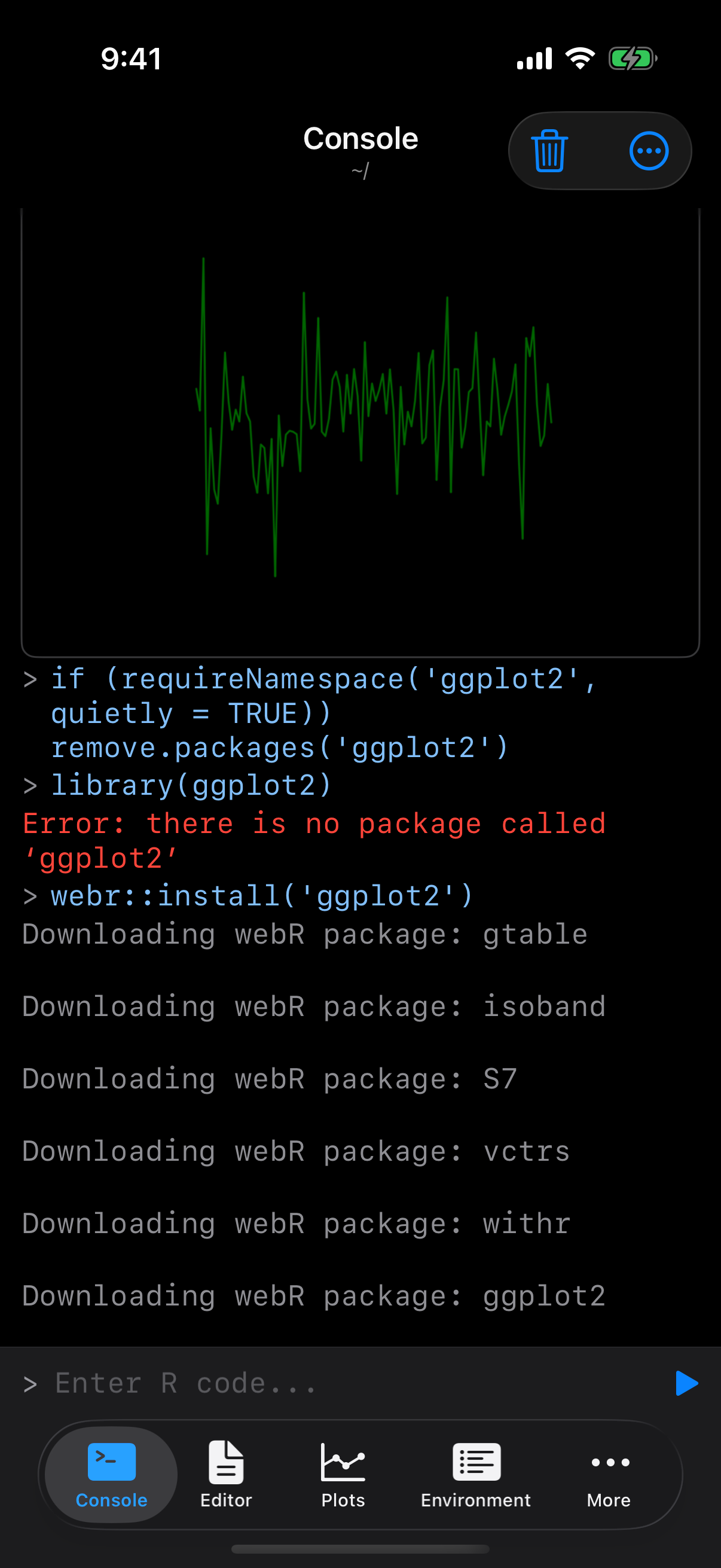
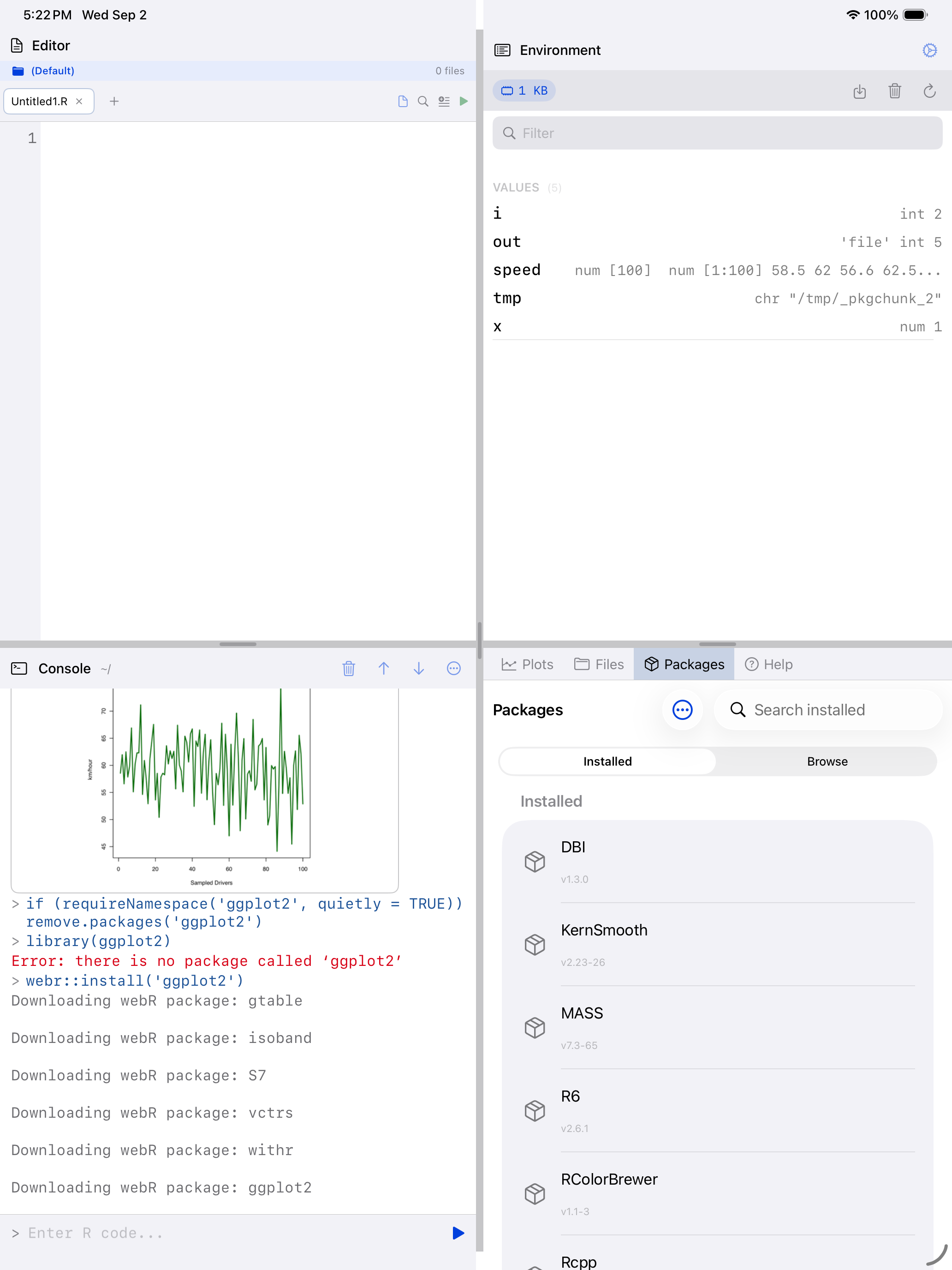
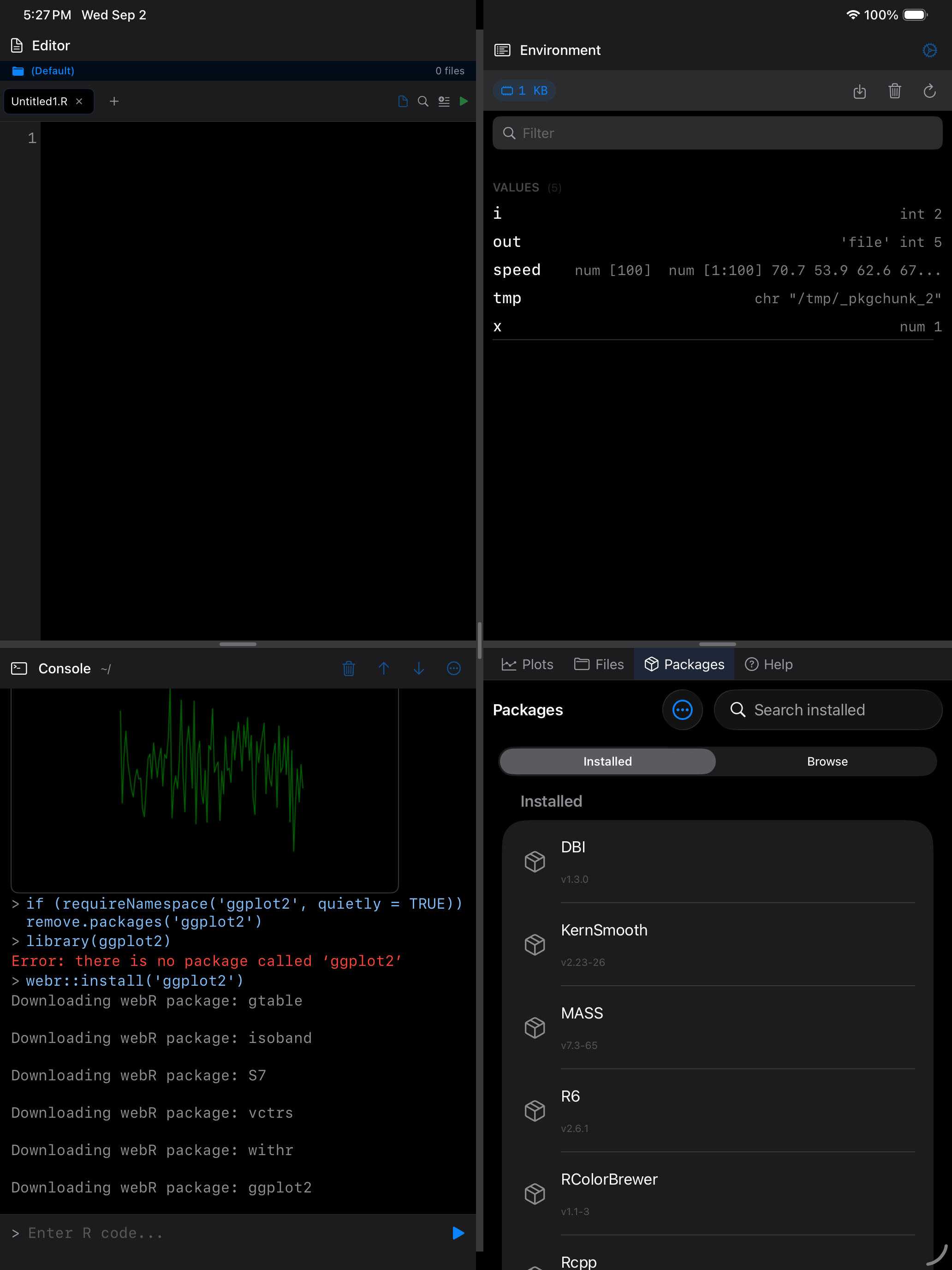
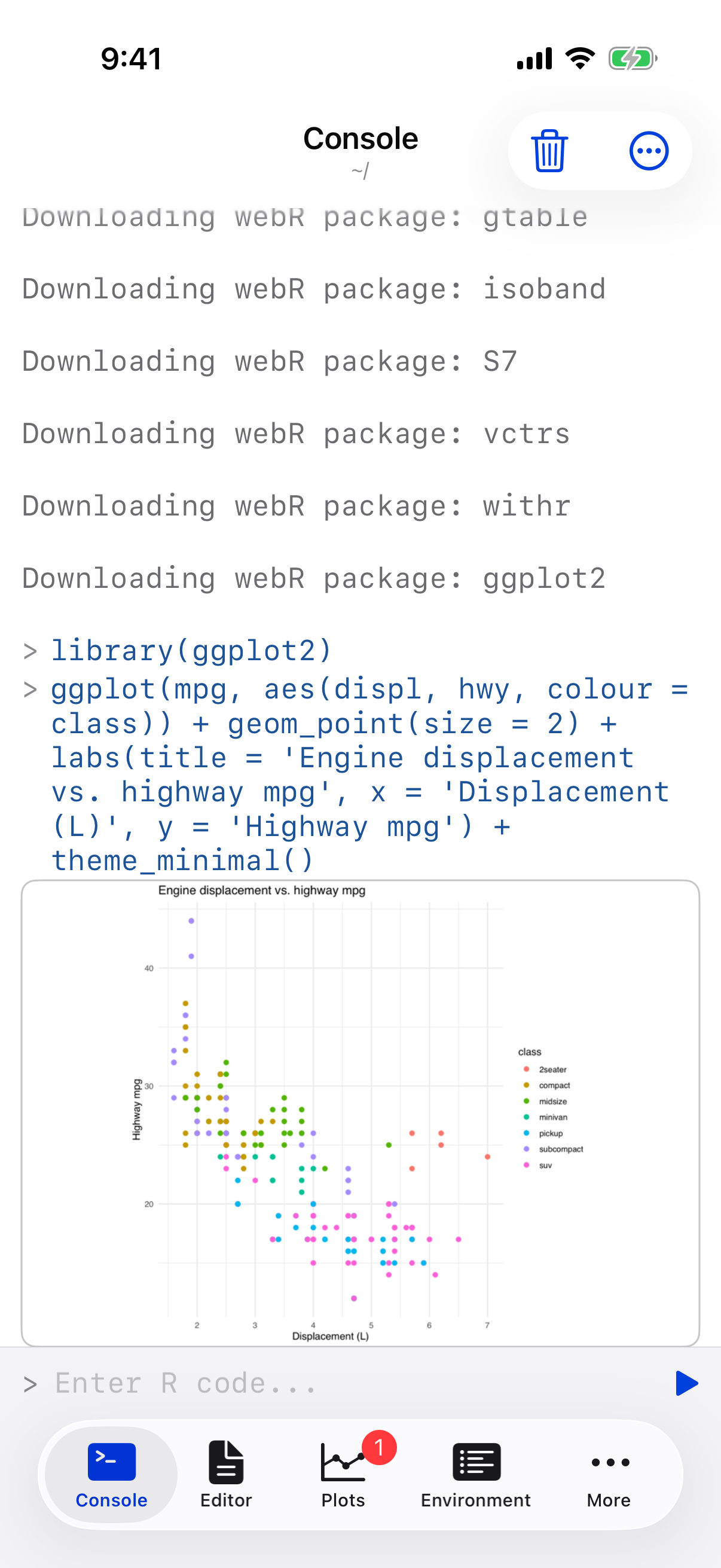
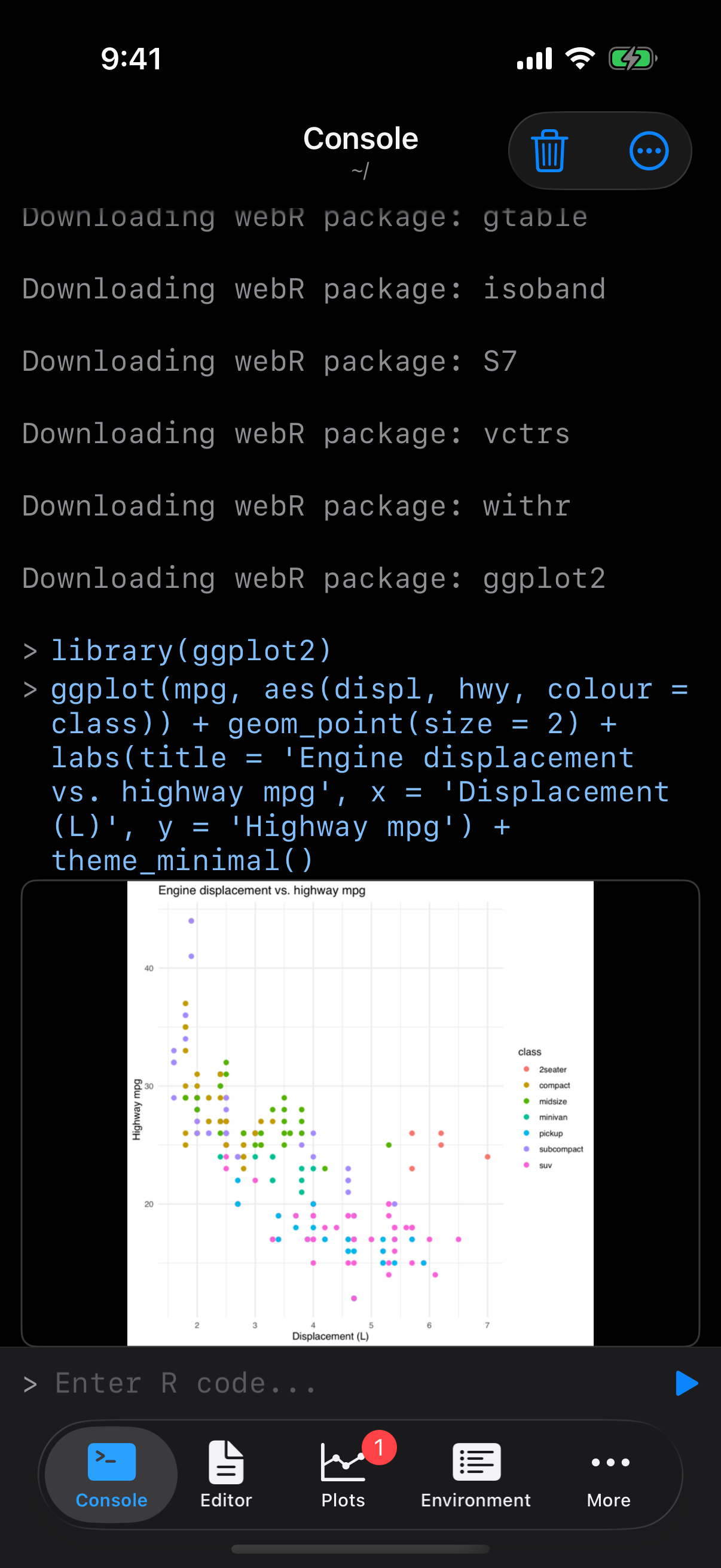
Now the same two lines that failed a moment ago work, and the chart renders in the console where you typed them:
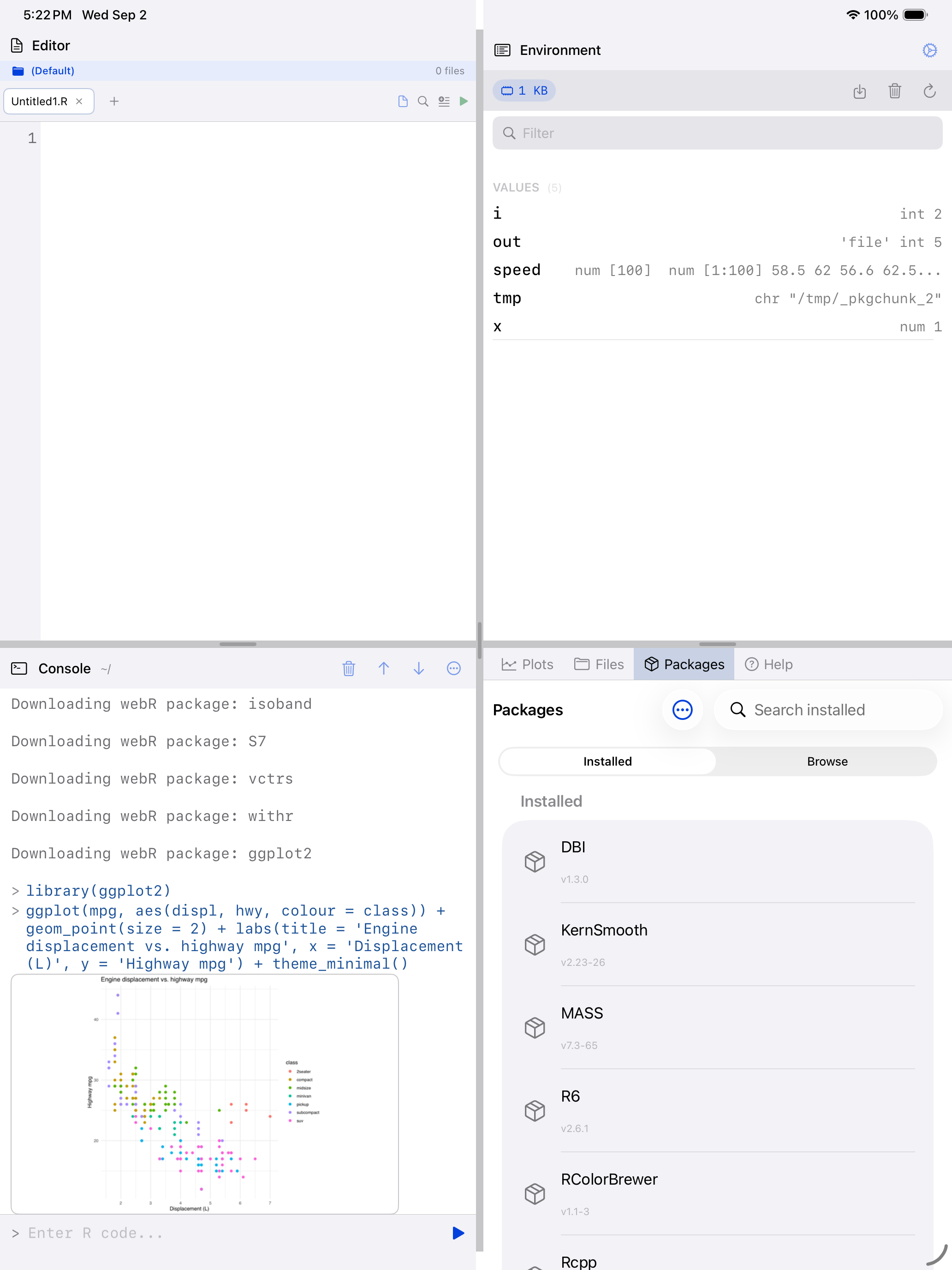
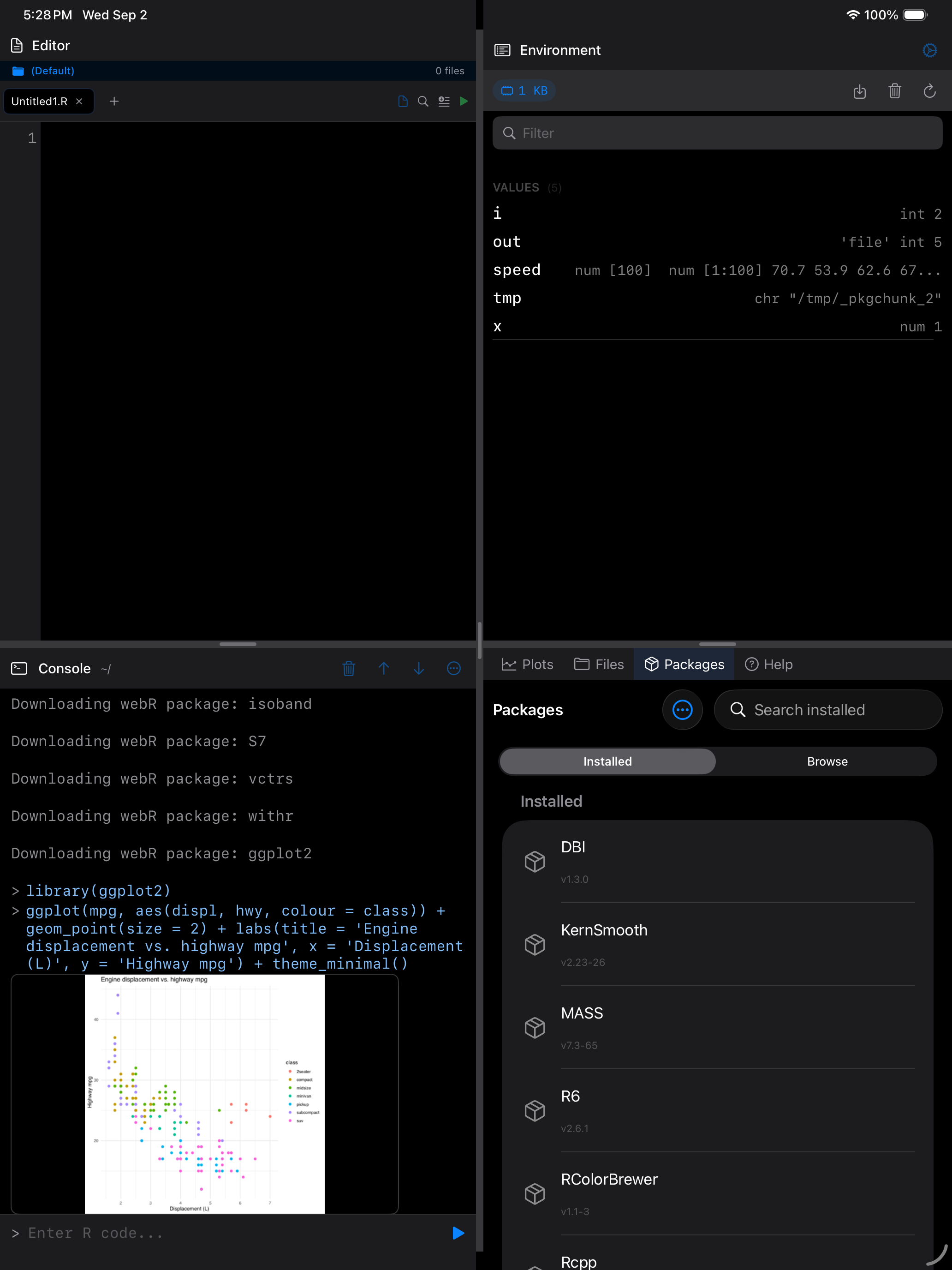
Every chart is also collected in the Plots gallery, so you can come back to it, zoom in, or export it:
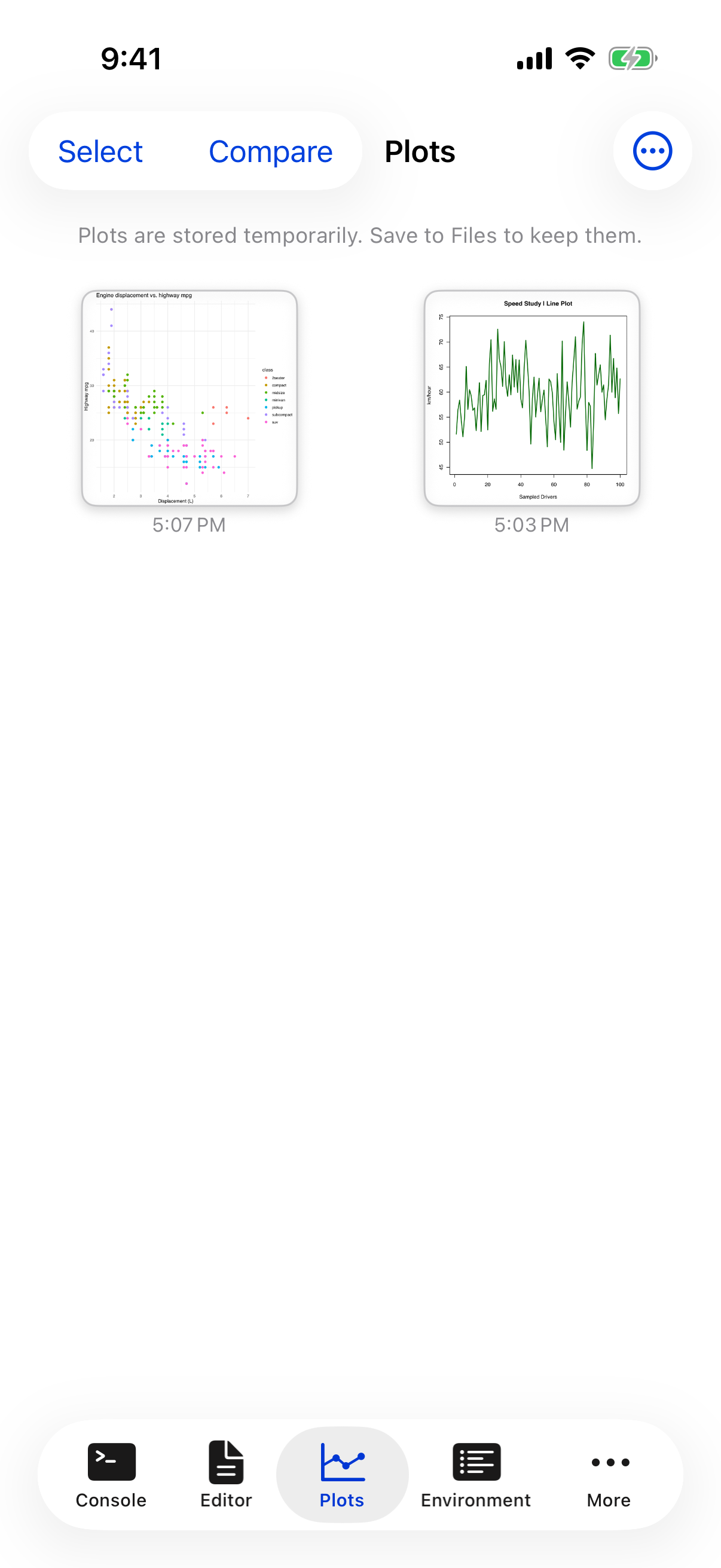
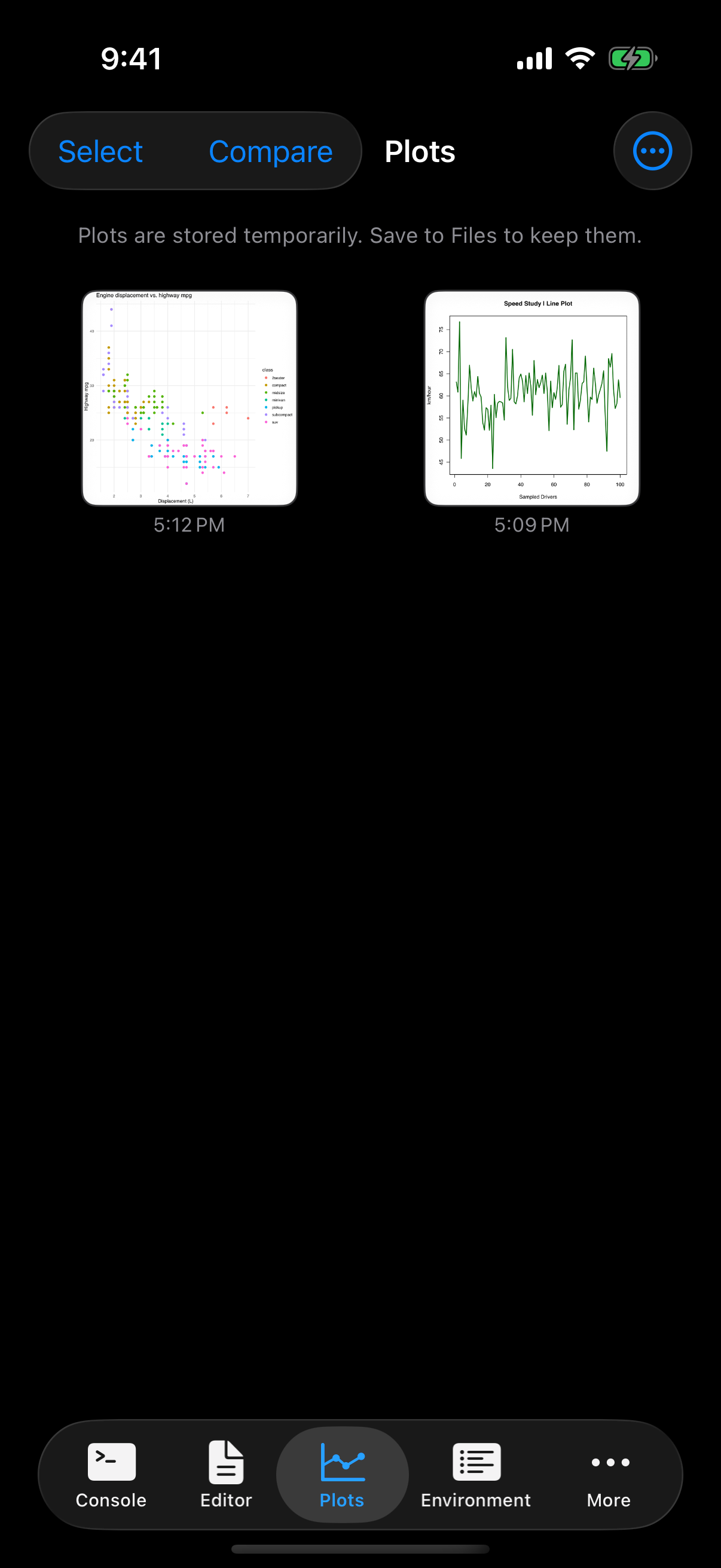
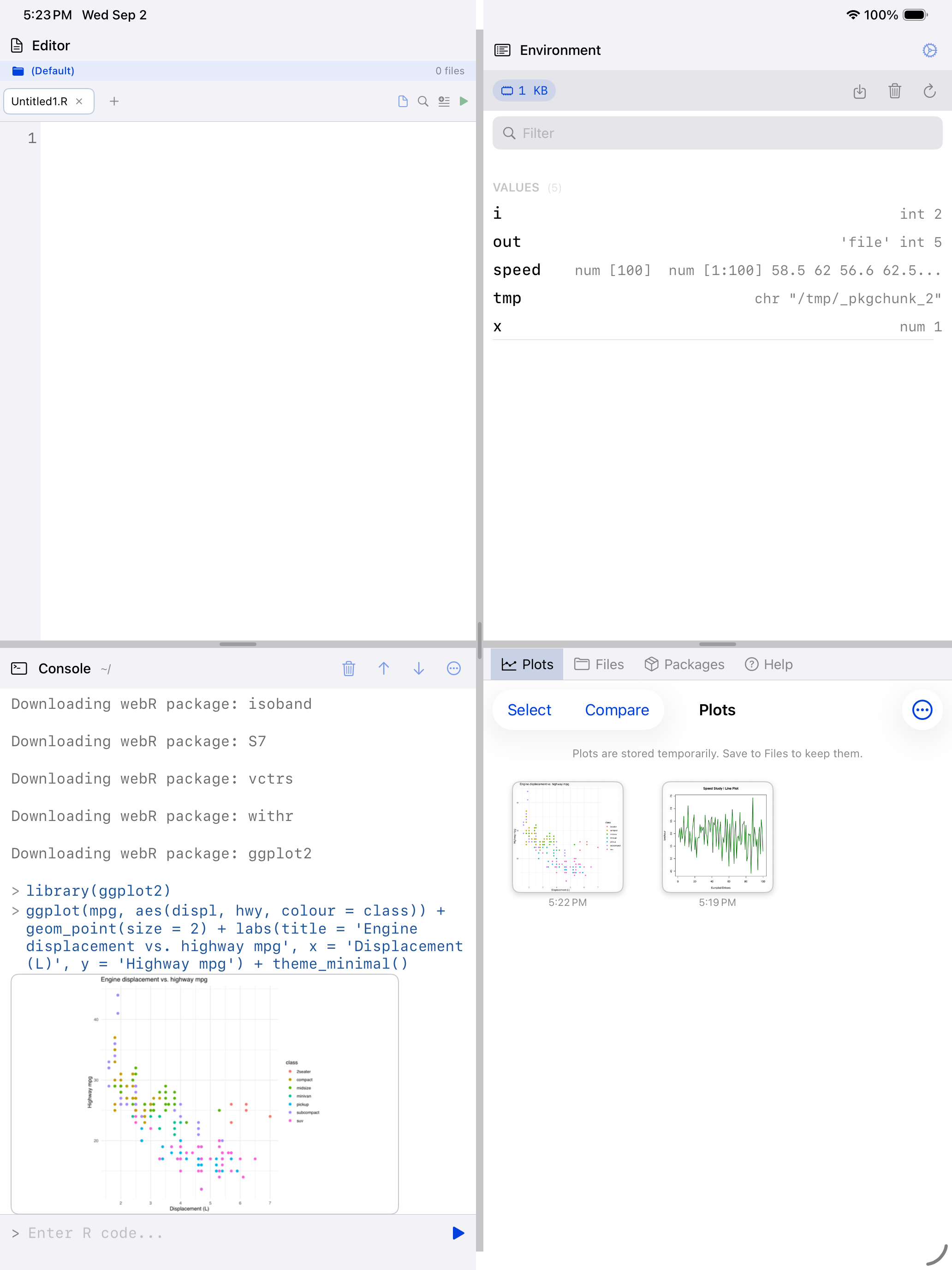
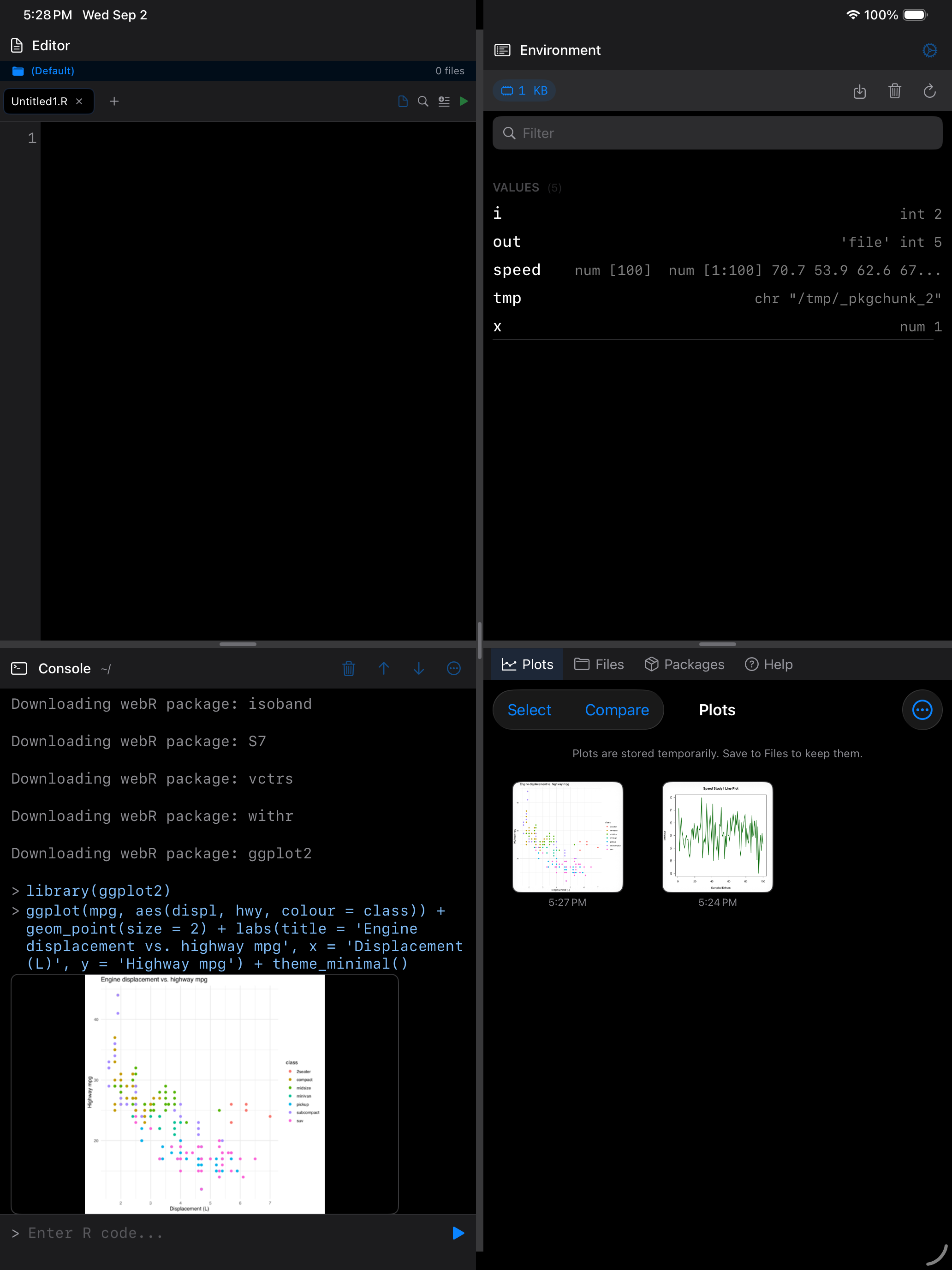
Packages stay installed between launches. They are tied to the R version webRios ships, so a release that upgrades R will ask you to download them again. See the Release Notes.
Package bundles
If you are not sure which packages to start with, the app includes pre-built bundles that install a group of related packages in one tap. Open the menu (...) and choose Package Bundles to see the options:
Core Tidyverse: the essentials for modern data work. Includes dplyr (data manipulation), ggplot2 (plotting), tidyr (data reshaping), and readr (reading CSV and other flat files). If you are coming from RStudio, these are probably the first packages you would install.
Data Science: everything in Core Tidyverse plus stringr (string operations), lubridate (dates and times), and jsonlite (reading and writing JSON). A great all-around starter kit.
Statistics: focused on statistical modeling. Includes MASS (classic statistical methods), survival (survival analysis), nlme (mixed-effects models), and lme4 (advanced mixed models).
Loading packages after installation
Installing a package downloads it, but you still need to load it before you can use its functions (same as in desktop R). Two ways to load:
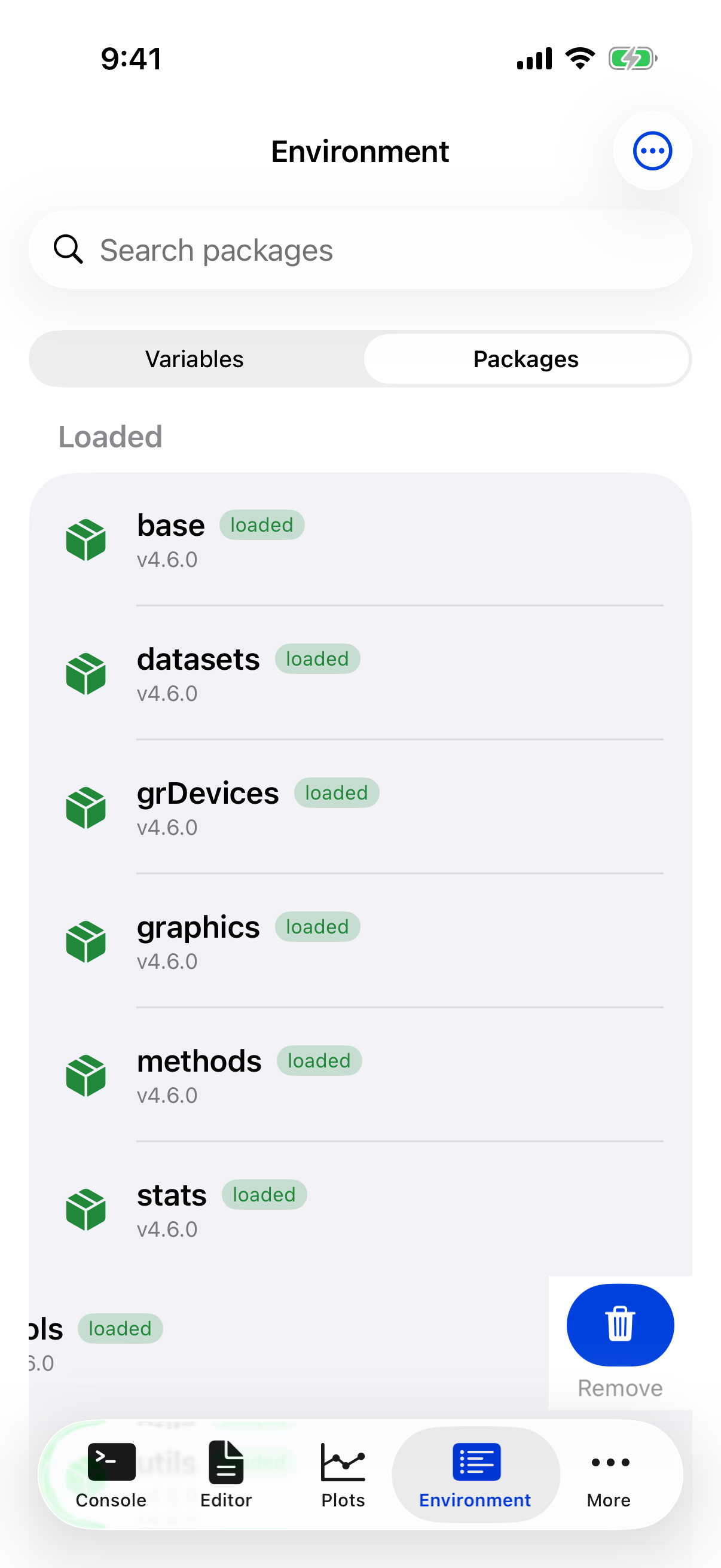
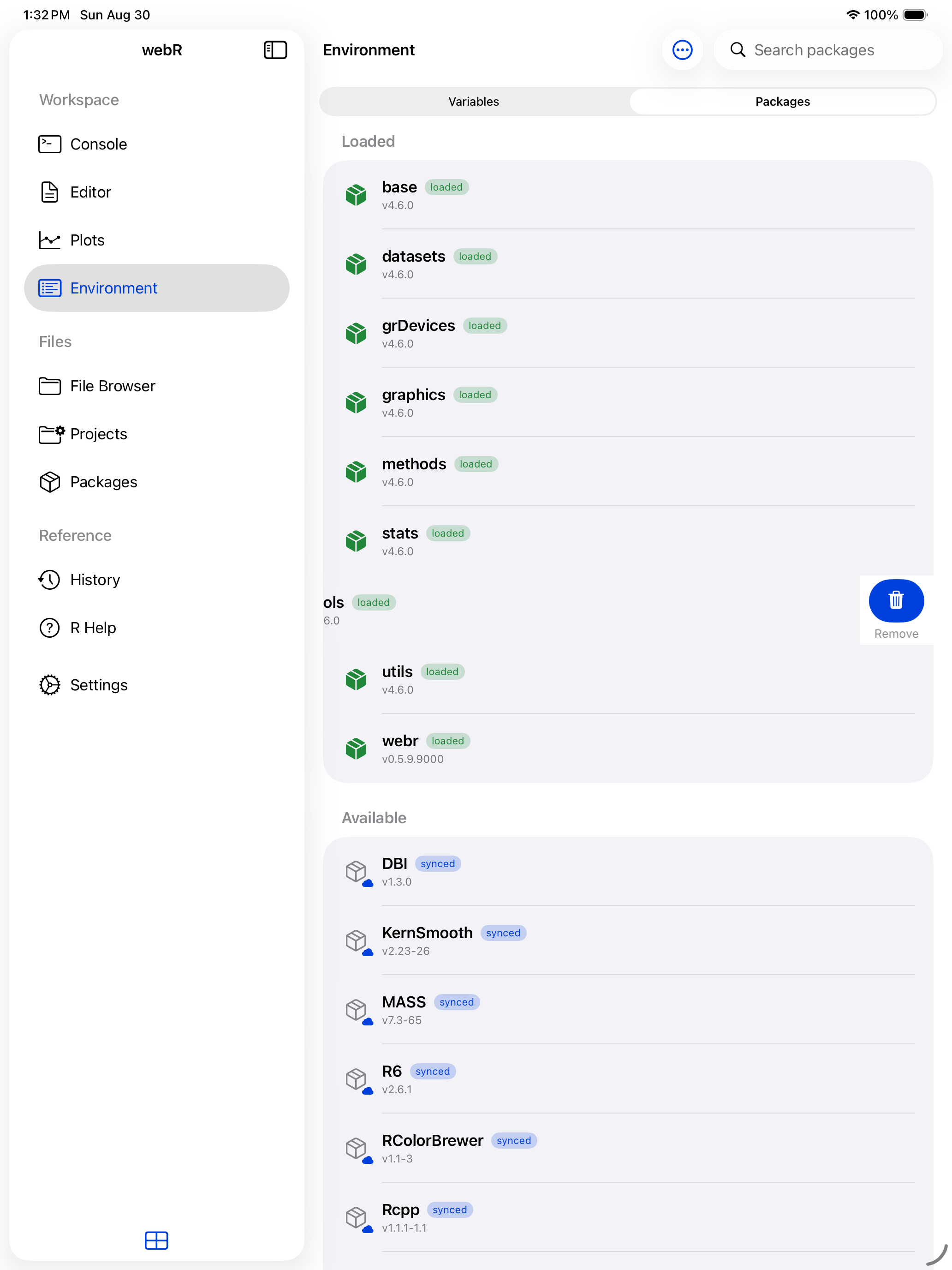
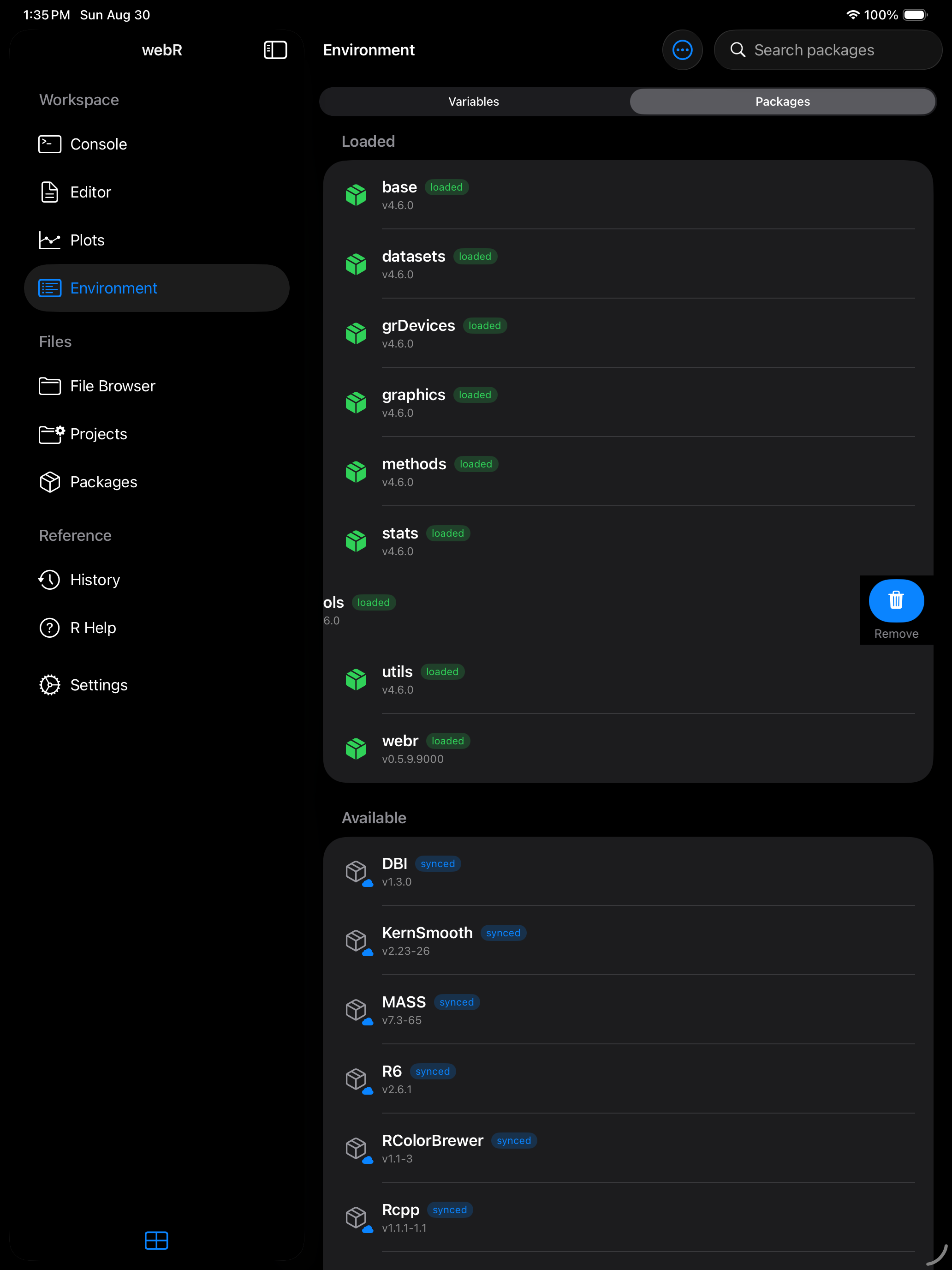
- Swipe right on a package in the Environment tab’s Packages segment and tap Load. The package icon turns green and a “loaded” badge appears.
- Use R code in the Console:
library(ggplot2)orlibrary(dplyr).
To unload a package, swipe right again and tap Unload. This detaches it from the search path.
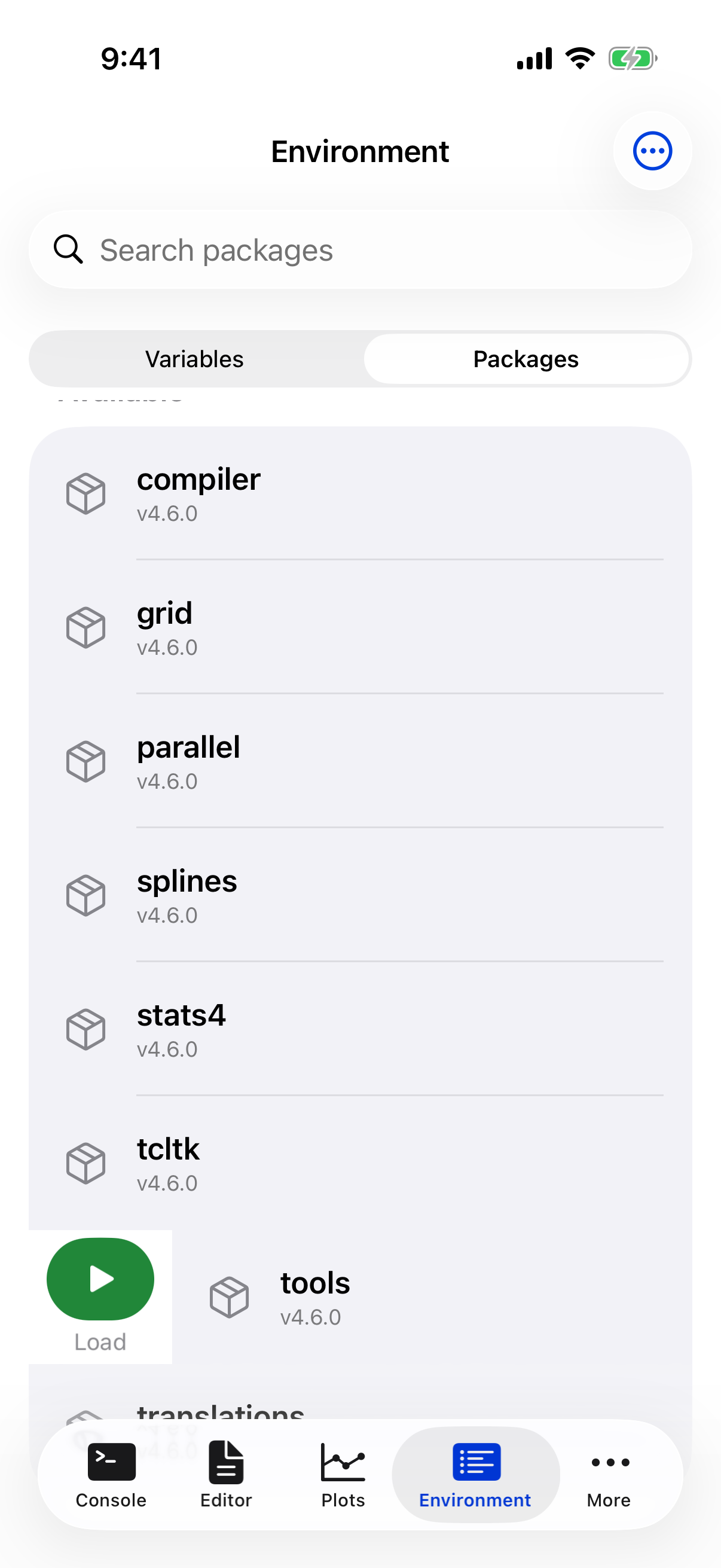
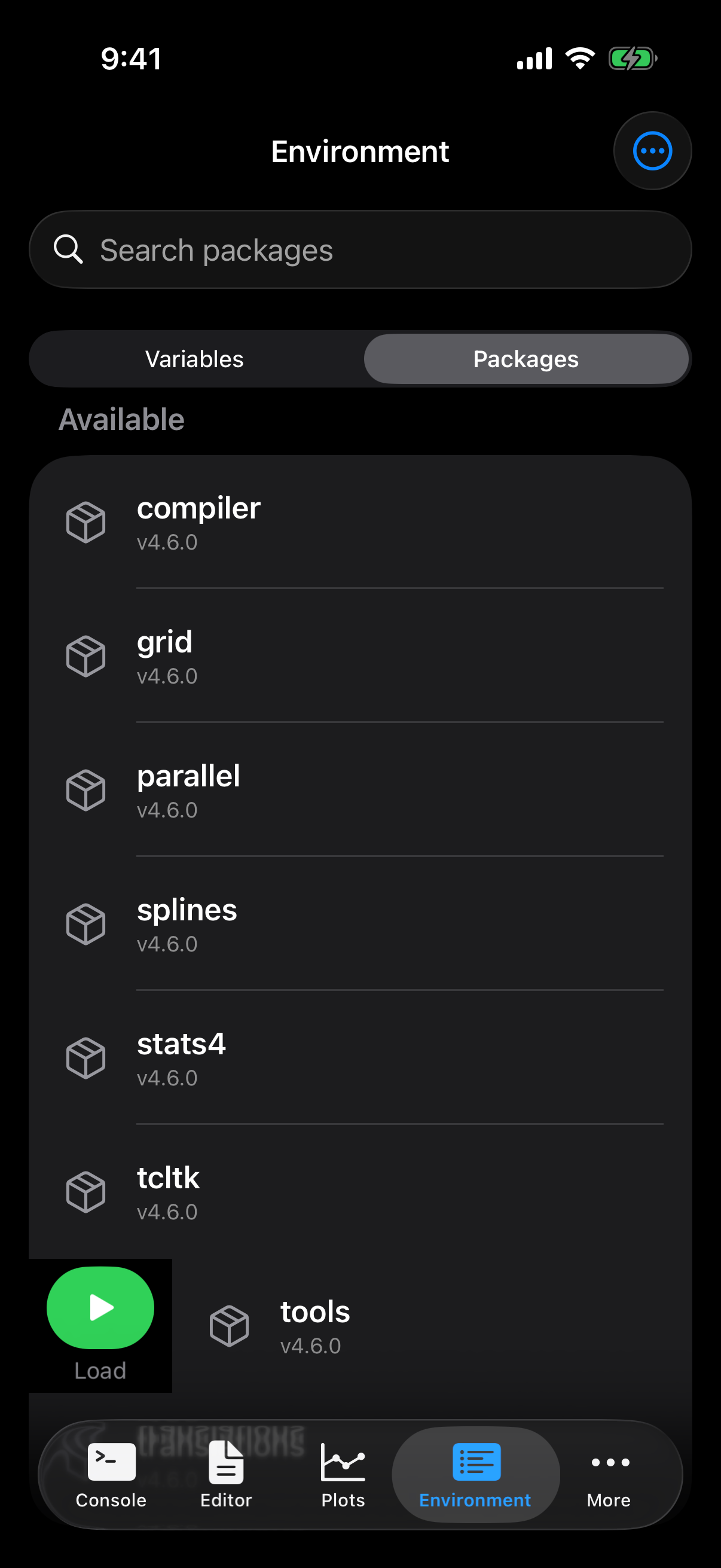
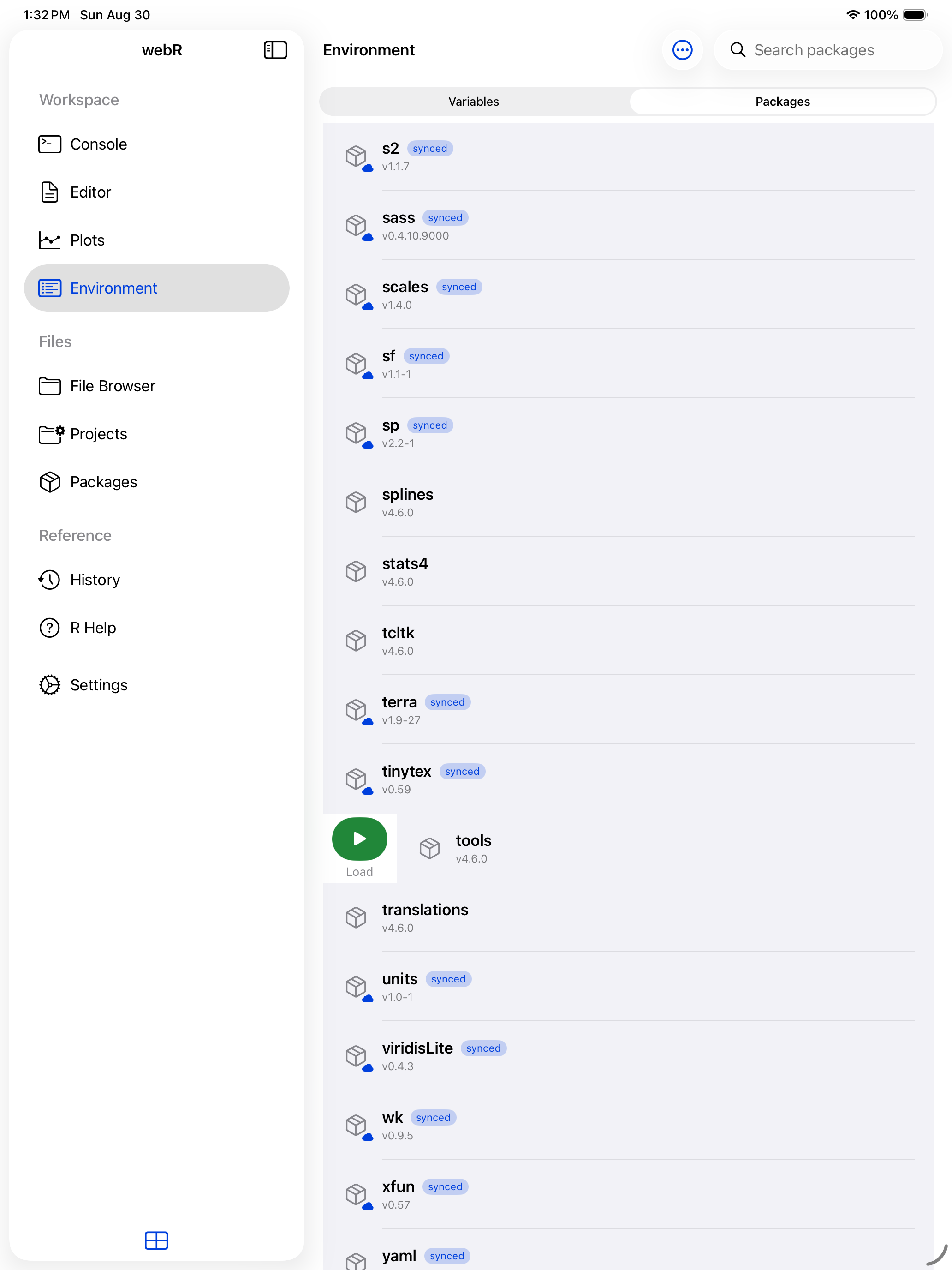
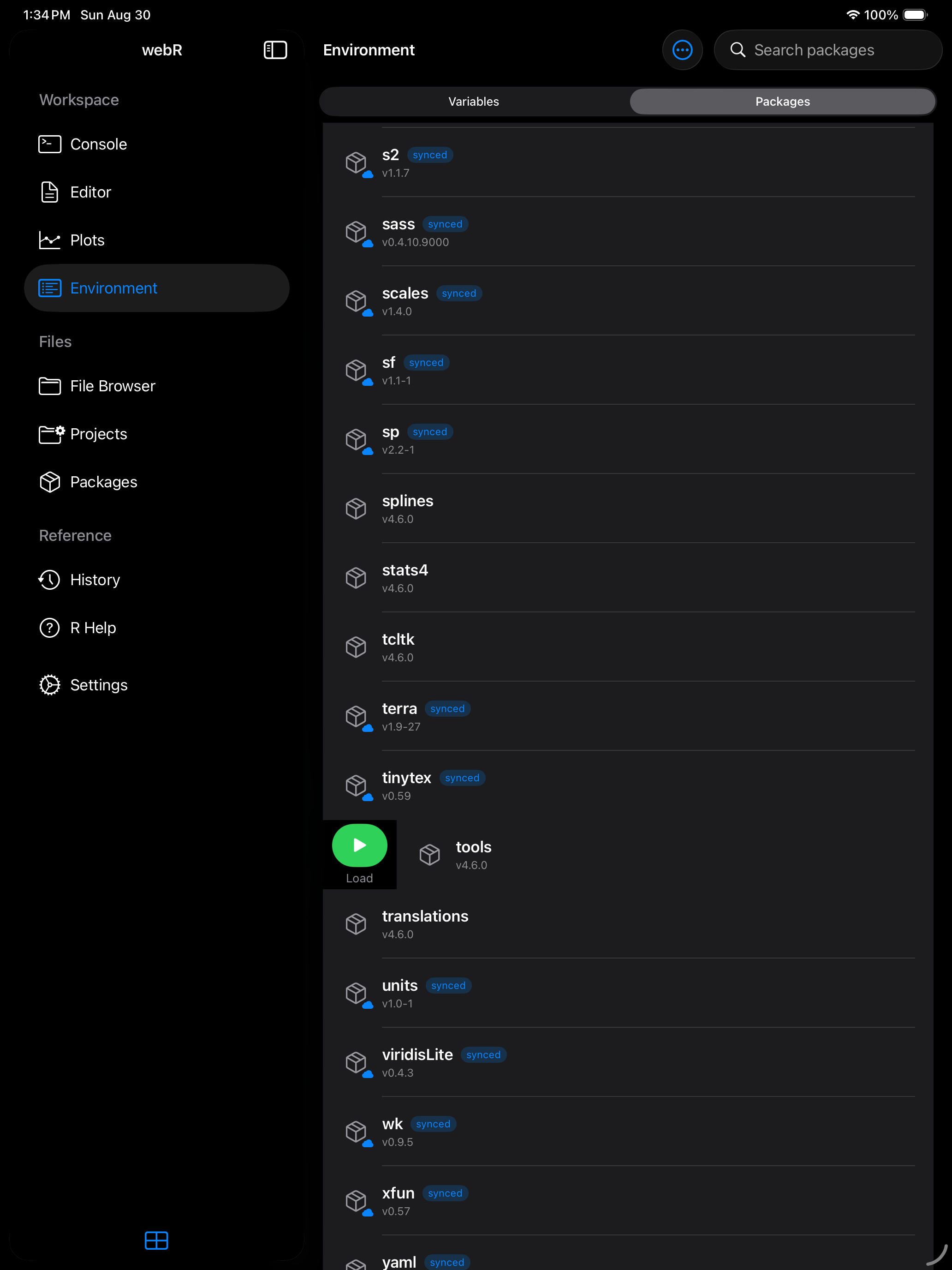
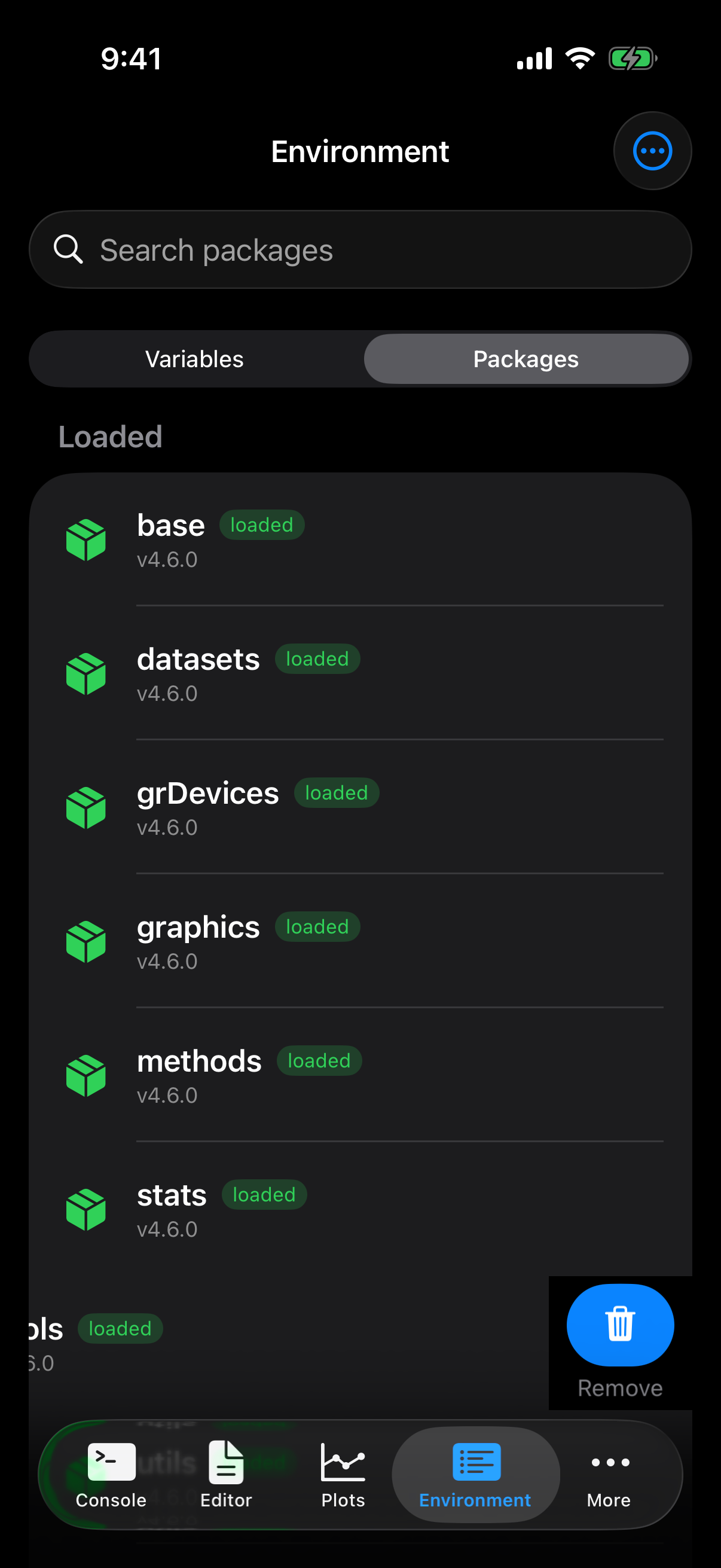
A loaded package shows a green icon and a badge, so you can tell at a glance what is attached:
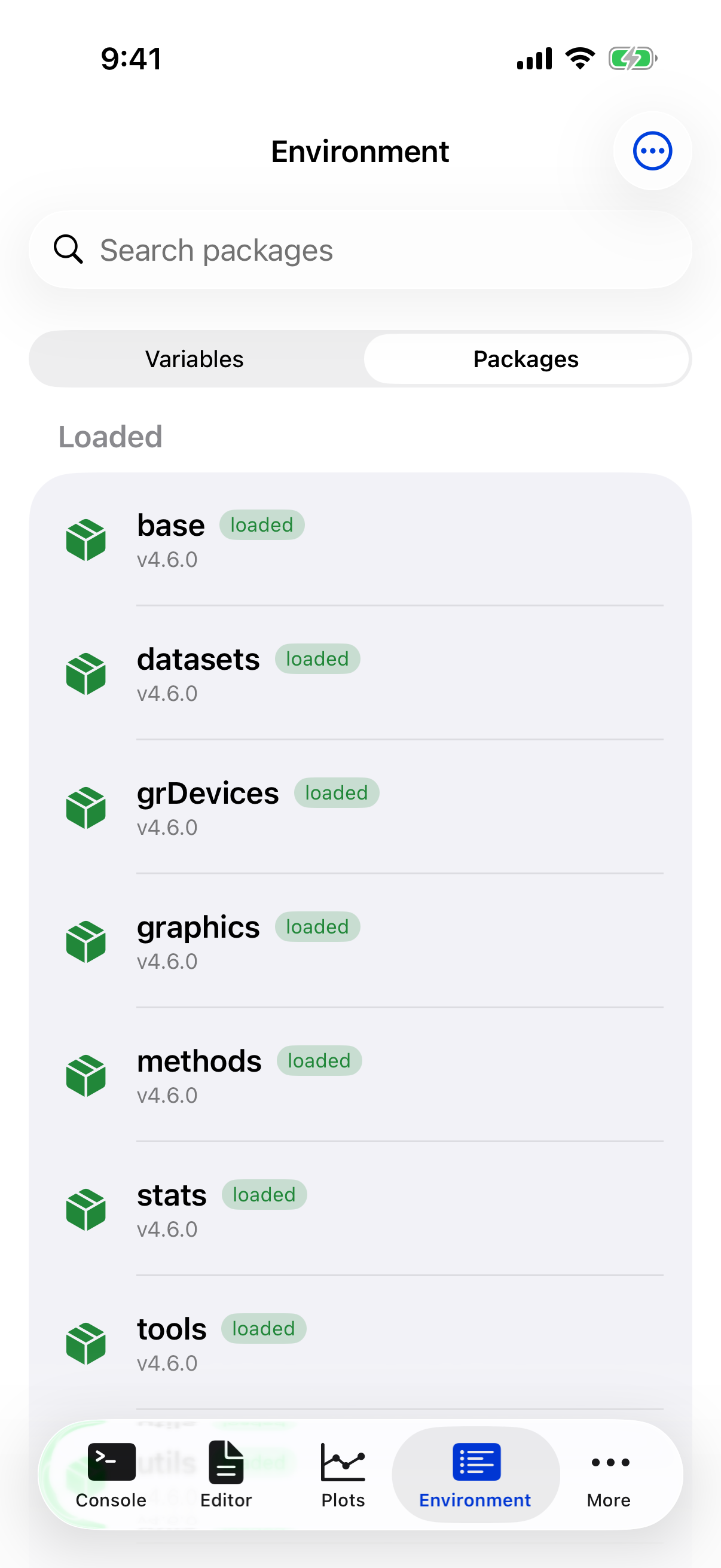
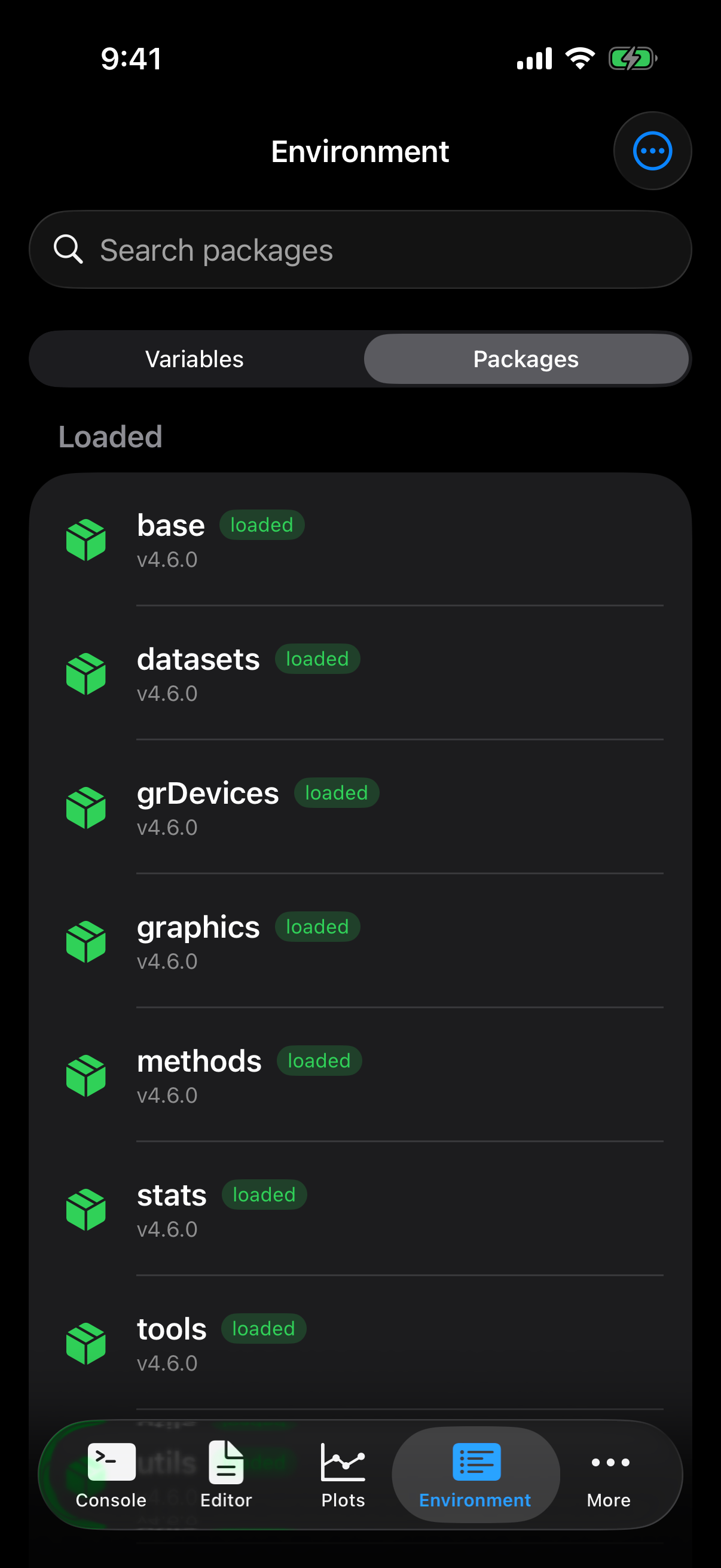
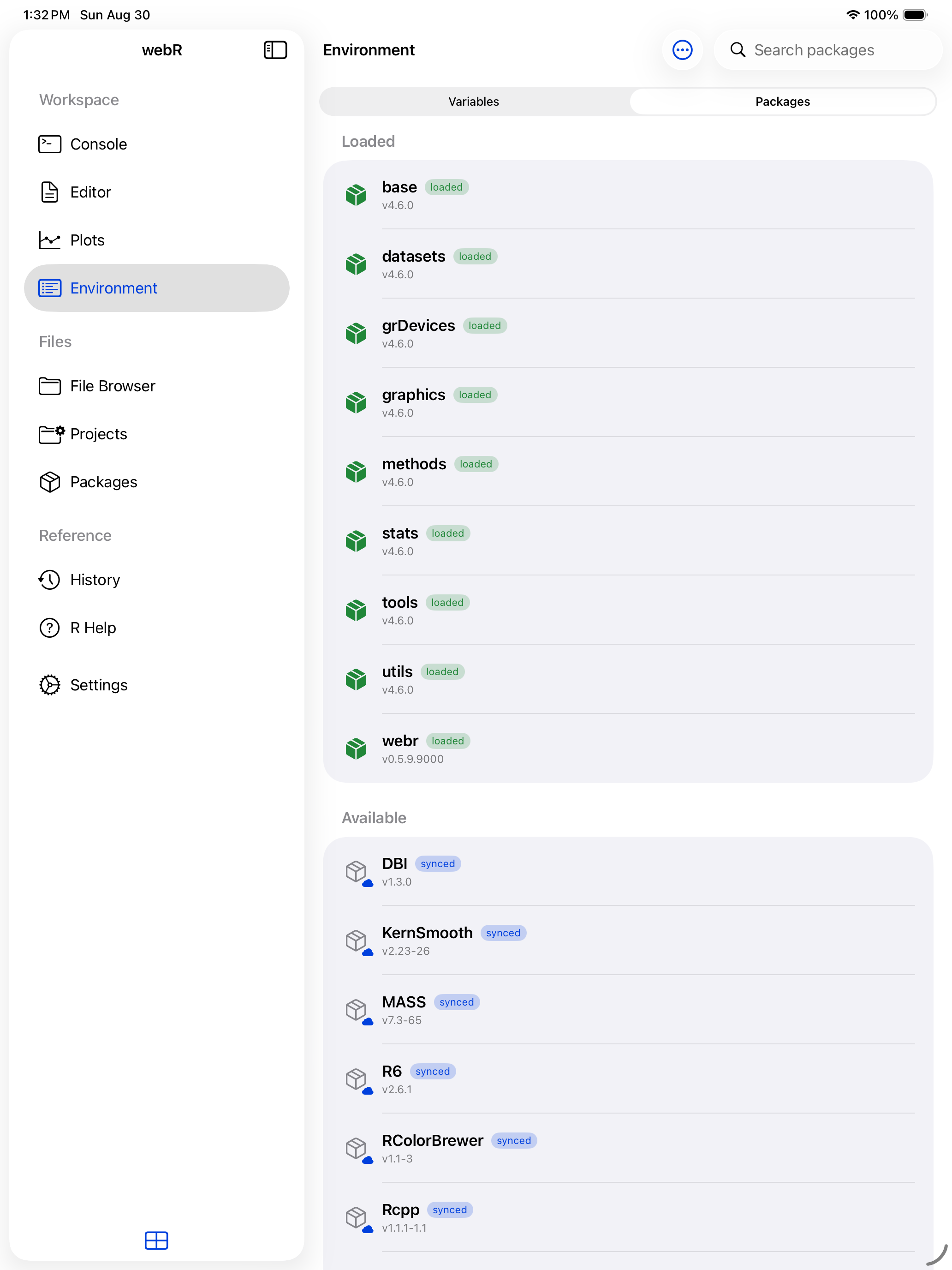
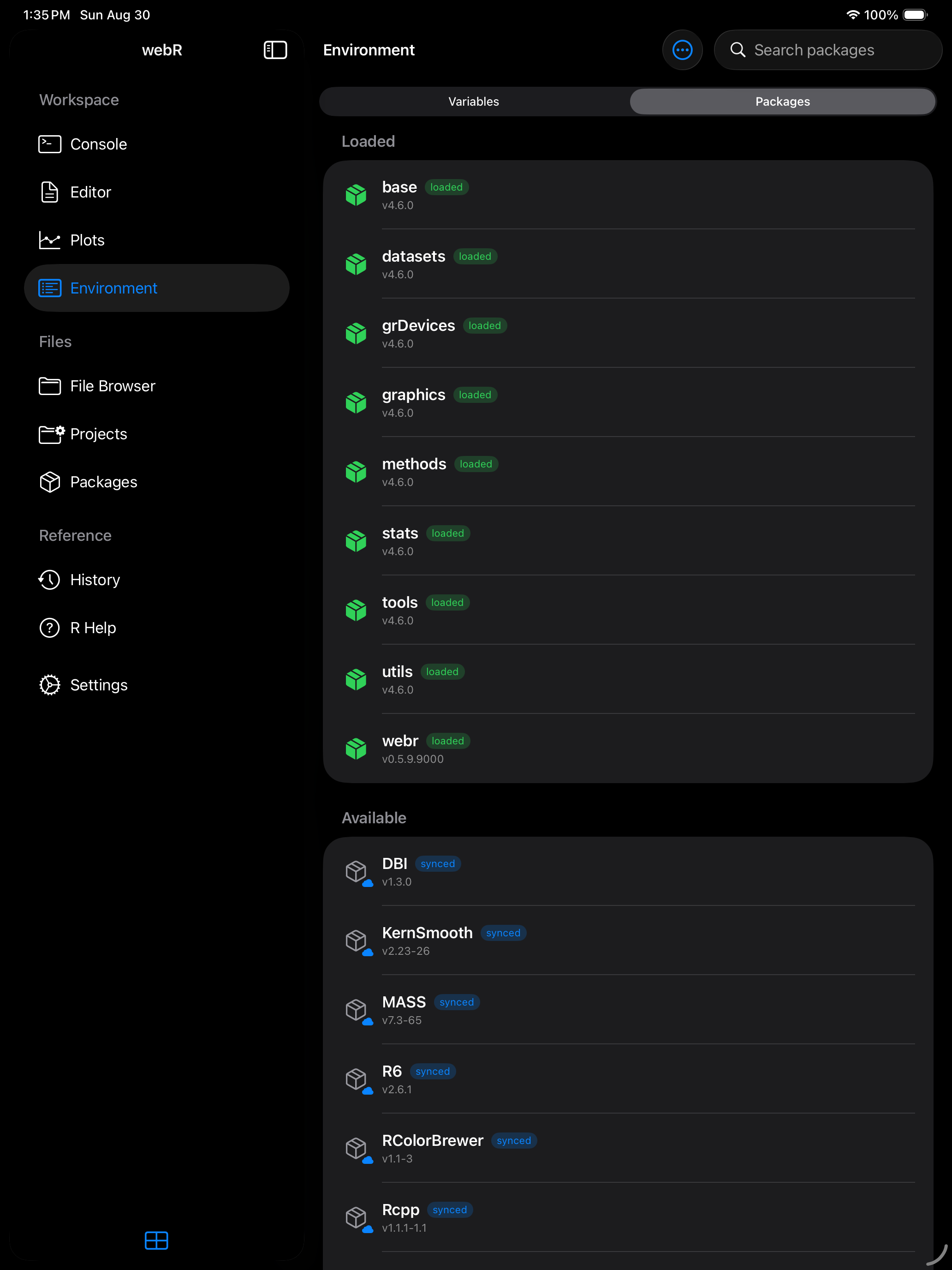
Loading a package is a per-session action. If you restart R or relaunch the app, you will need to load your packages again. Consider putting your library() calls at the top of your R scripts so they run automatically.
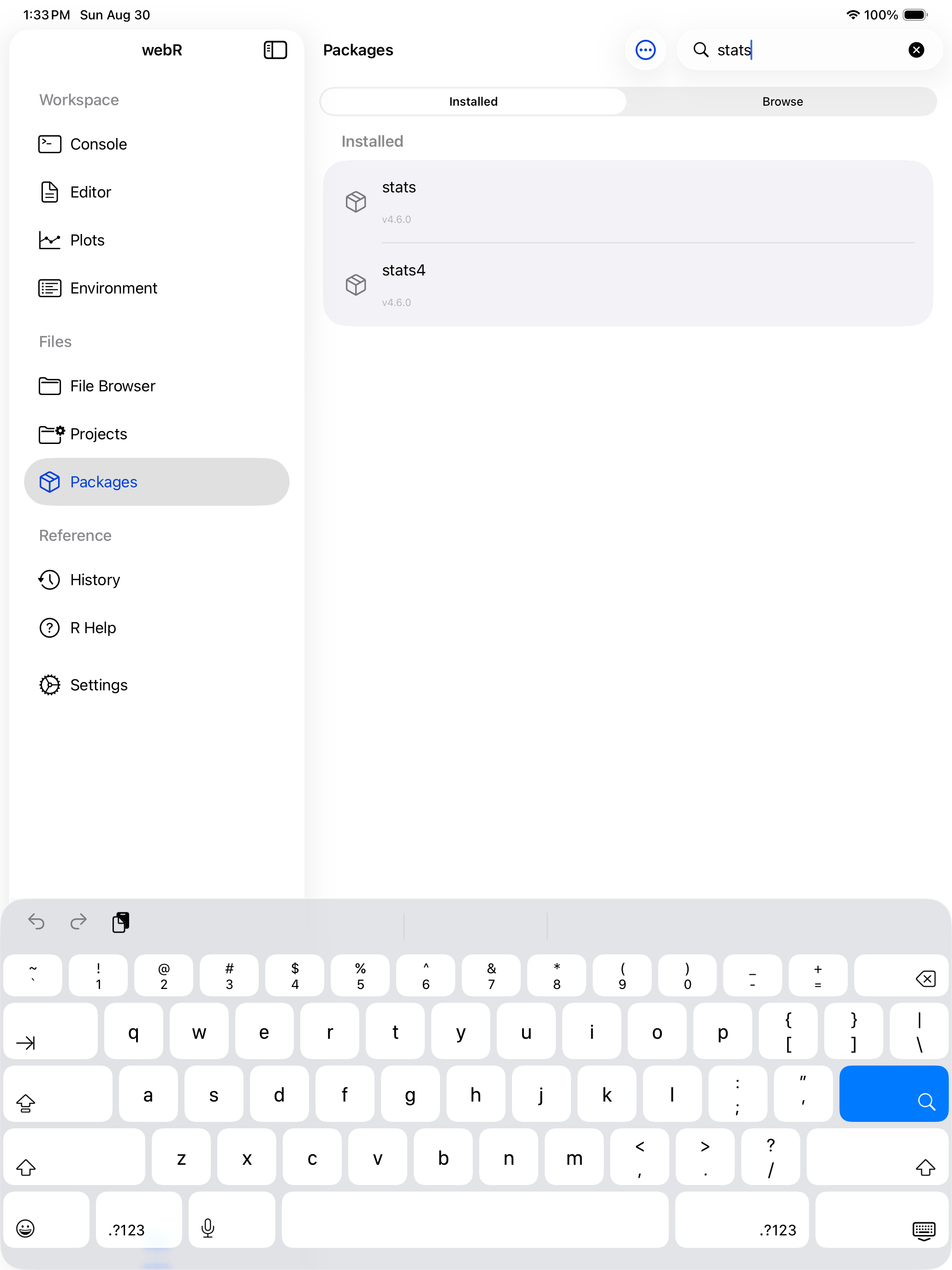
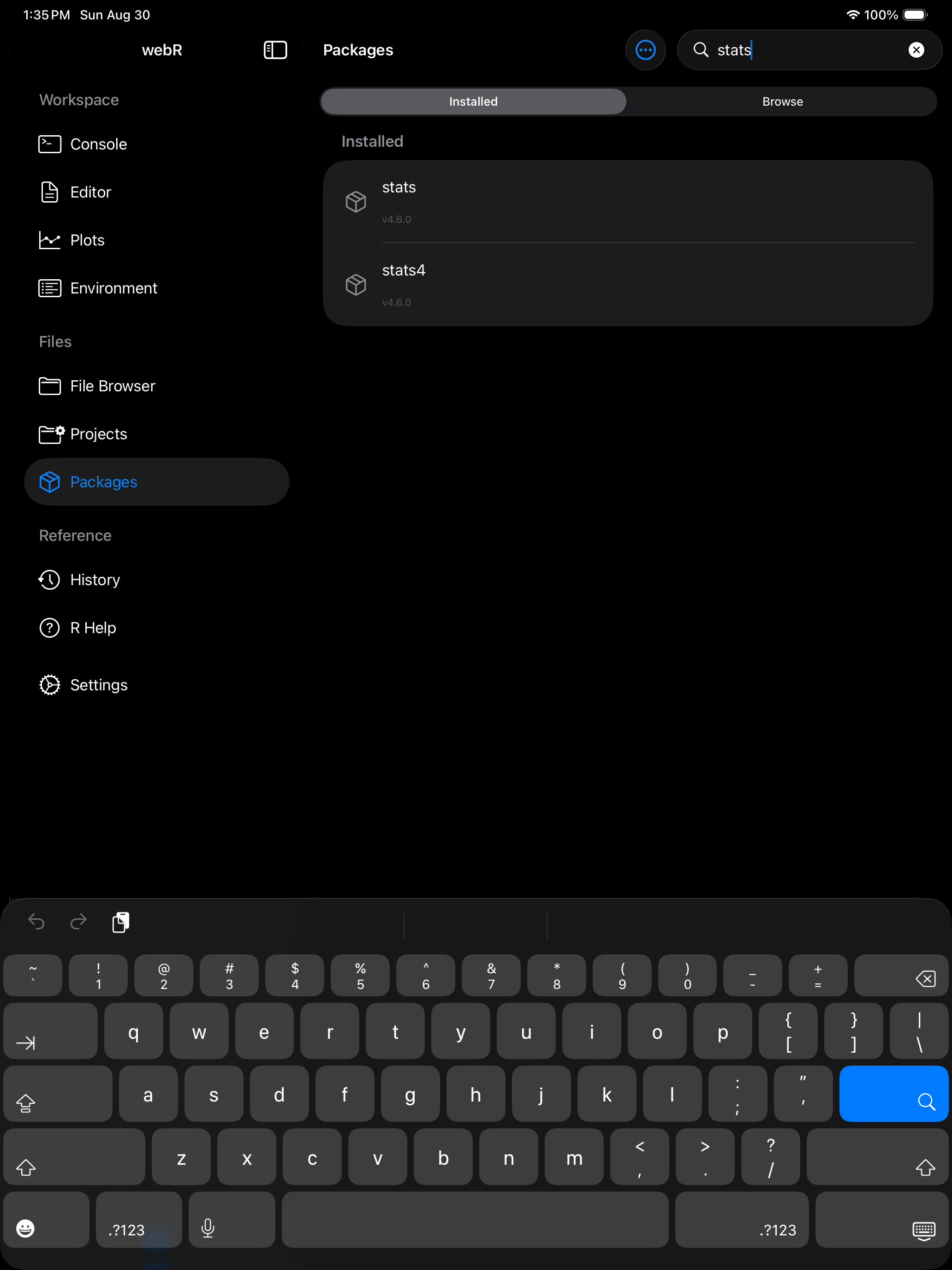
Searching installed packages
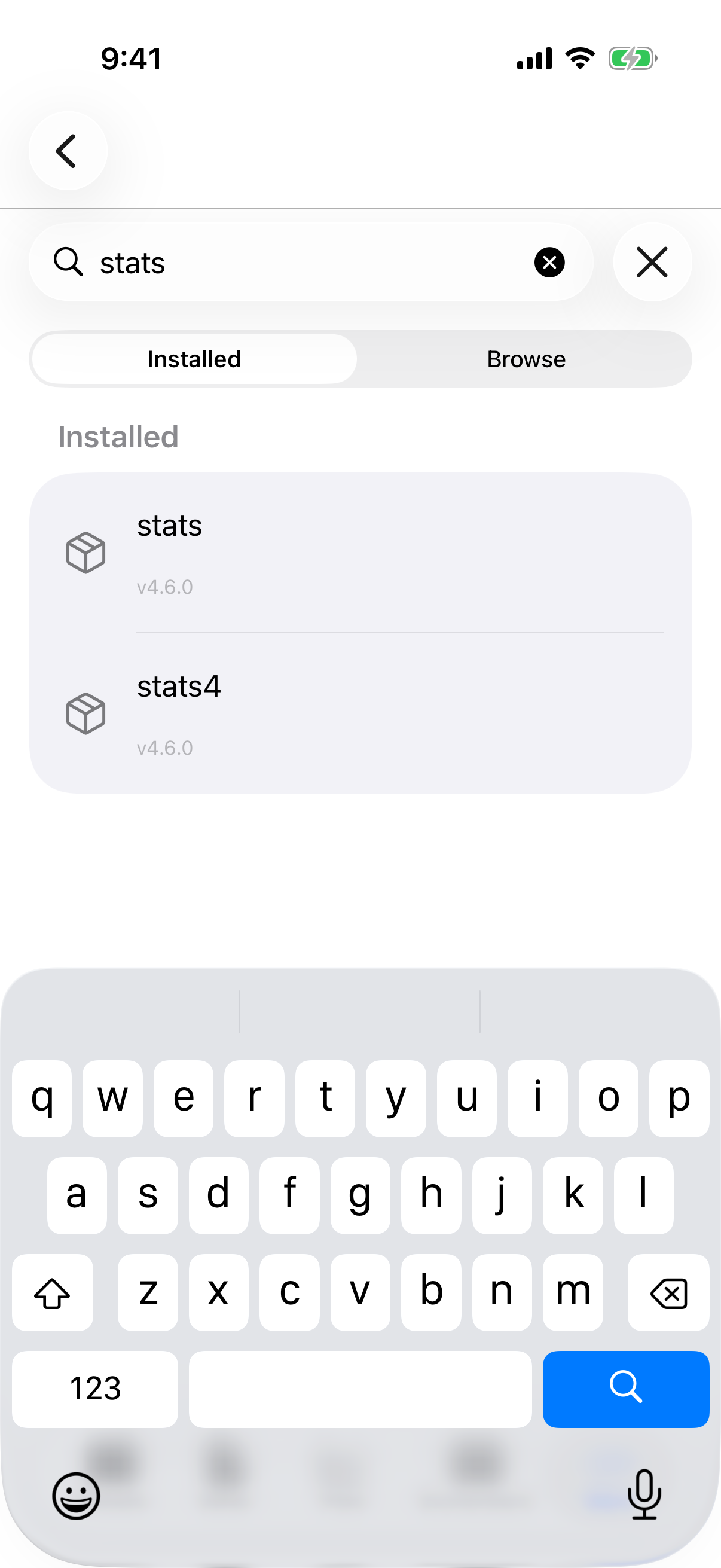
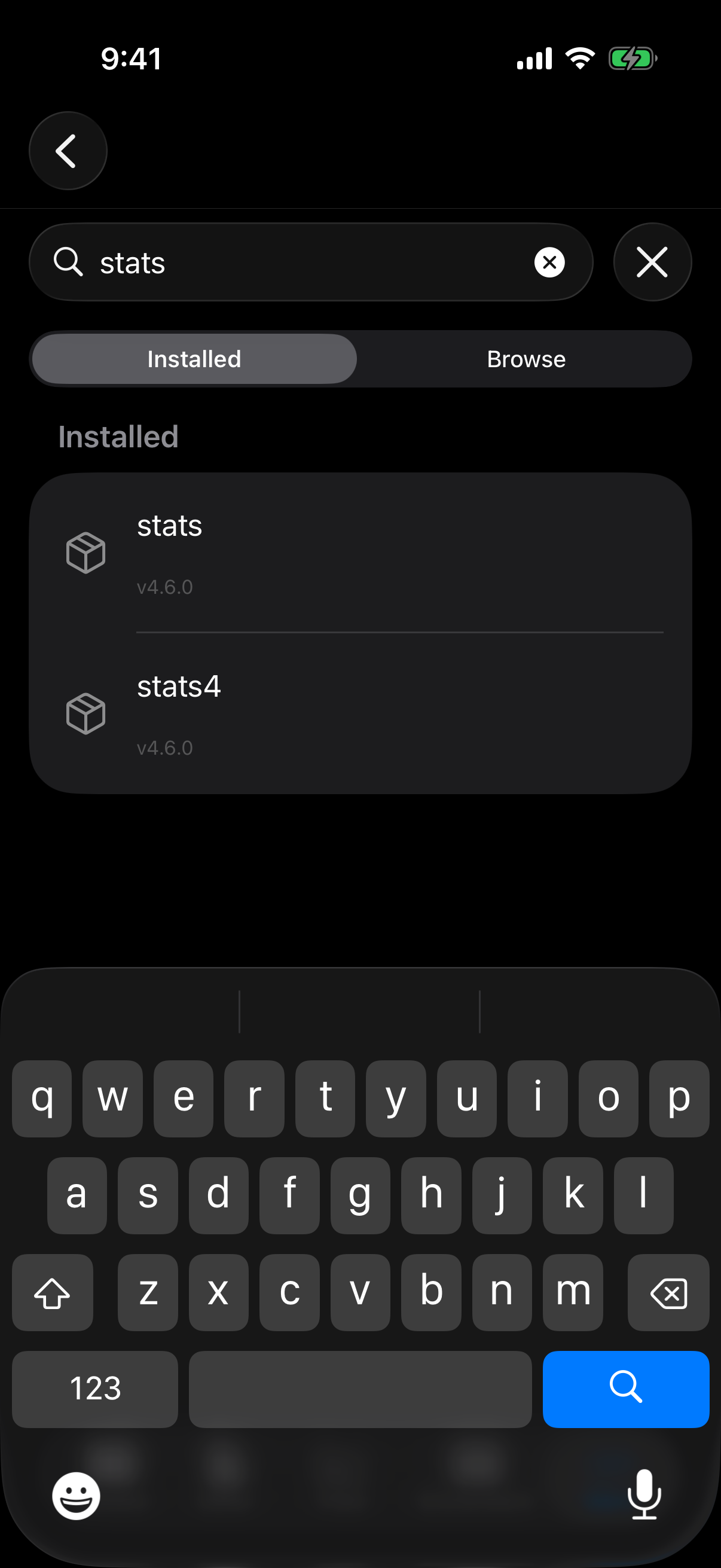
The search bar filters installed packages by name or description.
Removing packages
Swipe left on a package in the Environment tab’s Packages segment and tap Remove to delete it from the device. webRios asks first, and also deletes the package’s saved copy, so it doesn’t come back at the next launch. You can reinstall any time.
remove.packages("name") in the Console does the same, and prints “Removed name from saved packages”. A package you installed in the current session stays usable until R restarts, because webR keeps it loaded; the Console says so, and it won’t be restored at the next launch.
Saving packages for offline use
webRios can save your installed packages so they persist across launches. Enable Restore on Startup in Settings > R Session to reinstall saved packages automatically, even offline. Restoring is quick: around 25 packages, including large ones such as stringi, take a few seconds.
A package is saved whole or not at all. If saving one fails, the Console says “Couldn’t save package for the next launch” and gives the reason, and any earlier saved copy is kept. Package-saved notices appear with the run that installed the package.
The Restore on Startup toggle lives in Settings > R Session. See Settings for a screenshot of that page.
A note about package availability
Not every CRAN package is available. R runs via WebAssembly, so packages must be compiled for this platform. The webR project maintains the supported list.
Most popular data science, statistics, and visualization packages are available. Packages that depend on external system libraries (database drivers, specialized C++ libraries) are the most likely to be absent.
Packages are downloaded from repo.r-wasm.org and require an internet connection to install. Once installed, they work offline.
Pull down on the package list to refresh it at any time.