Help
The Help tab is a built-in R documentation browser. Search for any function, package, or topic and read its full help page without leaving the app.
R Documentation Browser
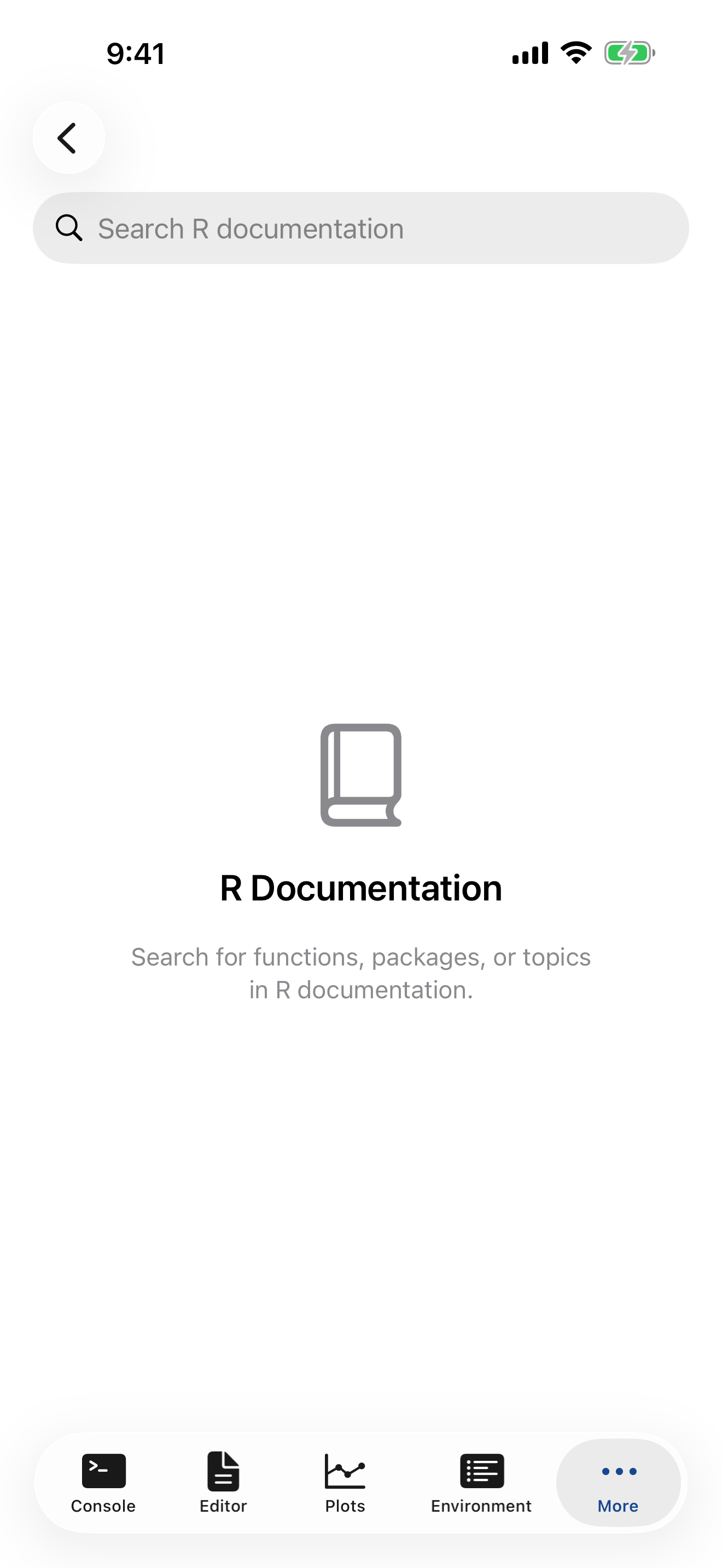
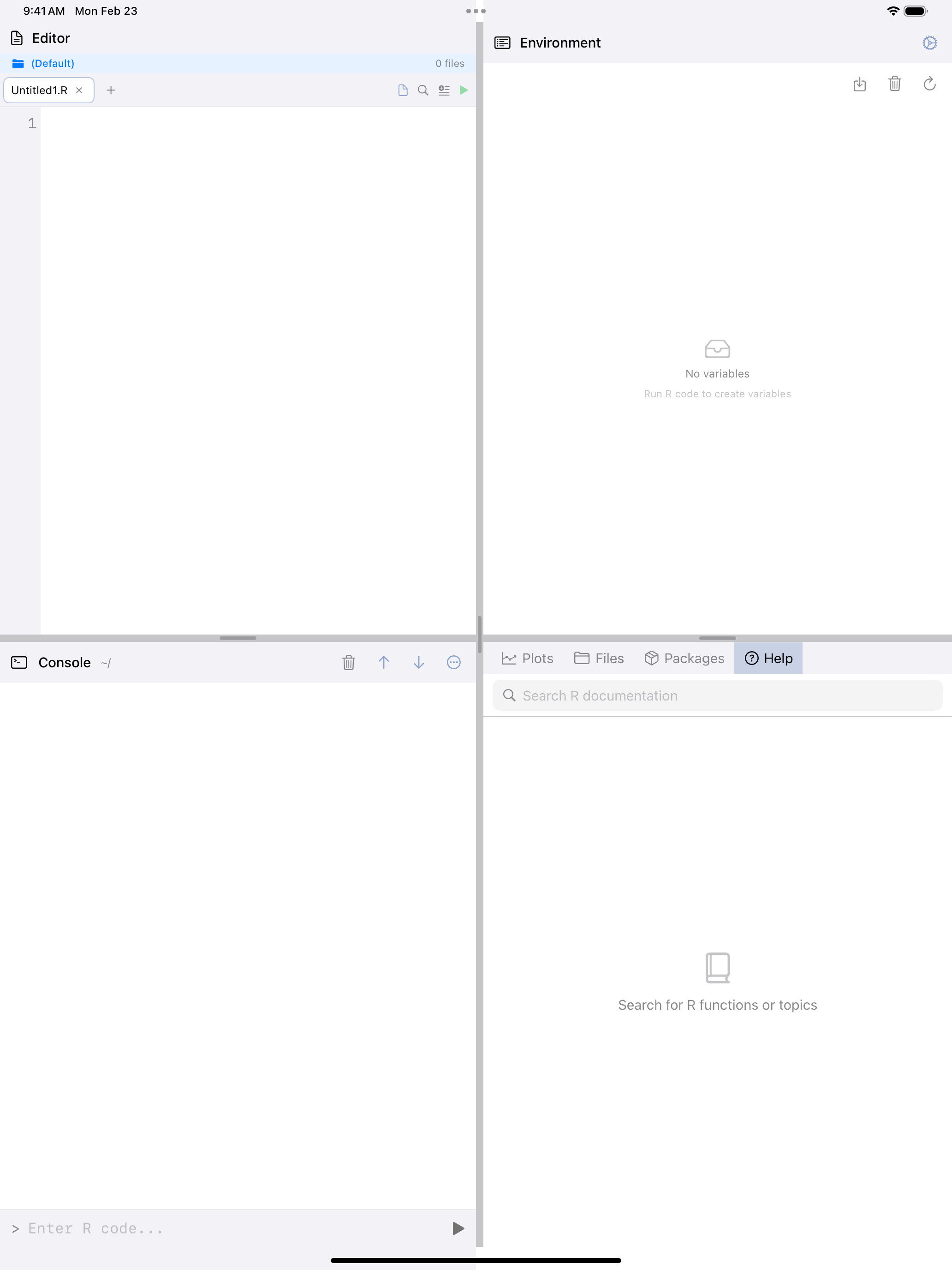
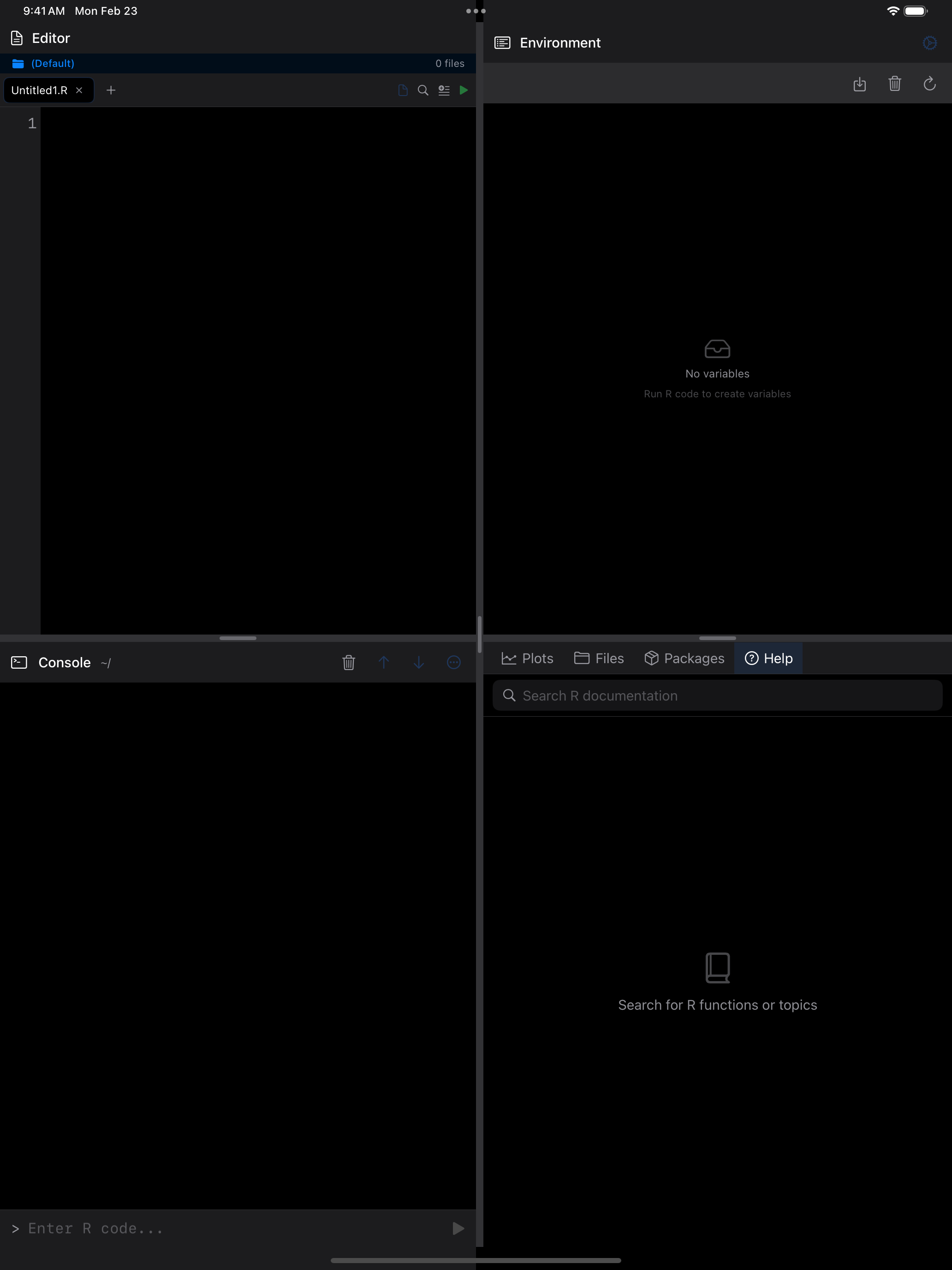
When you first open the Help tab, you see a search bar at the top and an empty content area. Type a function or topic name into the search bar to look it up. Search takes what you type literally, so operators such as [[ or + work too.

Viewing Help Pages
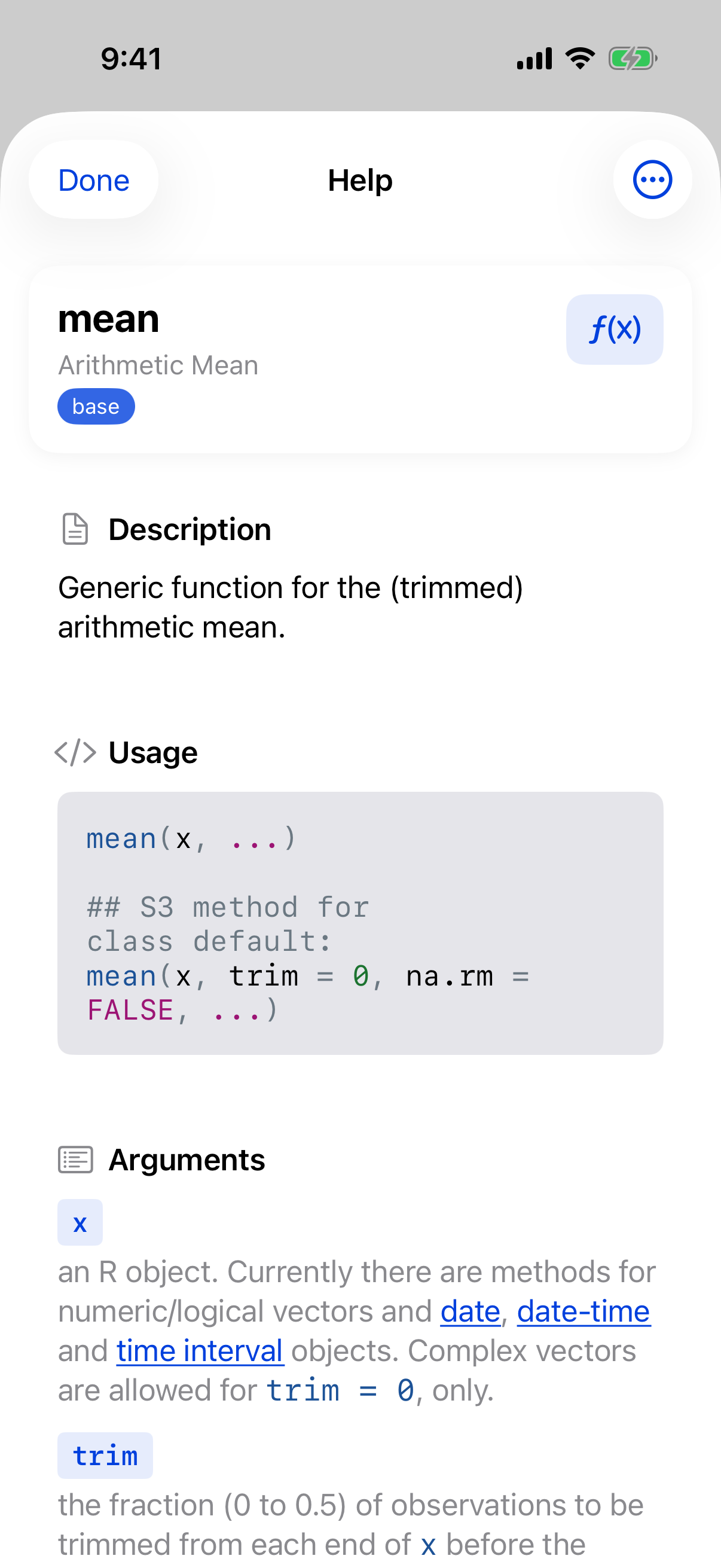
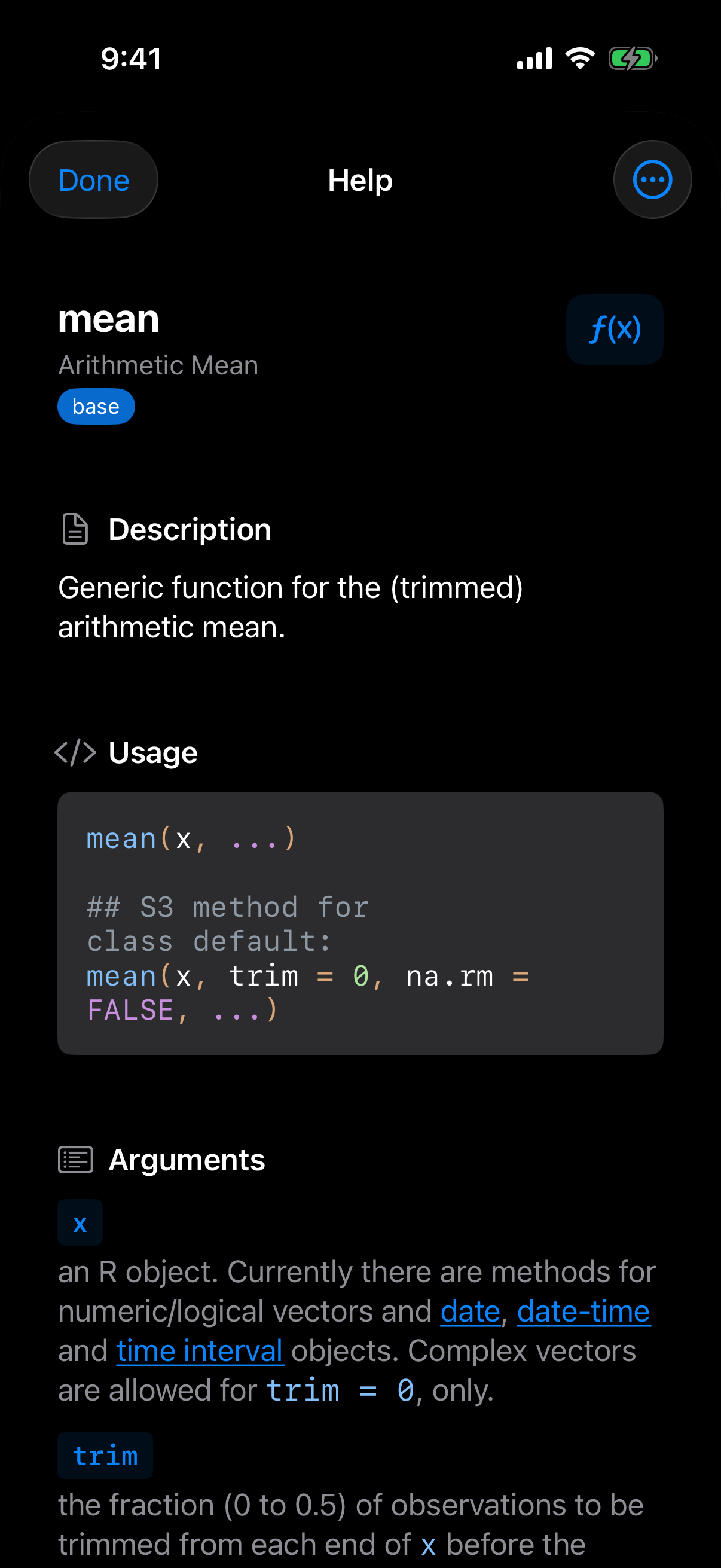
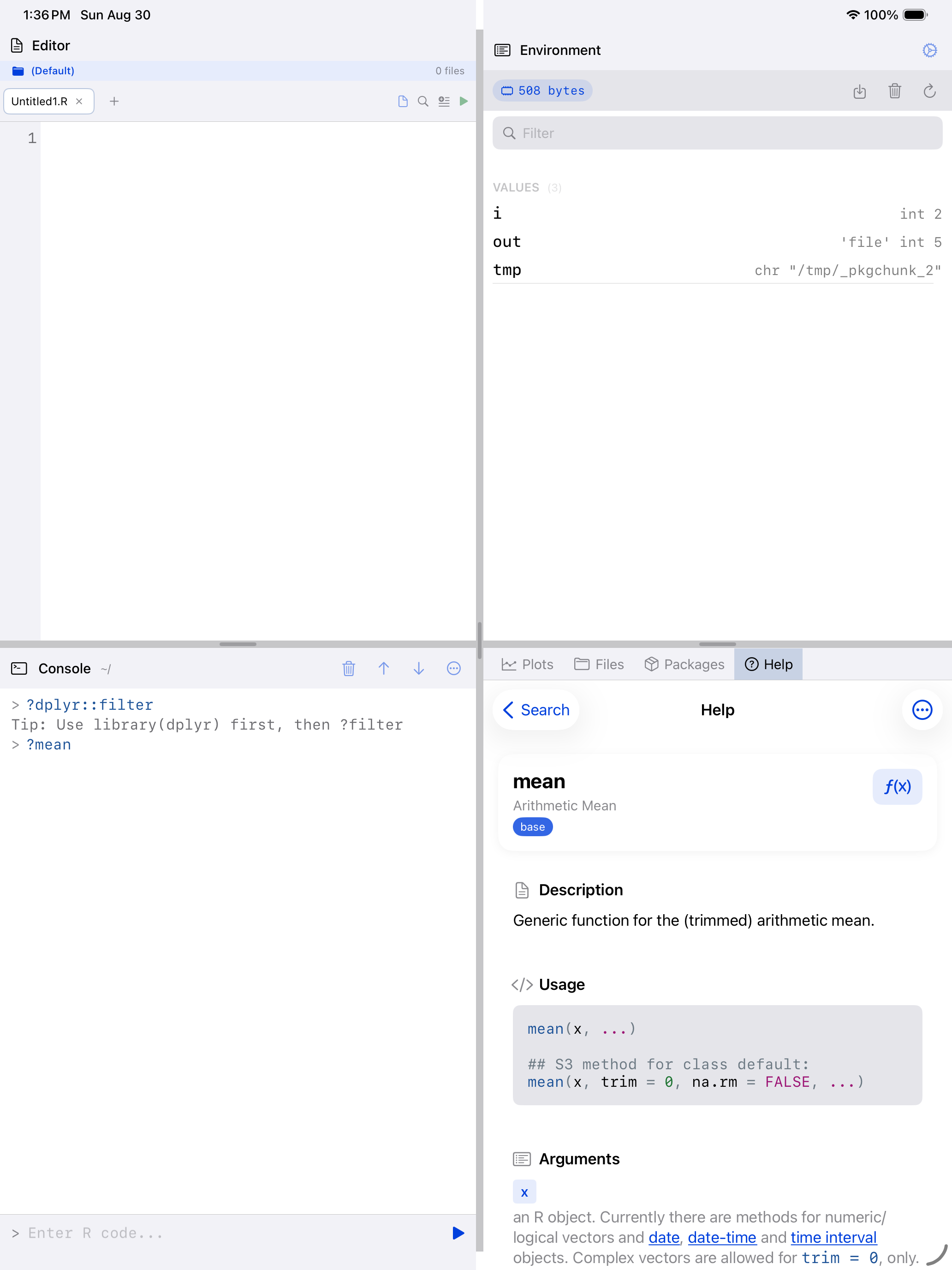
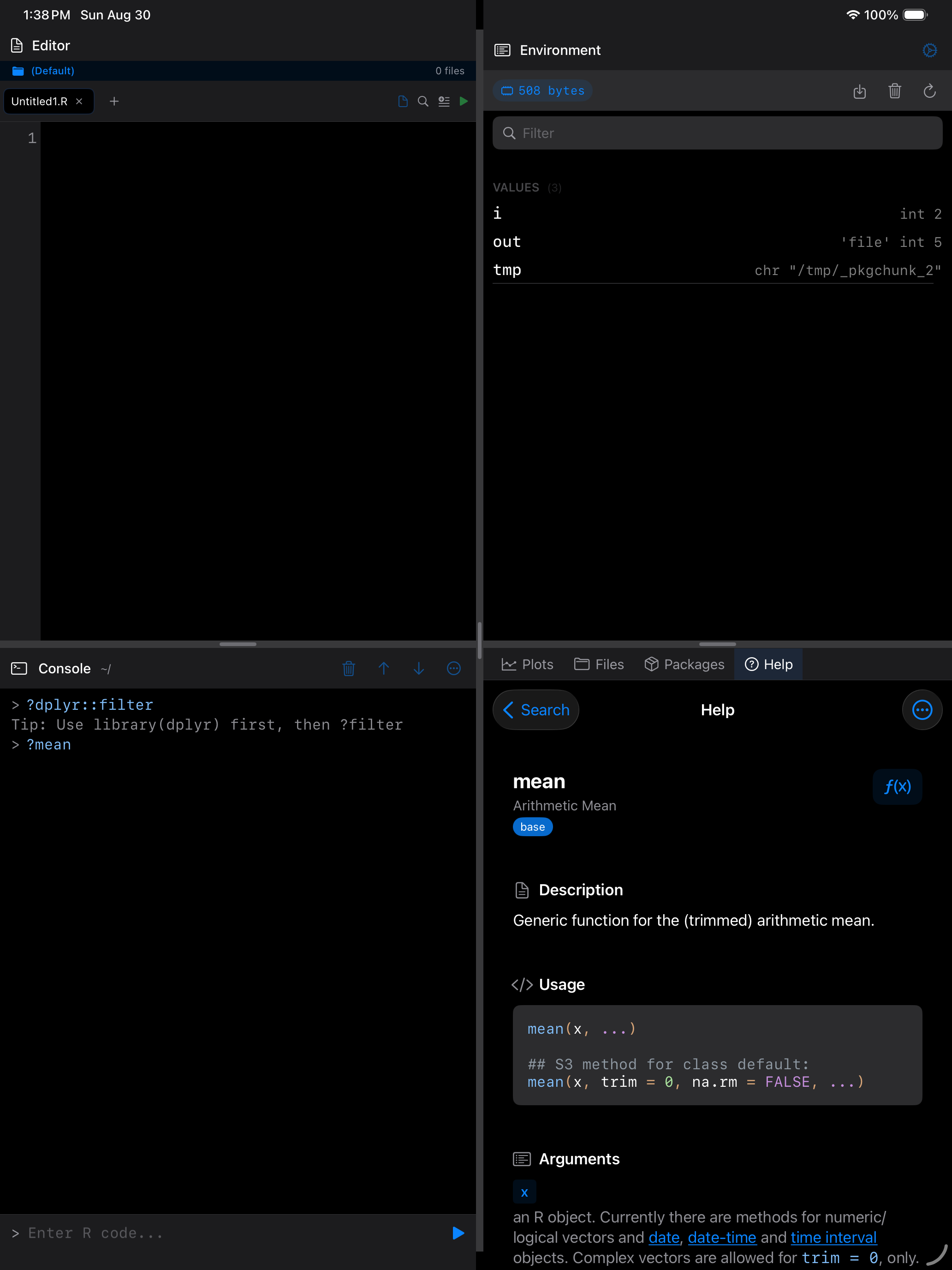
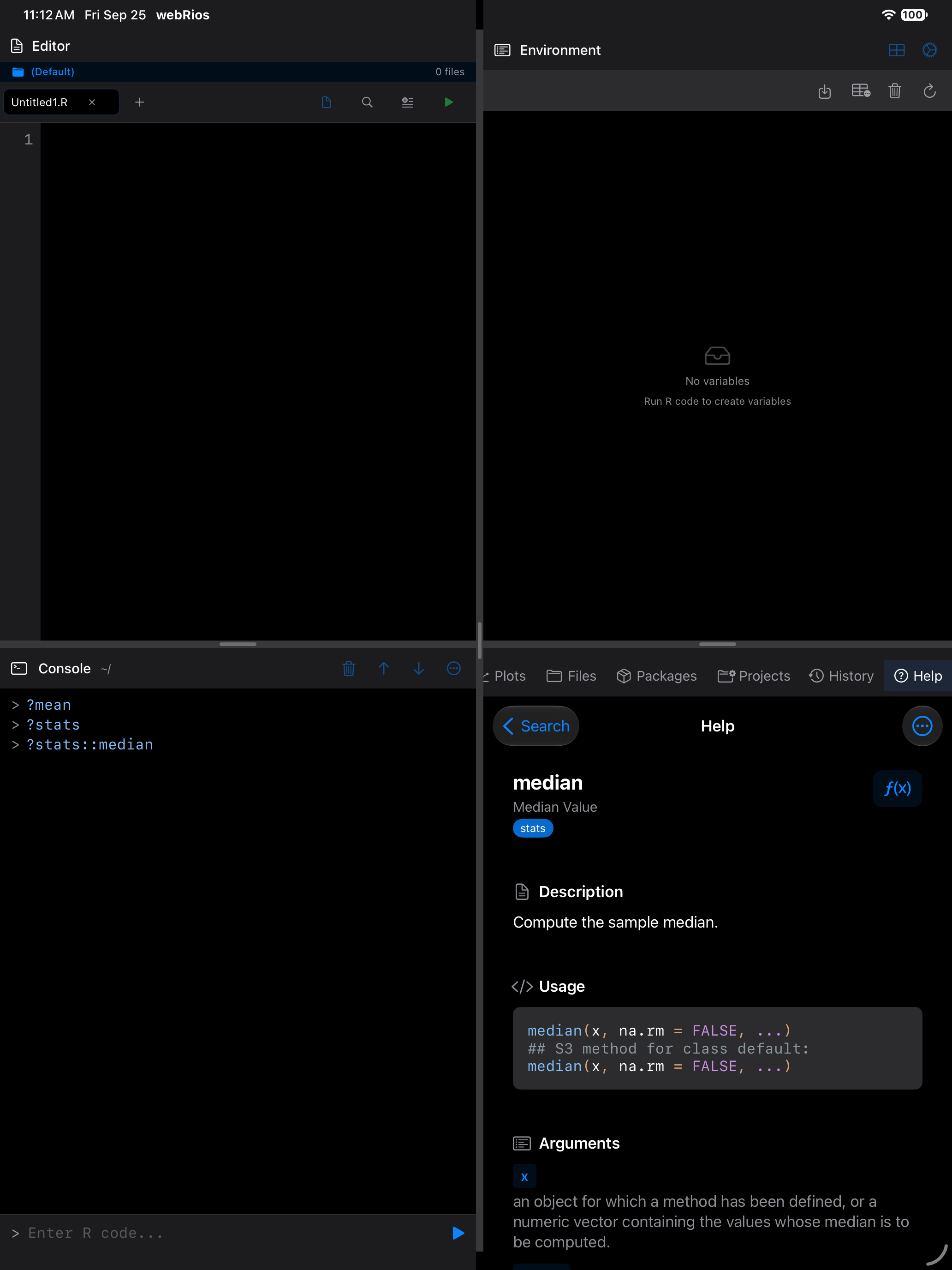
Each help page follows R’s standard documentation layout. Here is what you see when you look up a function like mean:
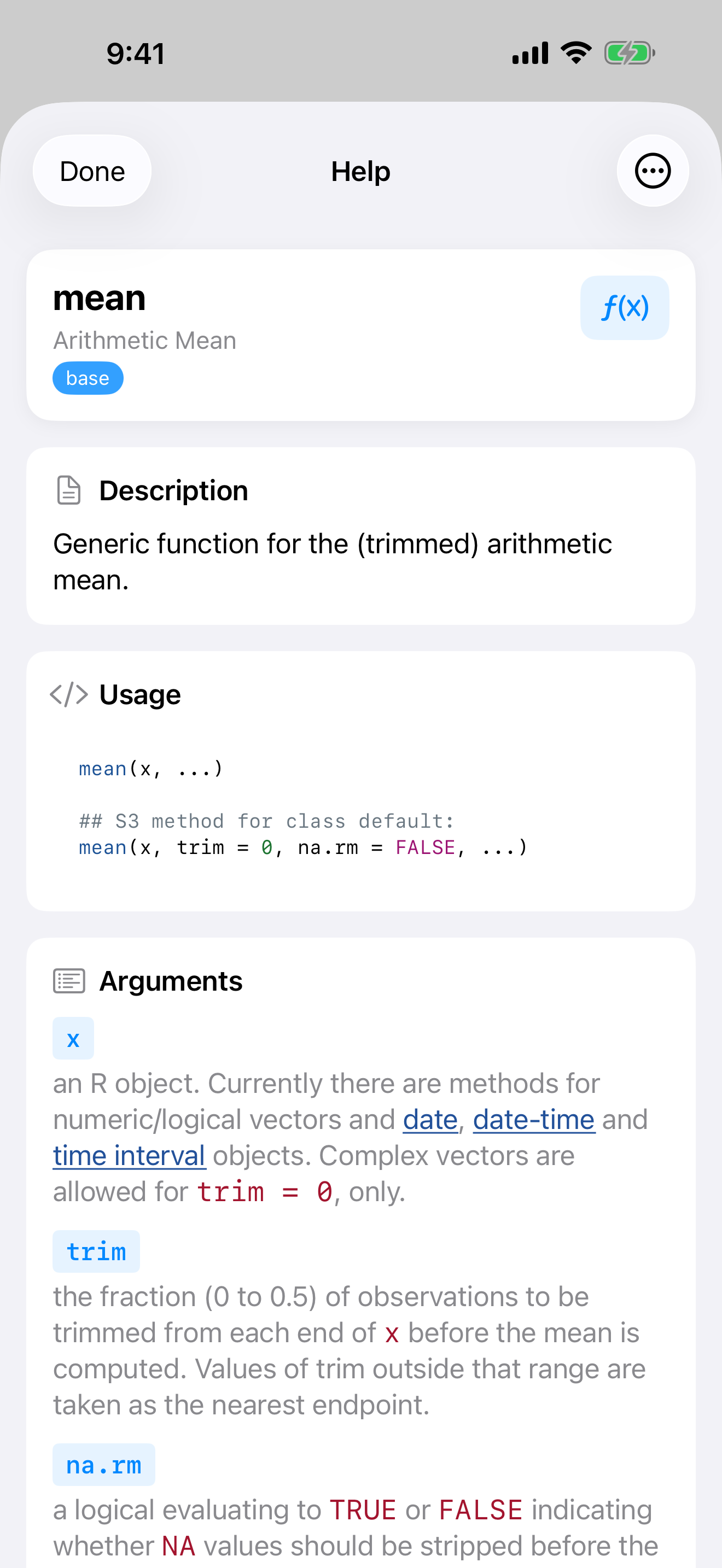
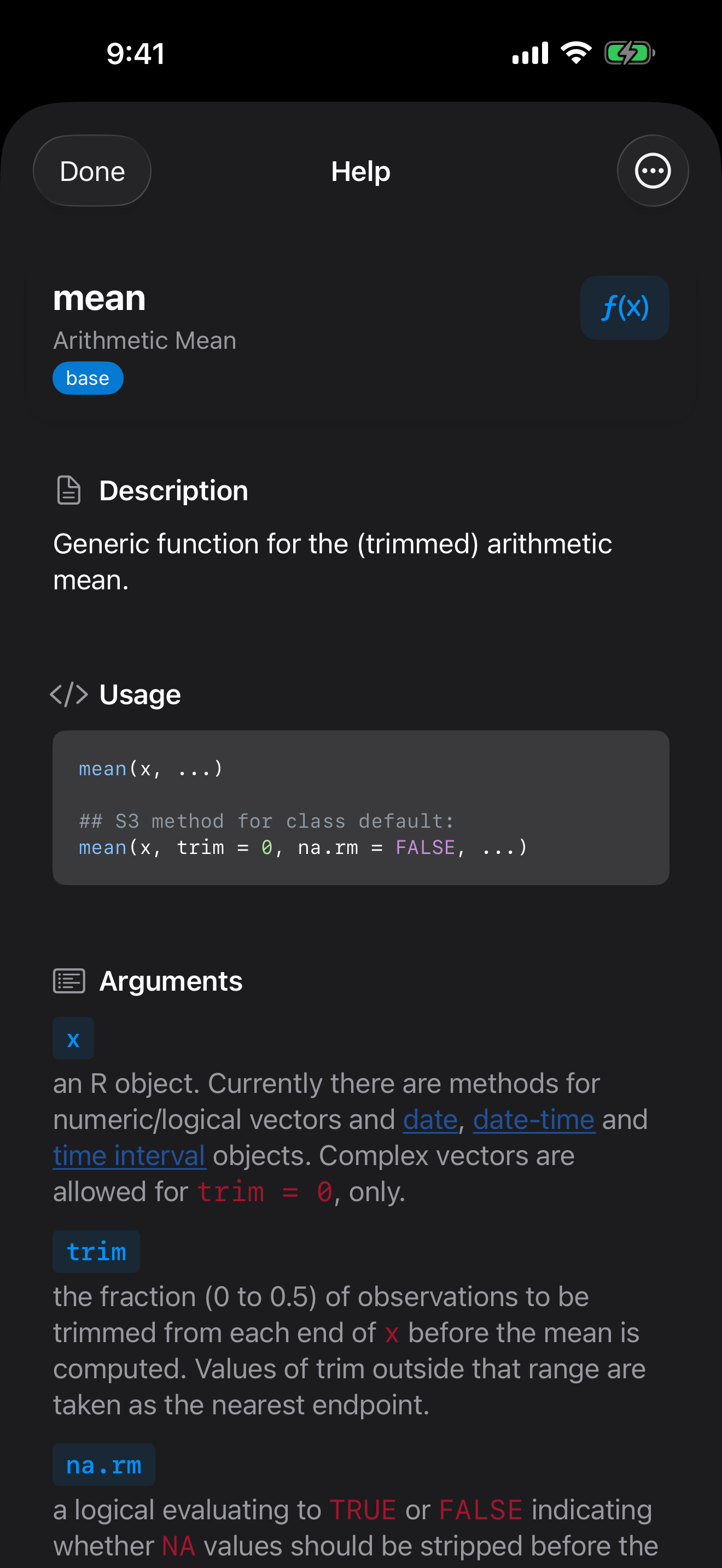
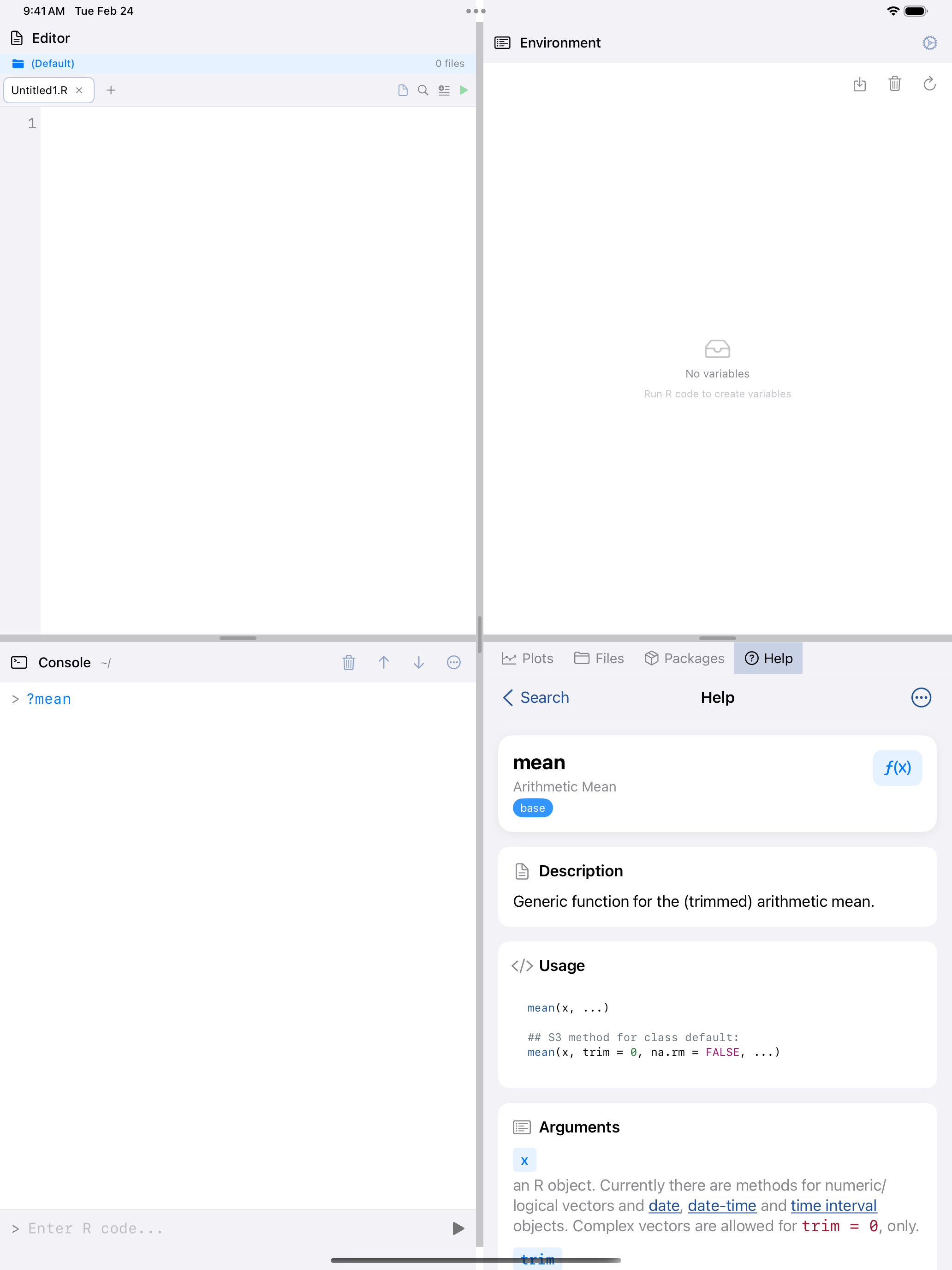
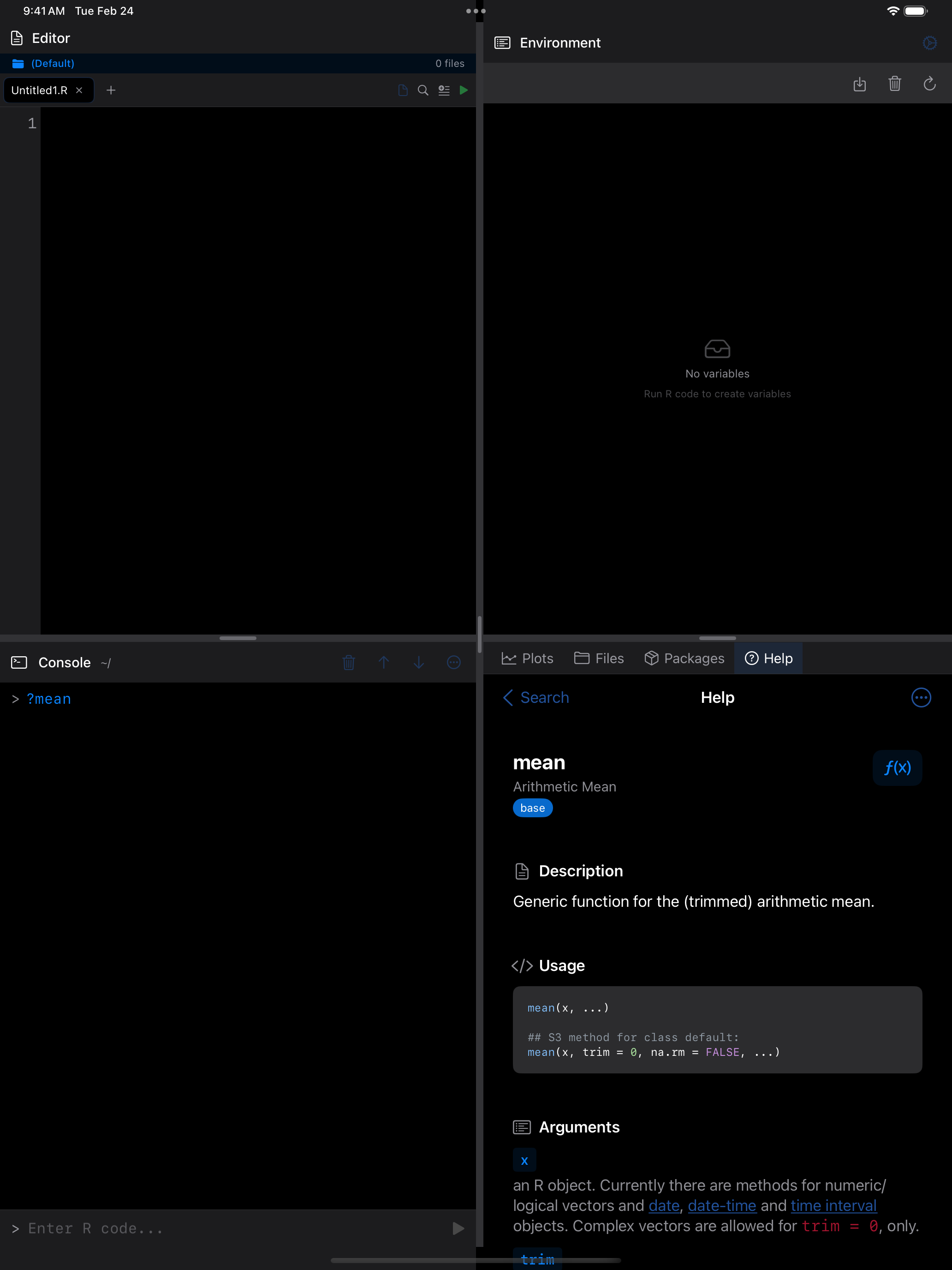
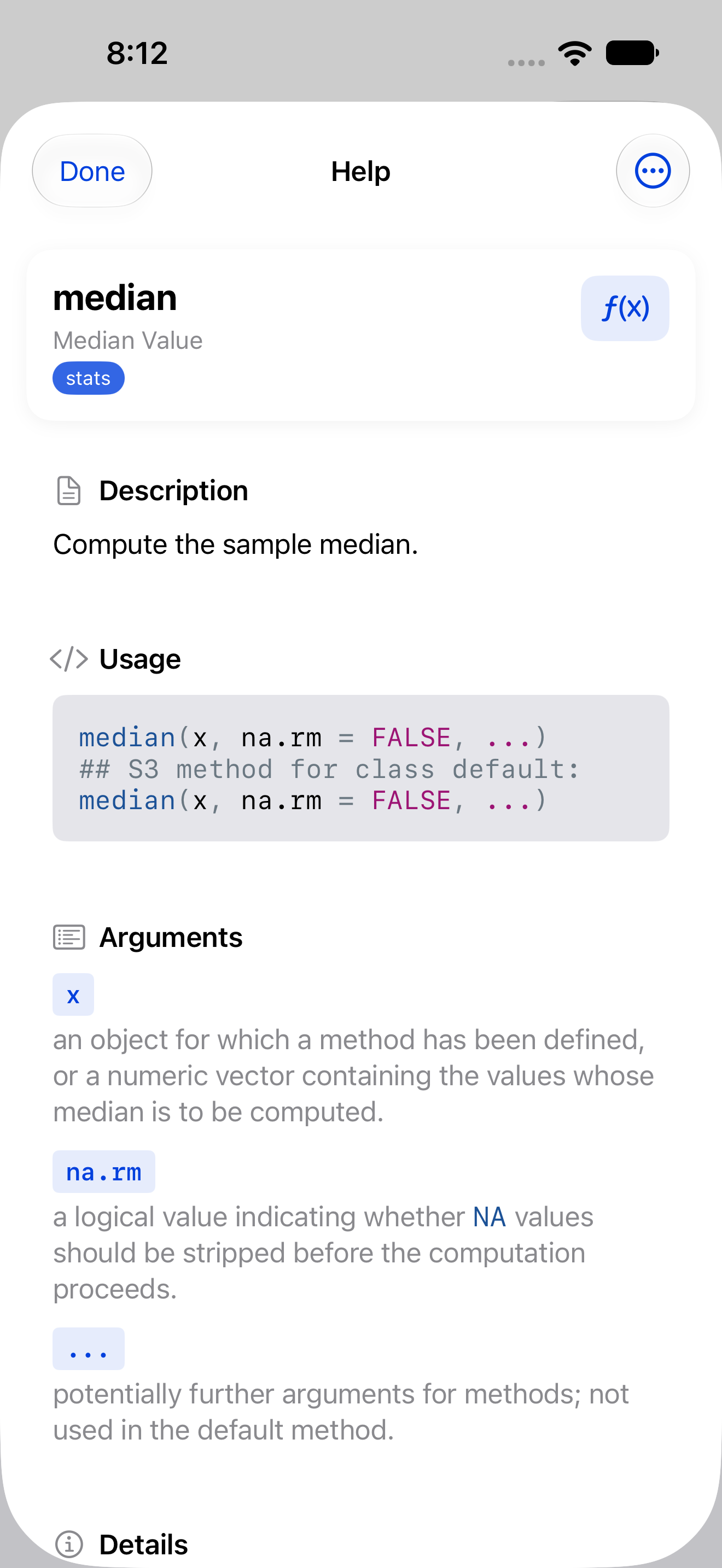
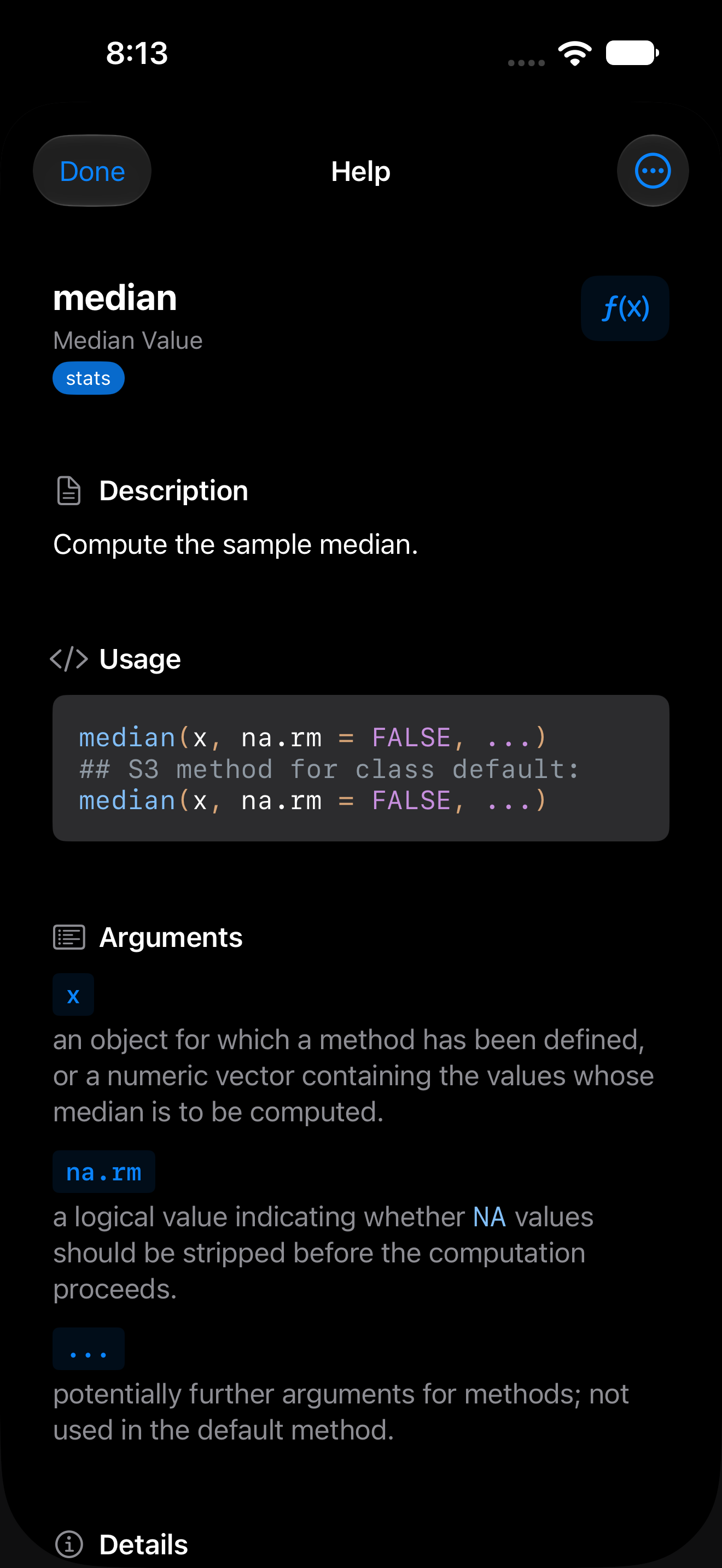
A typical help page includes these sections:
- Title and package badge: the function name and which package it belongs to (e.g.,
mean {base}). - Description: a brief summary of what the function does.
- Usage: the function signature showing all arguments and their defaults.
- Arguments: a detailed explanation of each parameter.
- Details: additional information about behavior, edge cases, and related functions.
- Examples: runnable code showing the function in action. Tap Run to run them in the Console.
Pages also show Value (what the function returns, including the components of a returned list), Format, Note, Author(s), Source and References where the page has them. Tables, such as the Format section of ?mtcars or ?Syntax, are drawn in aligned columns, and web links are tappable.
The … menu copies the topic name, the usage, the examples or the page’s raw text. Done closes the page.
Following links
Links in See Also and elsewhere open the page they name, even when it is in a package you haven’t loaded with library(), as long as it is installed. A “Loading…” badge shows while the page loads, and each new page starts at the top.
Once you have followed a link, a Back button appears in the top-left corner and returns you through the pages you visited, up to 50. On a page opened as a sheet, Done moves to the top-right. In the iPad 4-Pane Workspace, Back to Search moves into the … menu while there are pages to go back to. Opening a new page from search or the Console starts the history afresh.
Accessing Help from the Console
You can open help pages directly from the Console using R’s built-in help syntax:
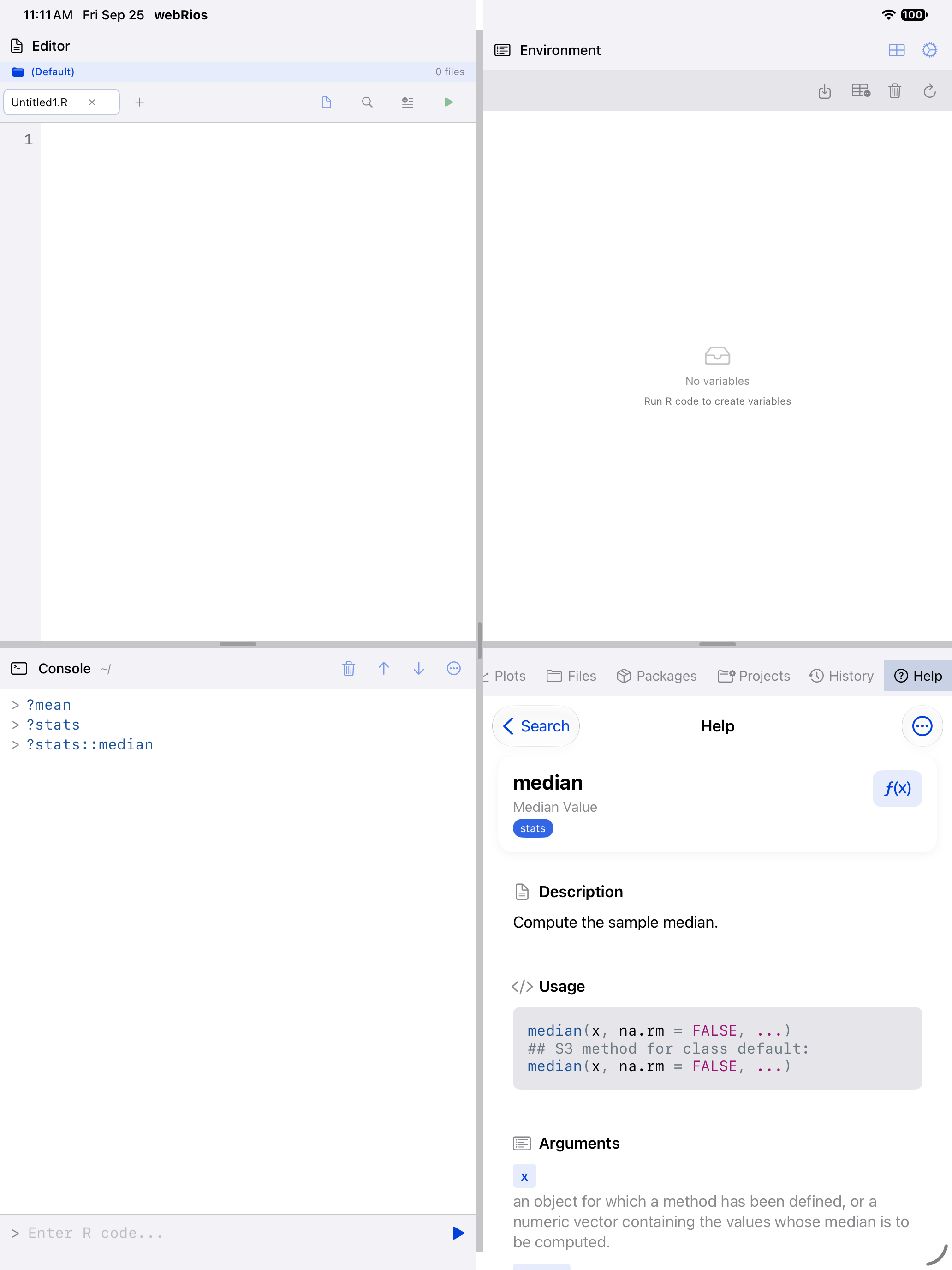
?meanorhelp(mean)opens the help page formean().?stats::medianor?dplyr::filteropens that page in that package, whether or not the package is loaded. If the package isn’t installed, the Console shows R’s own “there is no package called” error.- Topics with dots, such as
?read.csvor?is.na, work as you’d expect. A topic with no help page prints an error in the Console rather than opening another page. ?dplyrshows the package index page listing all its functions.
On iPad in the 4-Pane Workspace, help results open in the Help pane. On iPhone (and on iPad with Sidebar Navigation), they open as a modal sheet over the Console. The Help tab keeps the page you were reading when you switch to another pane or layout and back.
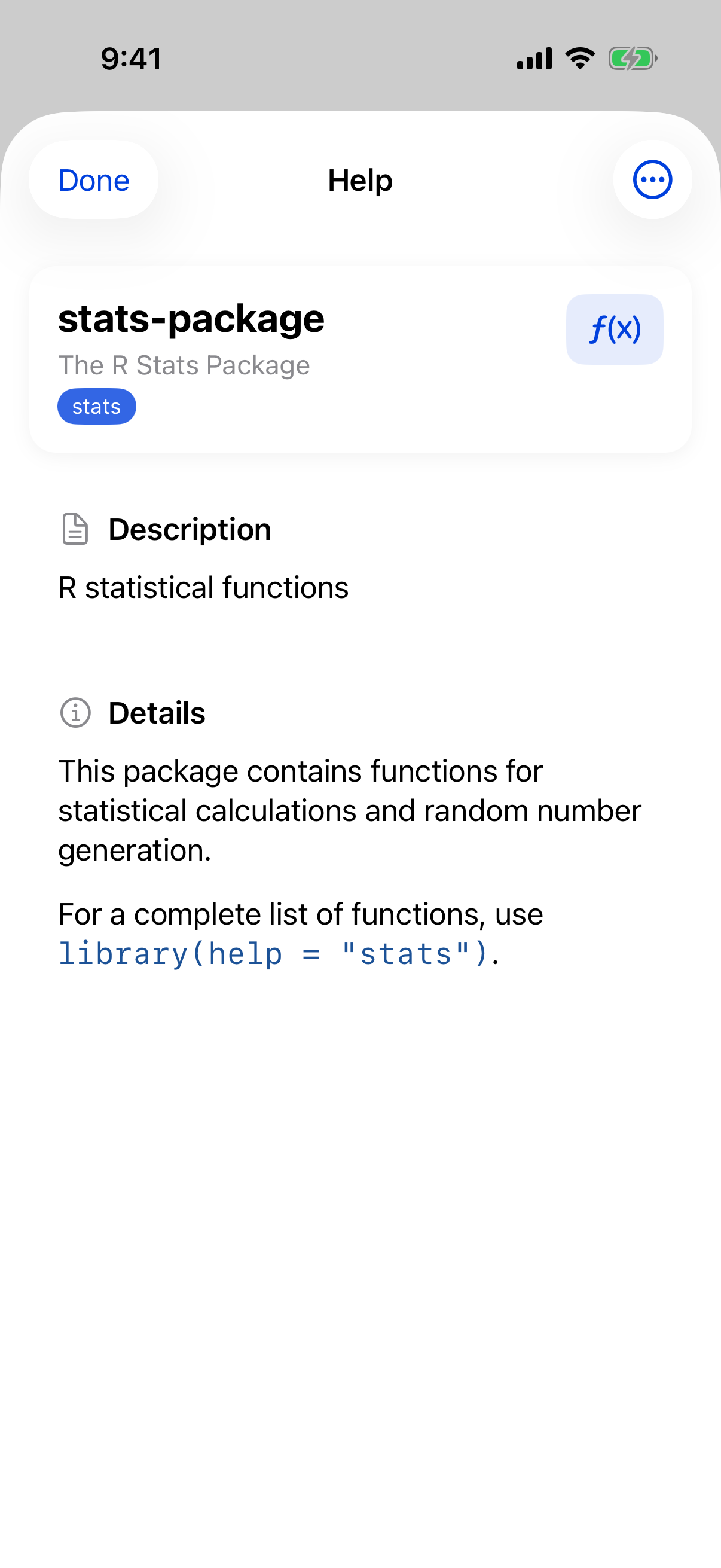
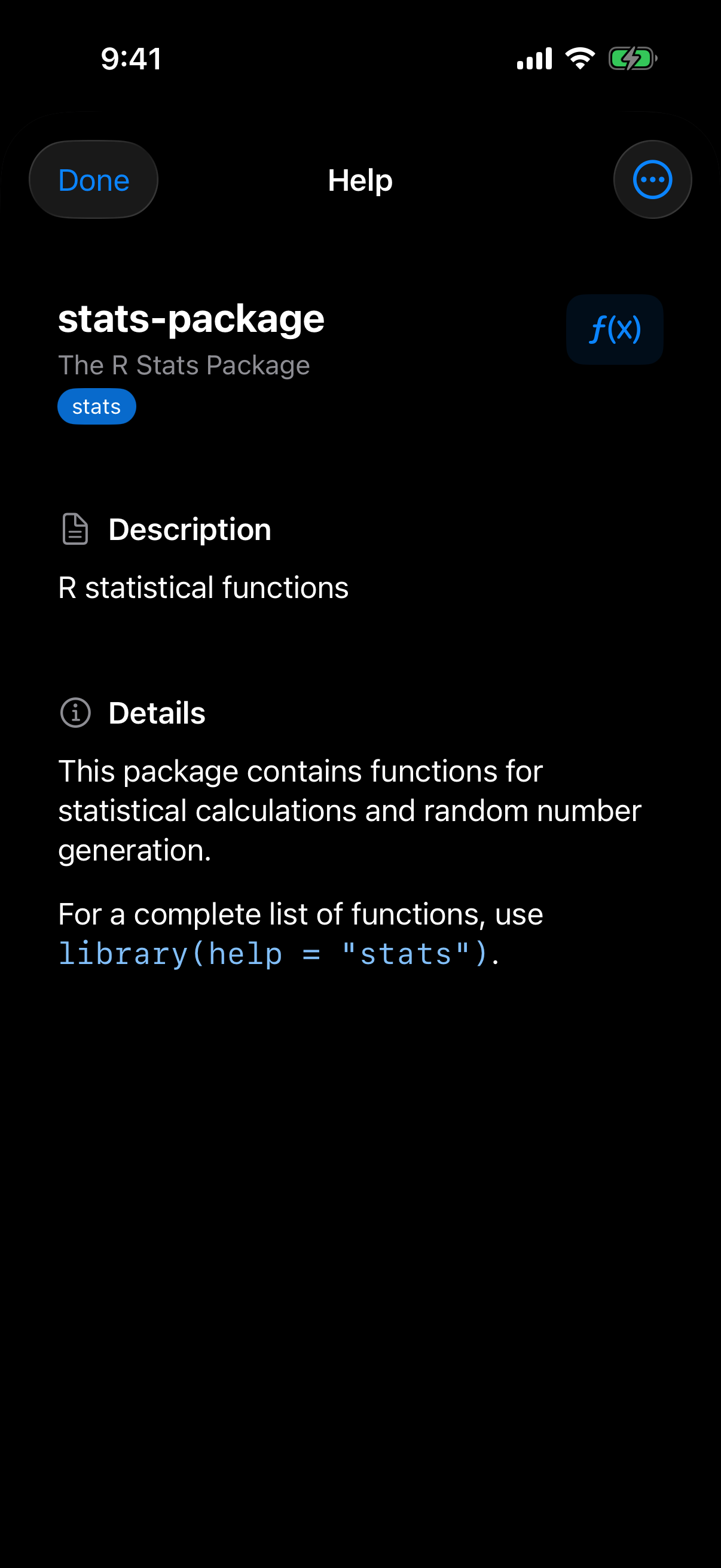
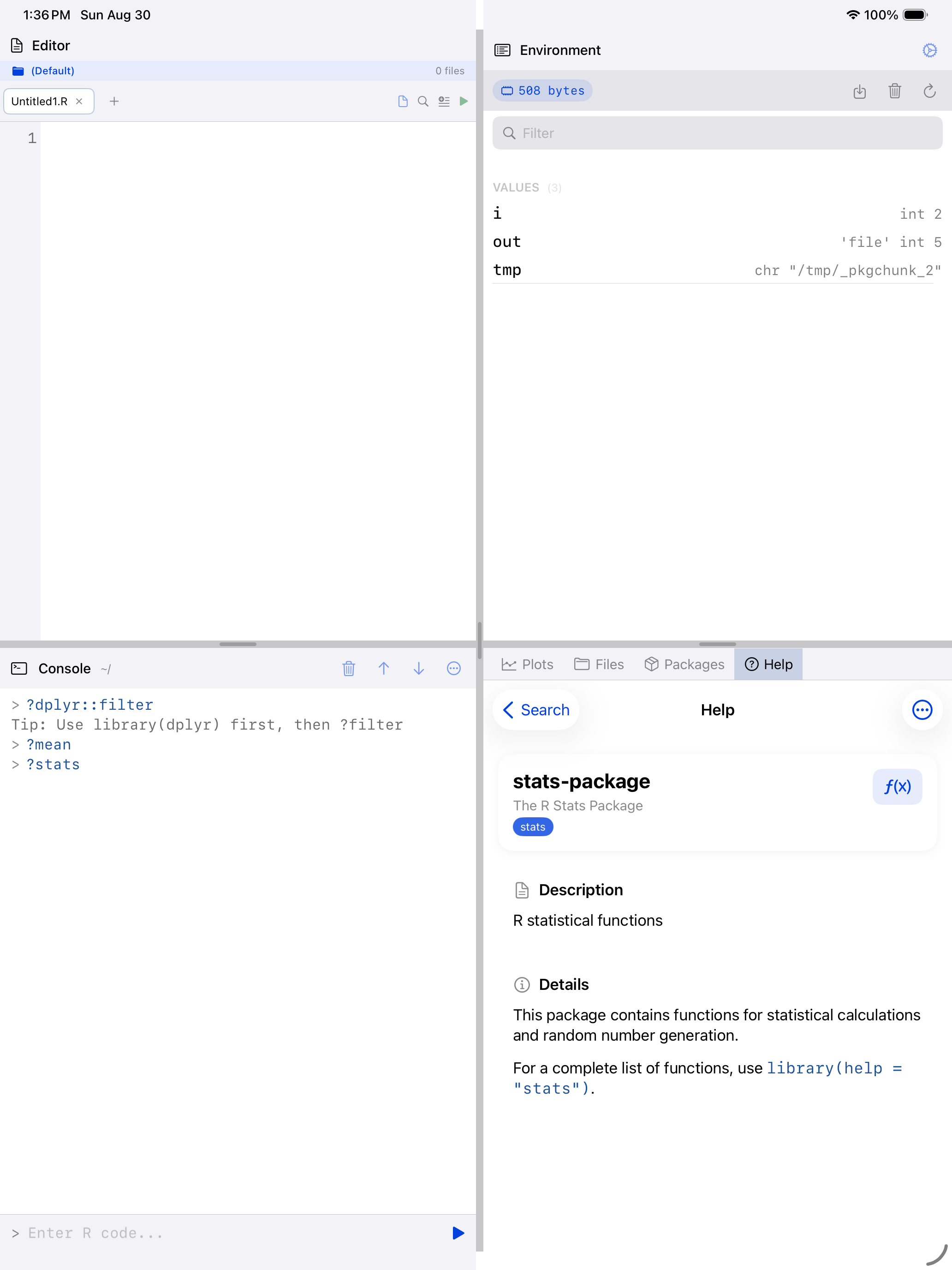
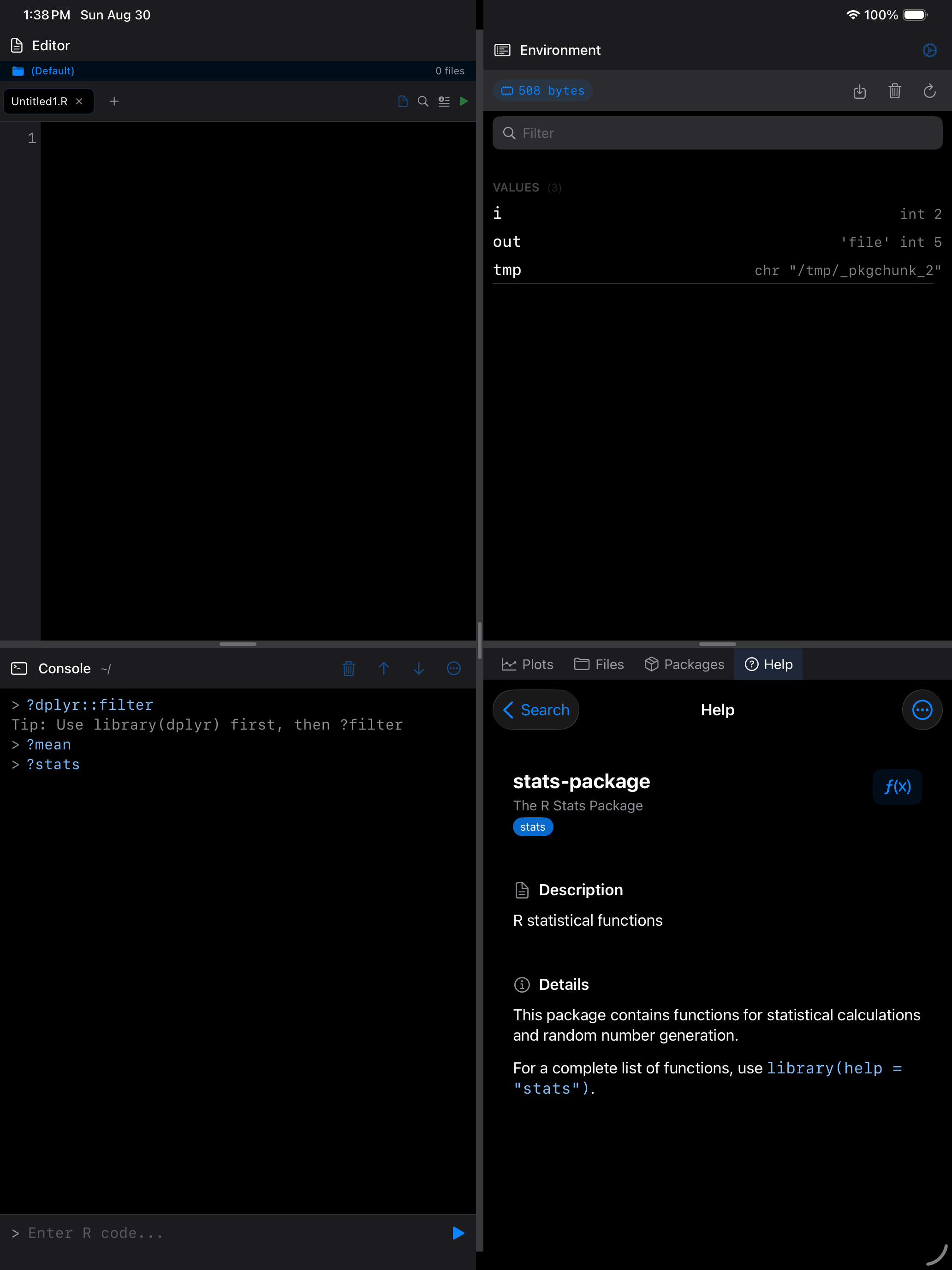
Use ?package_name to browse a package’s full function index. This is a quick way to discover what a package offers.