Network Access
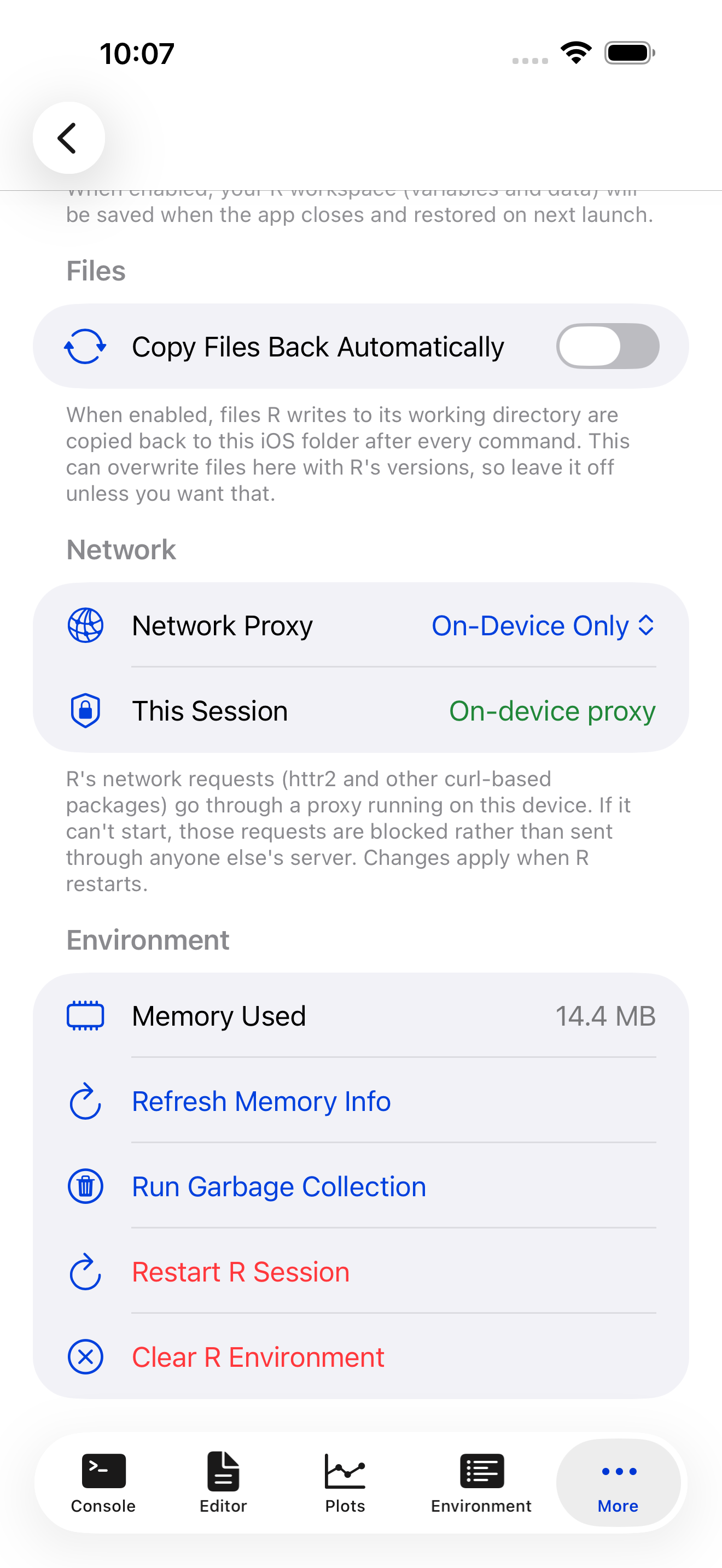
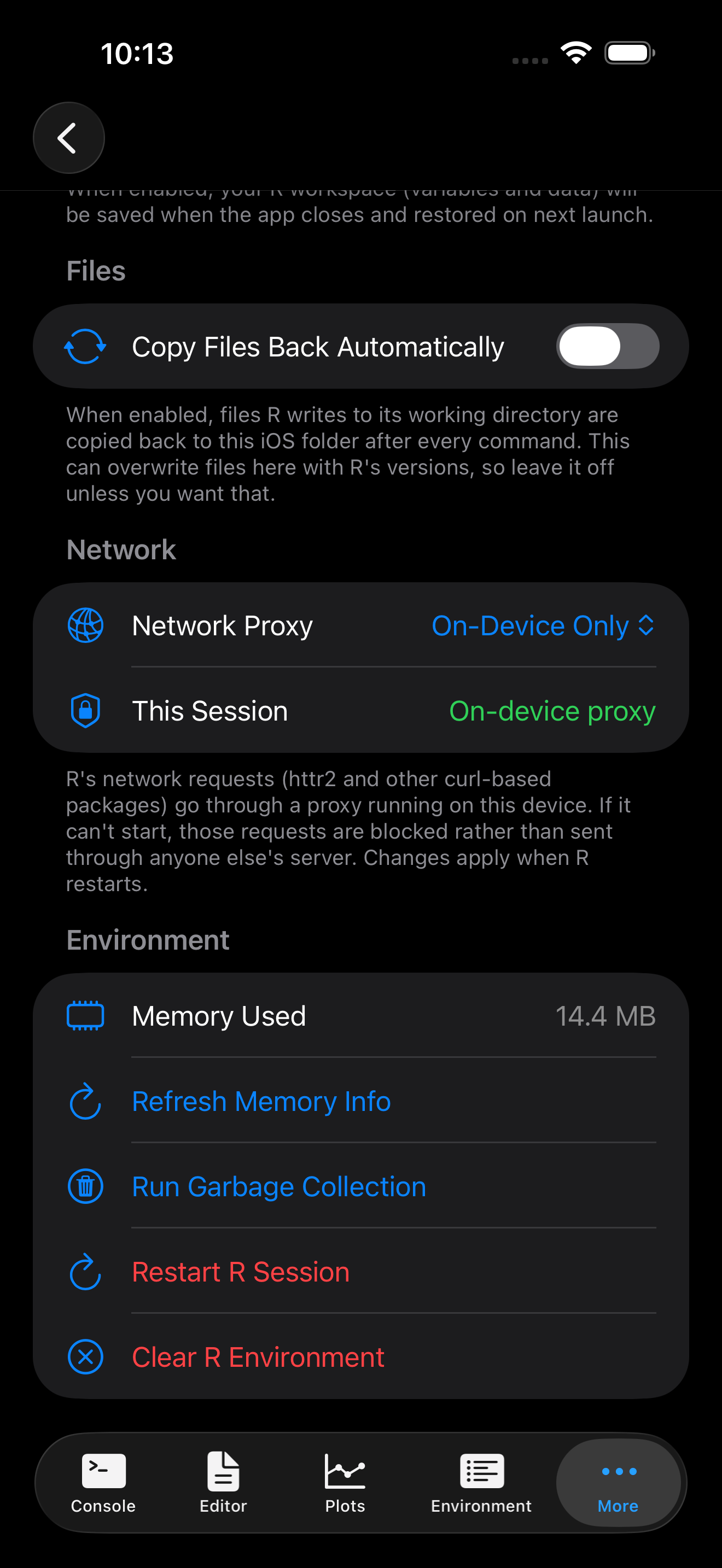
R code that fetches from the internet goes through a proxy on your device. Settings > R Session > Network holds the setting, and Known Issues the mechanism and its limits.
The on-device proxy
The WebAssembly version of R has no sockets, so curl can’t open a connection. webR tunnels those connections over WebSockets through a SOCKS proxy, and webRios runs that proxy inside the app. Requests go straight from your device to the site.
Choosing a route


| Setting | Effect |
|---|---|
| On-Device Only (default) | Requests go through the proxy inside the app. If it can’t start, curl requests are blocked and you are told. They are never rerouted. |
| On-Device, Public Fallback | The same, but if the proxy can’t start, requests go through a public proxy hosted at r-universe.dev, and you are told. |
| Public Proxy | Every request goes through the public proxy. The on-device one is not started. |
This Session shows the route the running session uses. A change applies when R restarts, and Restart R to Apply appears until it does.
A sample run
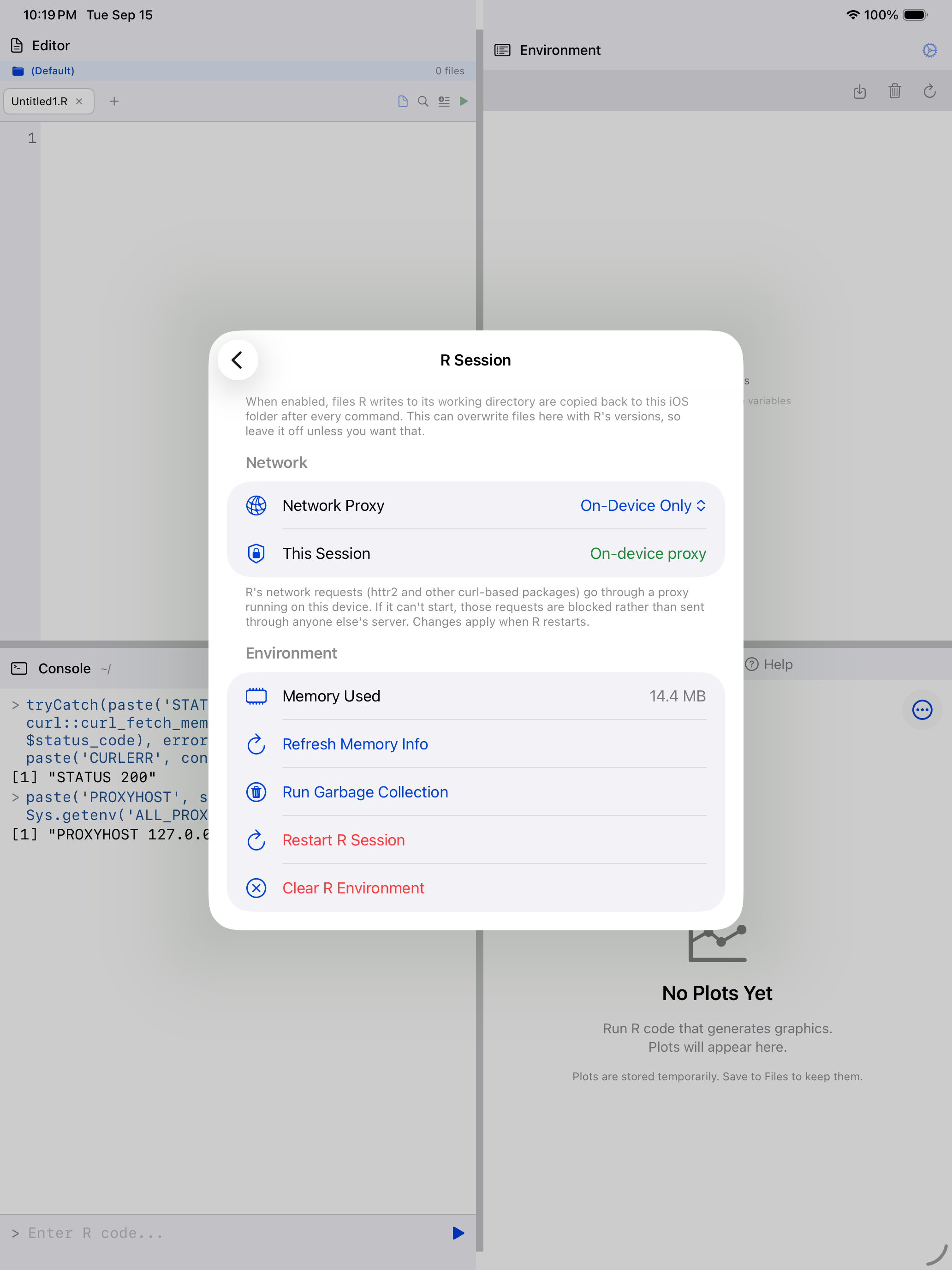
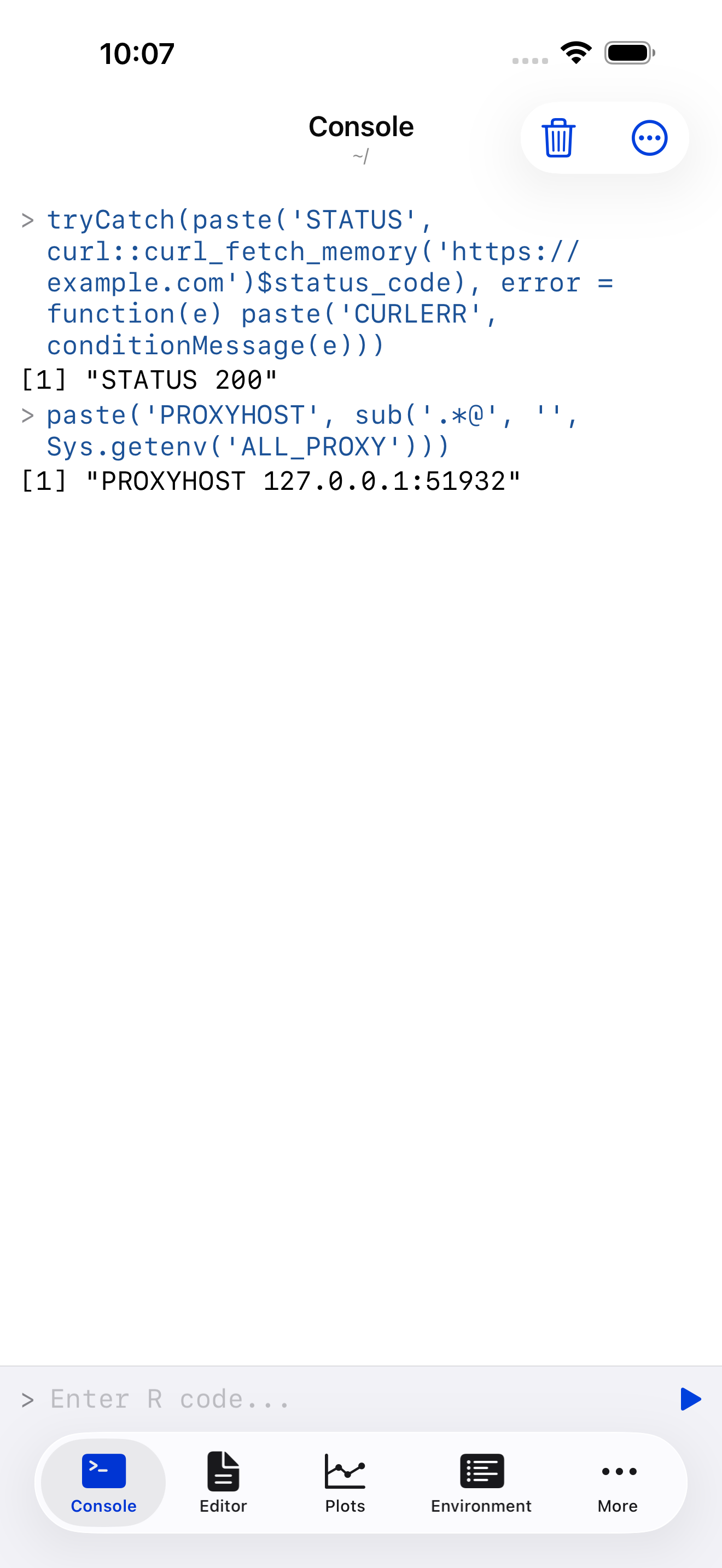
This code installs curl, fetches a web page and prints the HTTP status. R runs it on your device, and the request goes out through the proxy inside the app.
install.packages("curl")
library(curl)

r <- curl_fetch_memory("https://example.com")
r$status_code
#> [1] 200
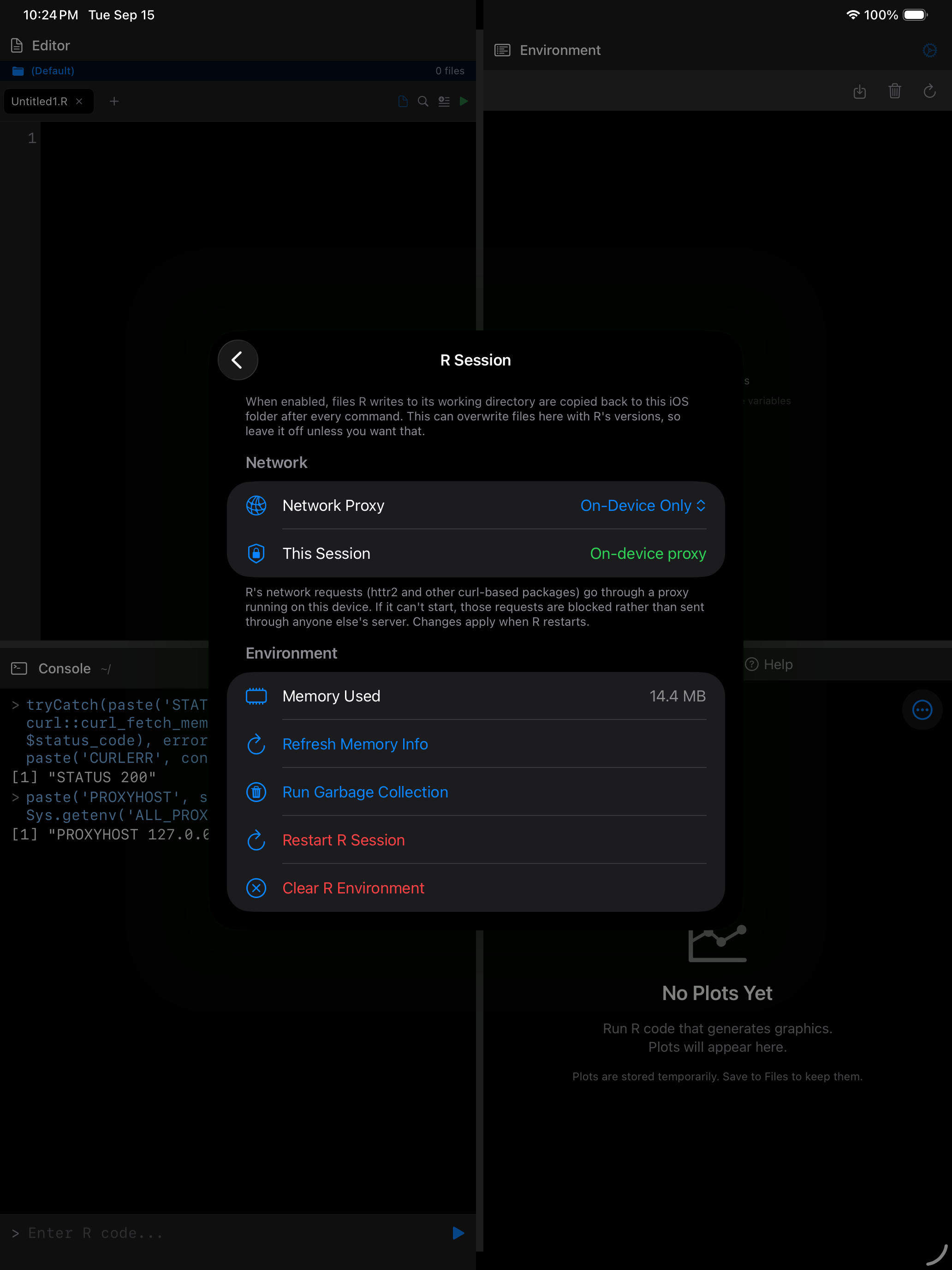
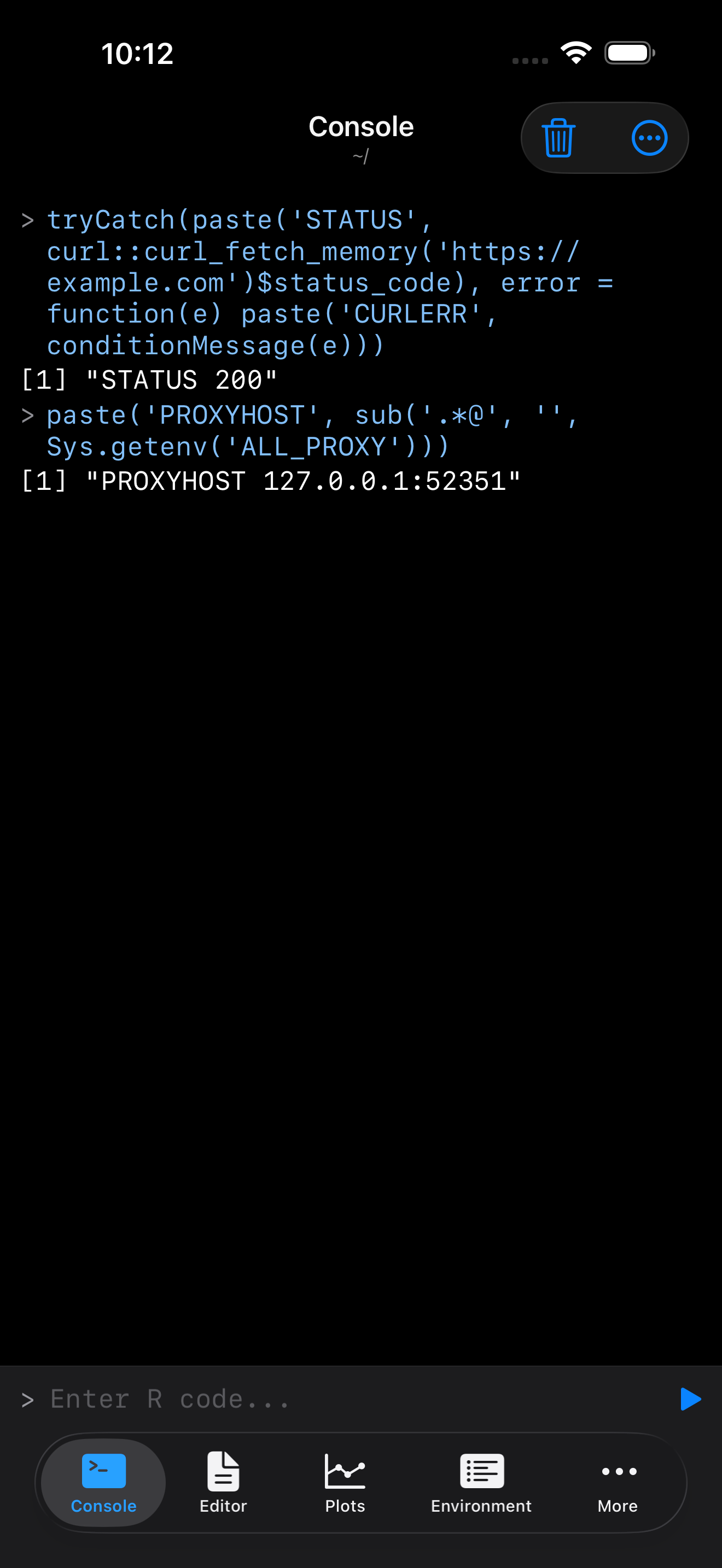
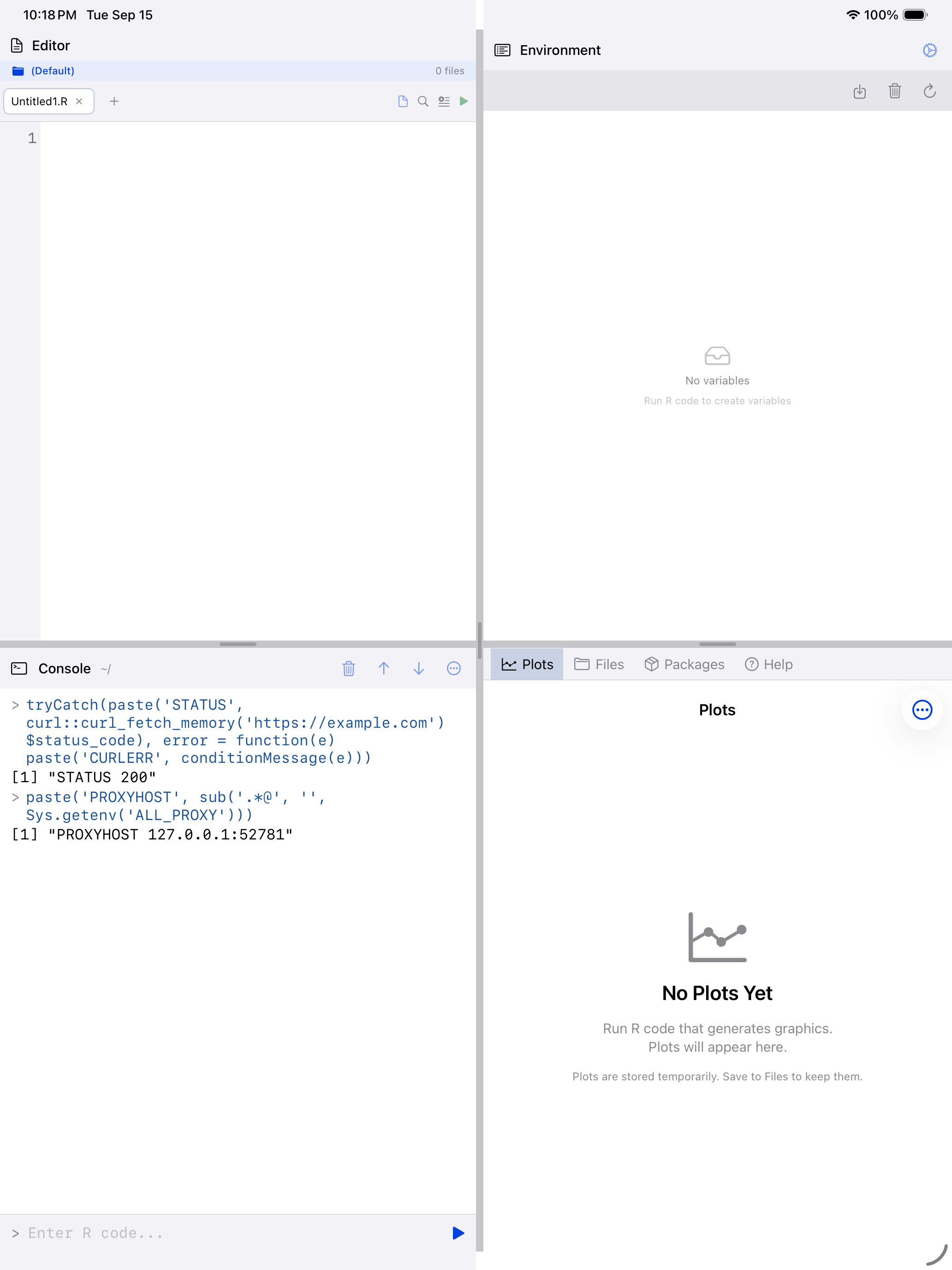
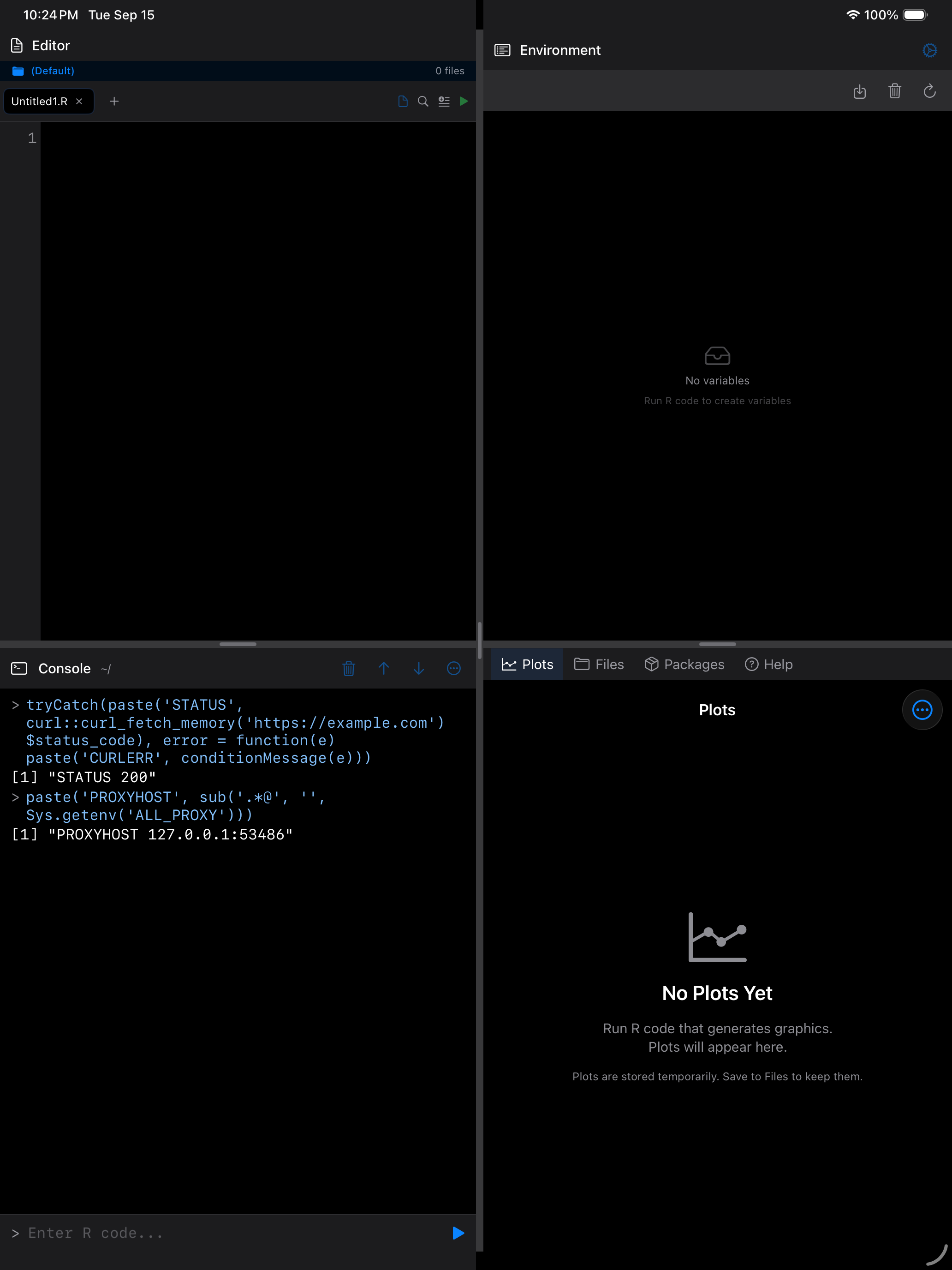
A status of 200 means the site answered. The screenshot adds the proxy’s address, 127.0.0.1, which is your own device.
The route in use
Settings shows the route, and so does R. This line prints the proxy address from ALL_PROXY, without its credential:
sub(".*@", "", Sys.getenv("ALL_PROXY"))
#> [1] "127.0.0.1:52341"
The sub() strips a per-launch credential, which has no business on screen or in a saved script.
| Address | Route |
|---|---|
127.0.0.1:<port> |
The on-device proxy |
ws.r-universe.dev:443 |
The public proxy |
on-device-proxy-unavailable://… |
Blocked. curl requests fail immediately |
ALL_PROXY is set when curl first loads, and reads empty until then.
Using the public proxy
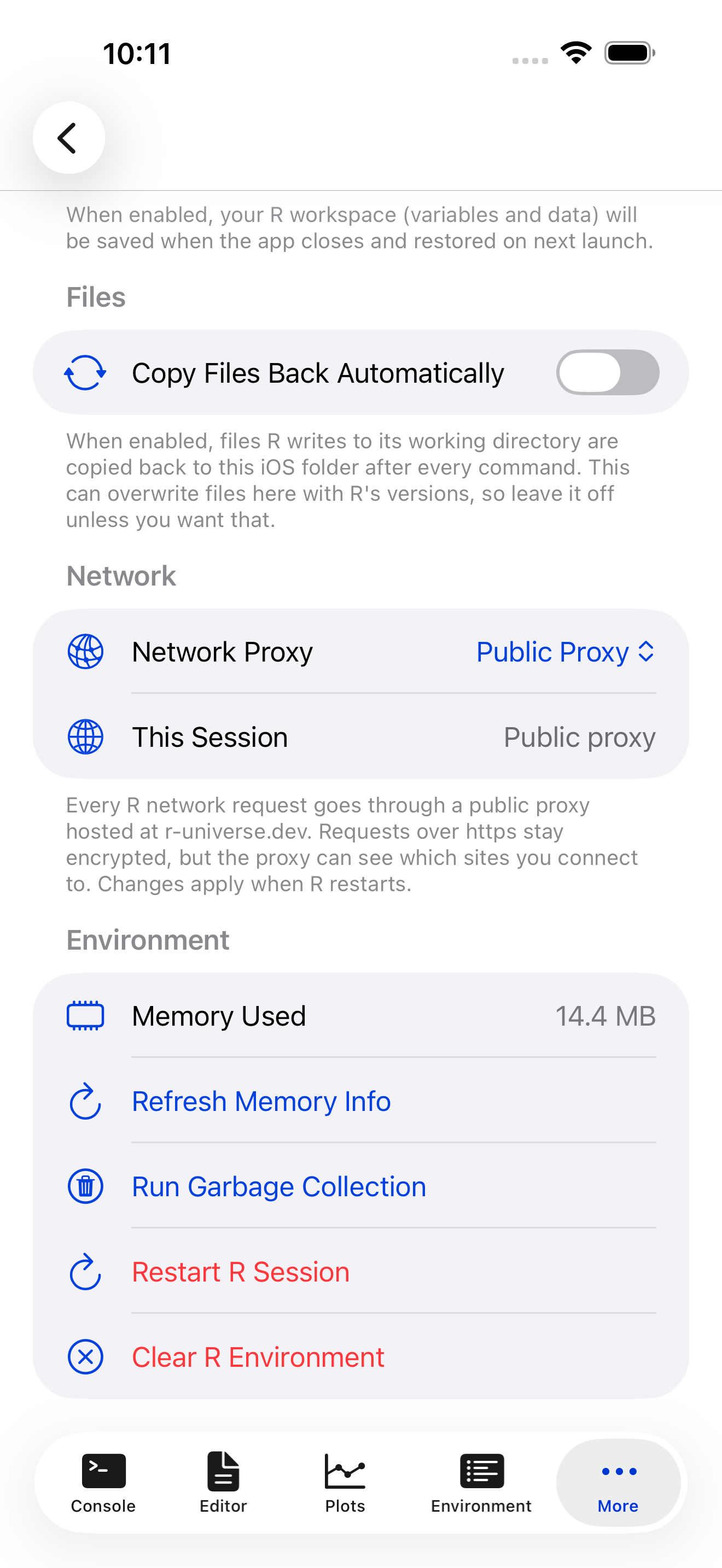
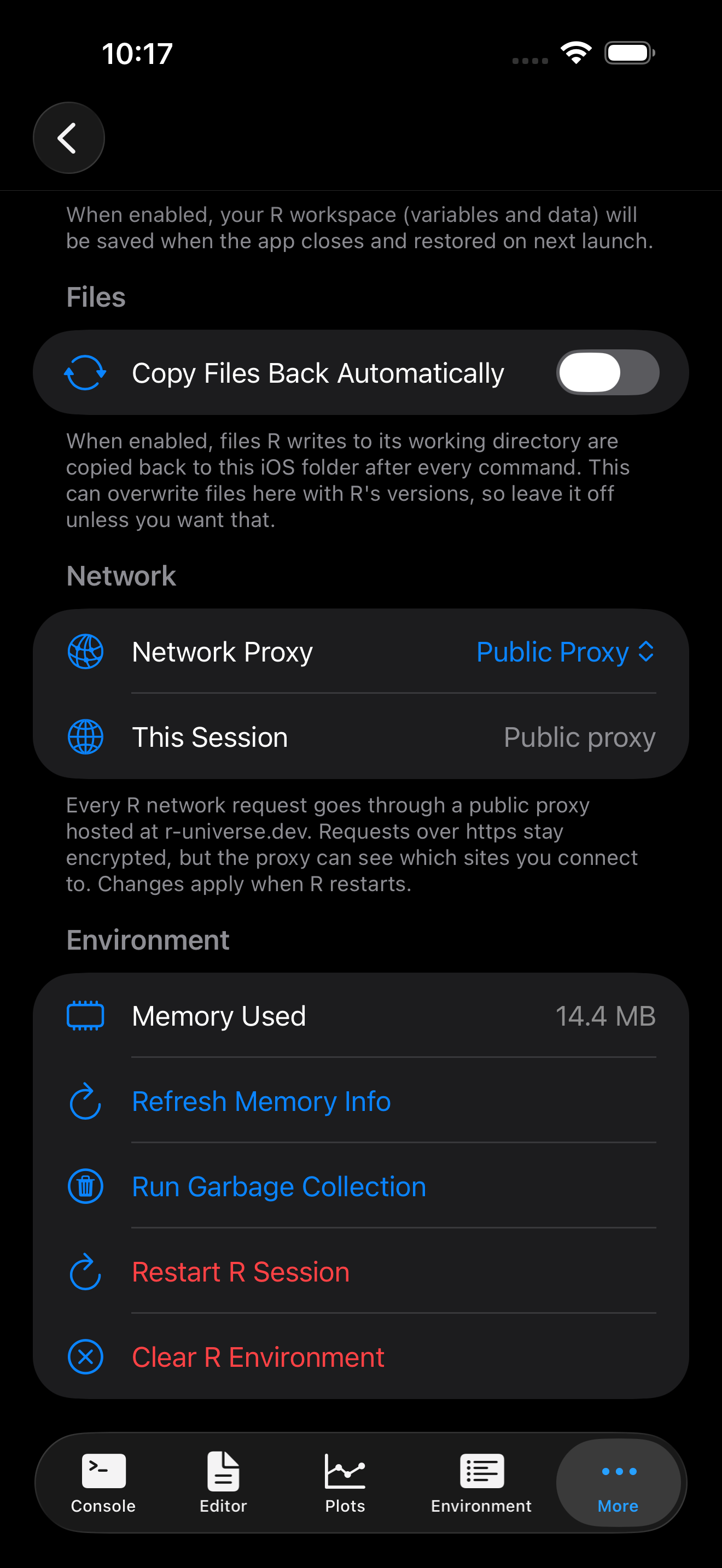
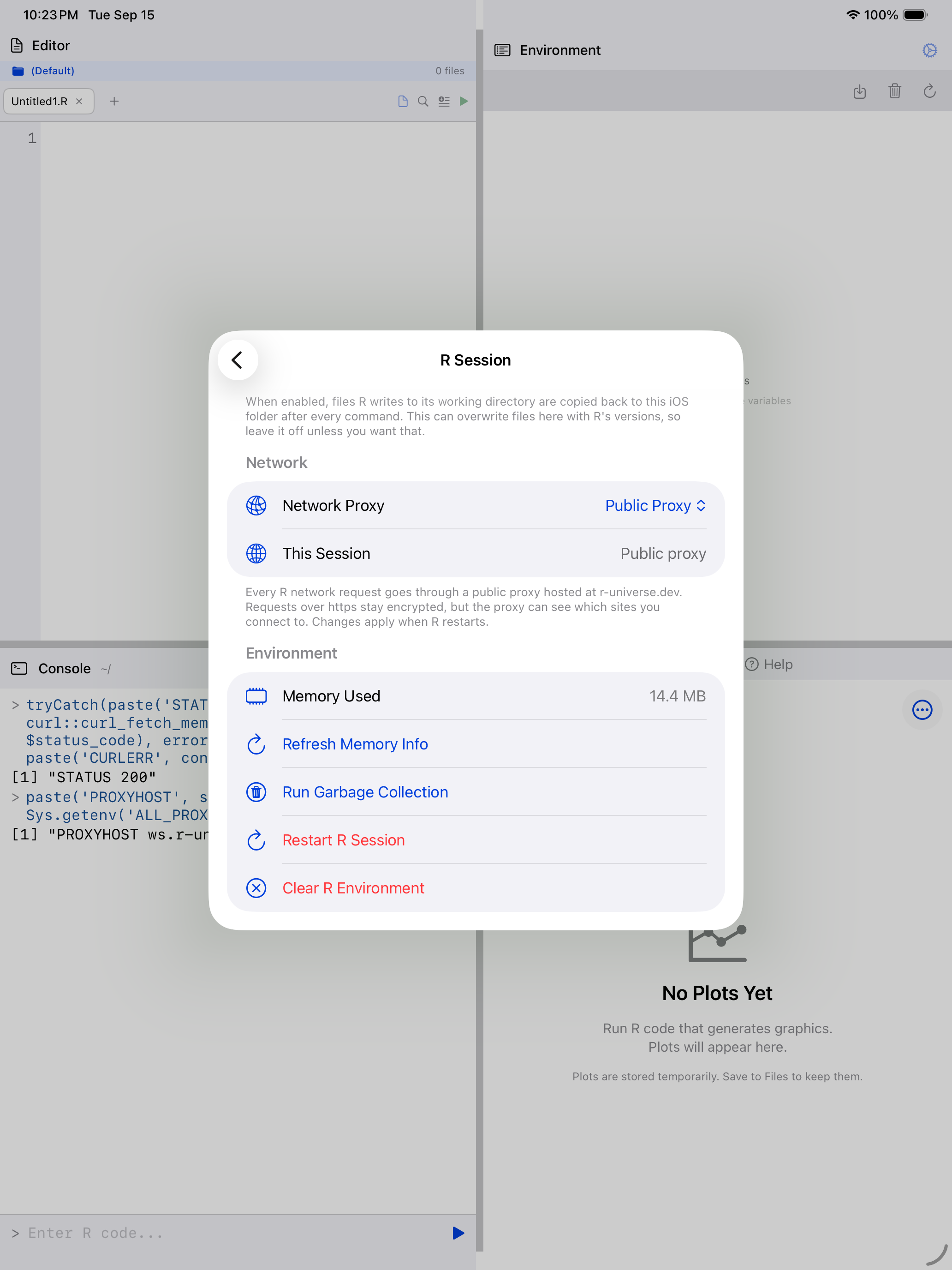
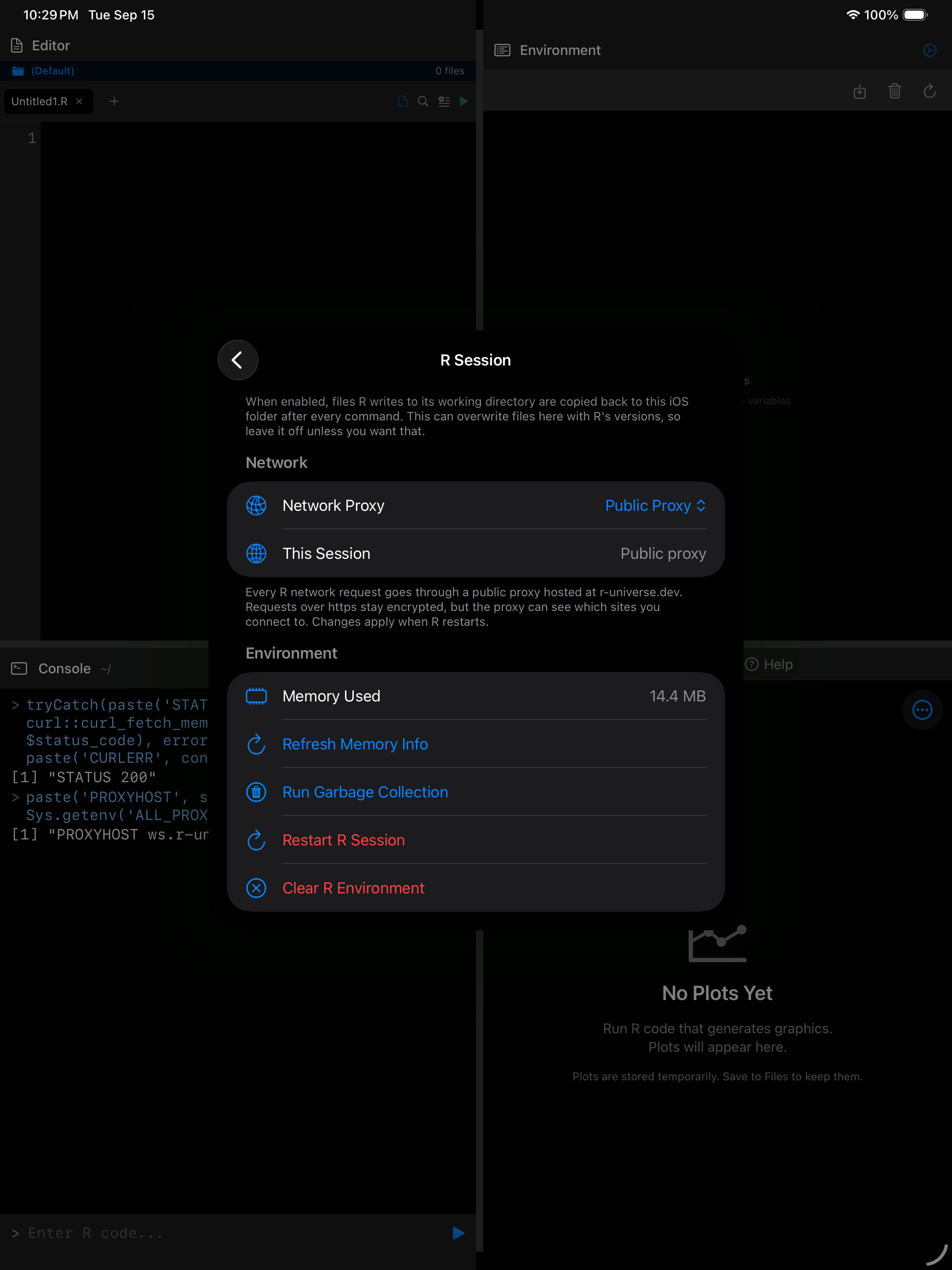
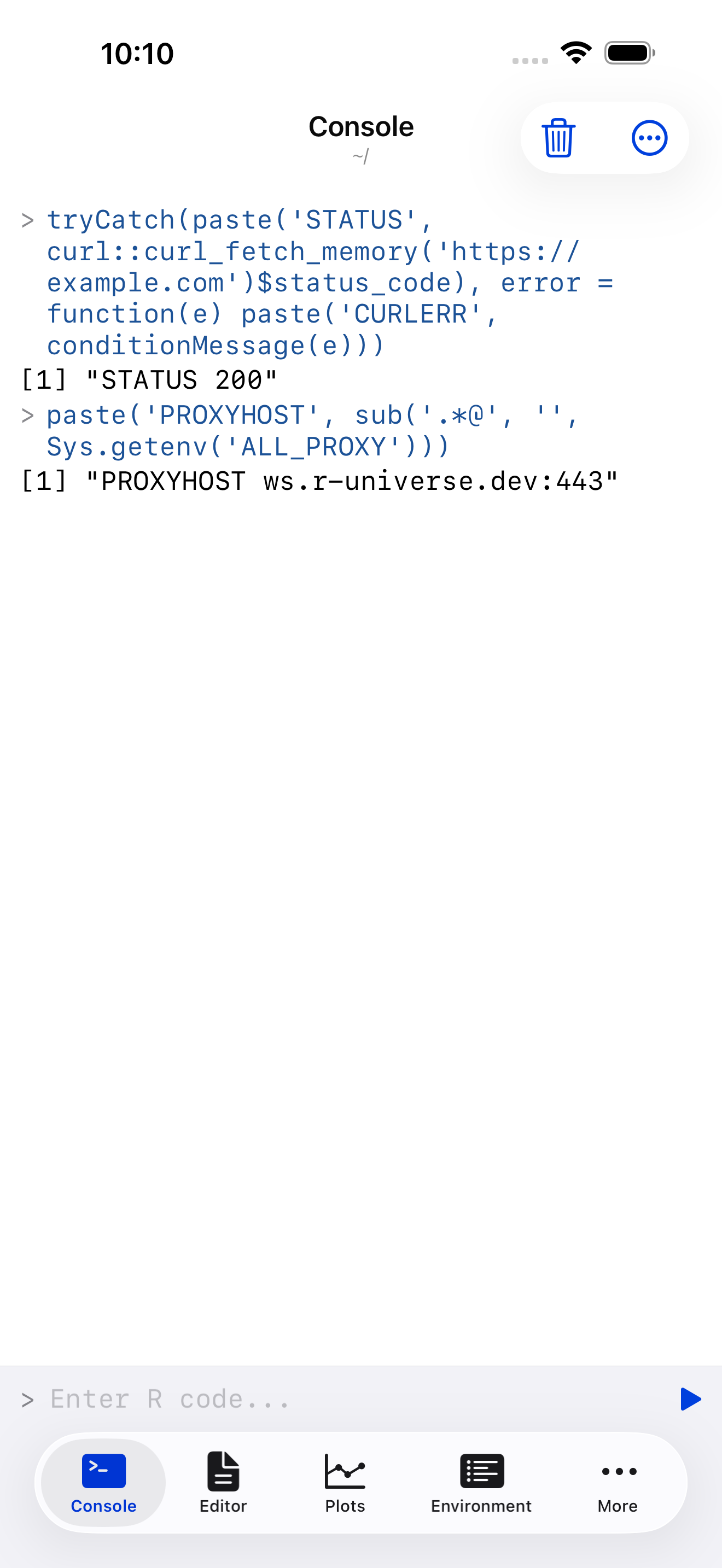
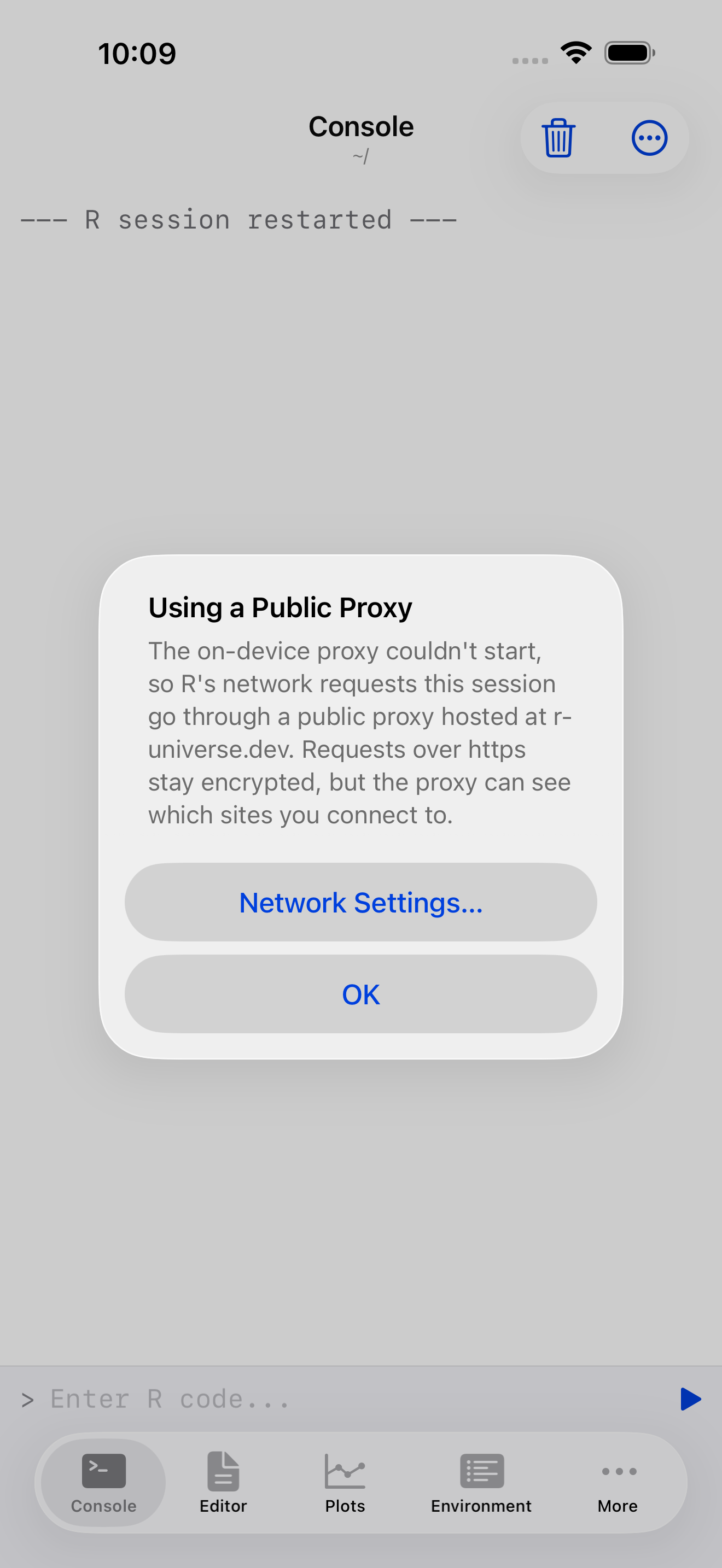
The public proxy is the one the WebAssembly build of curl uses on its own, outside webRios. It is a shared service with public credentials, not run by us. It can see your IP address and which sites you connect to, but not the contents of https requests, which R encrypts with the site itself. R also contacts r-universe.dev to find the proxy when the session starts, before any request of yours.
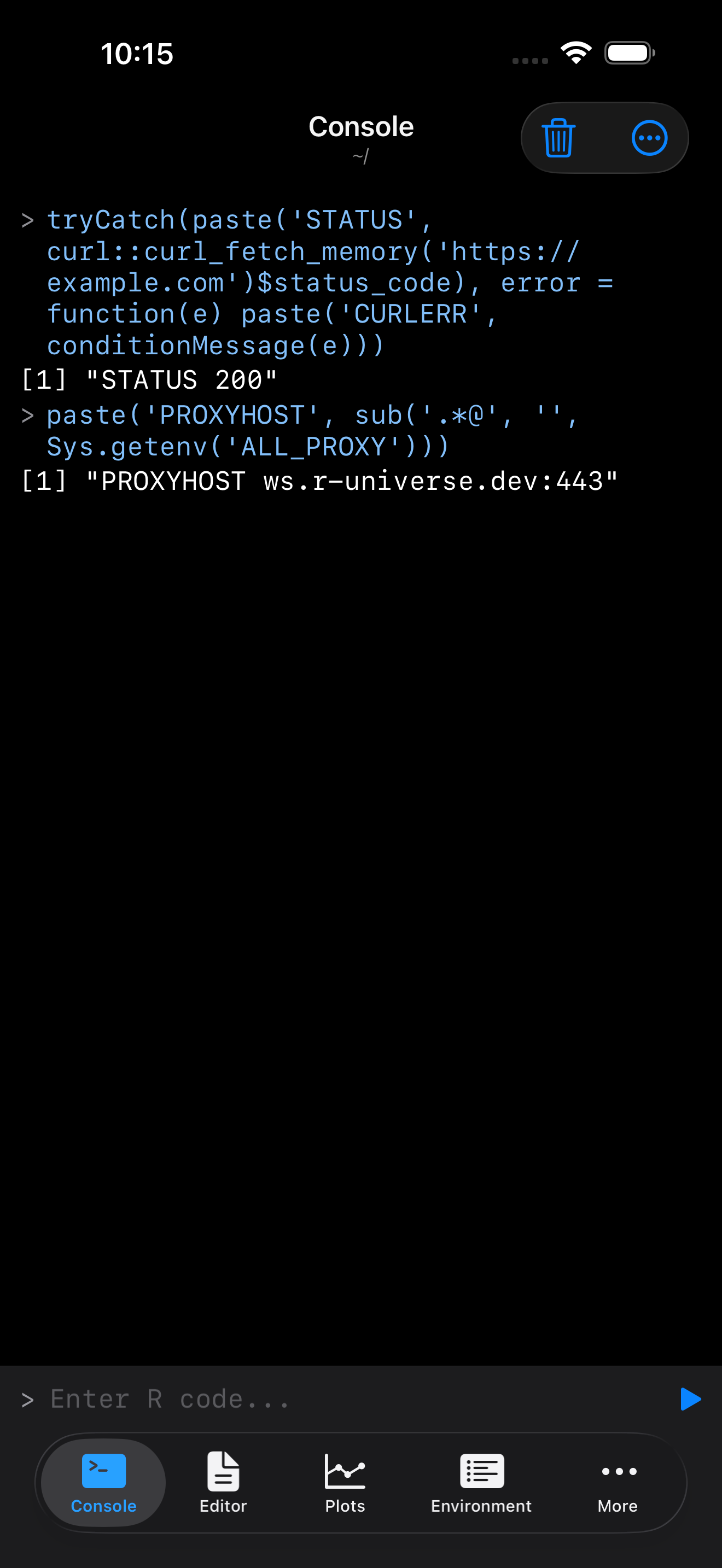
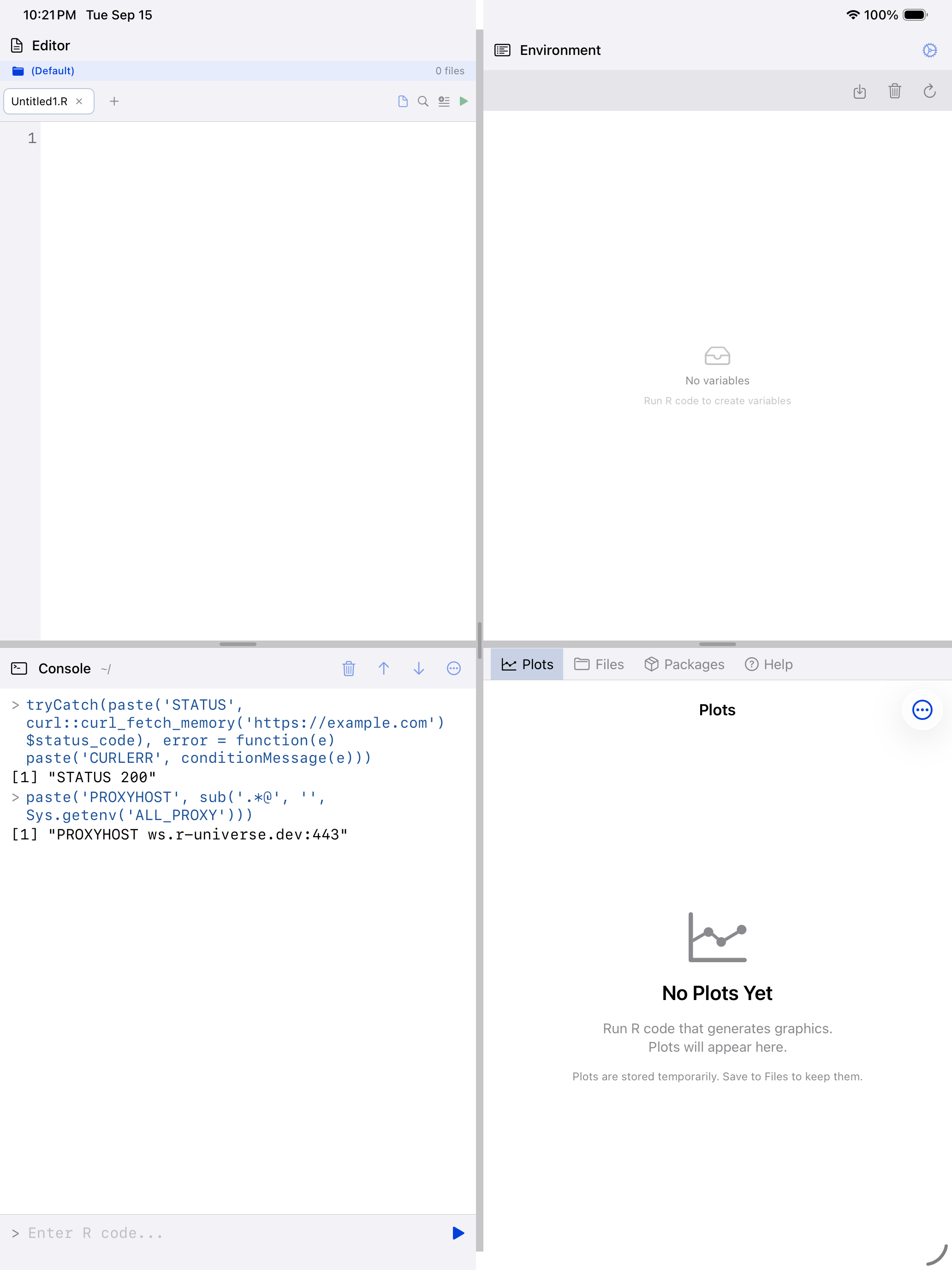
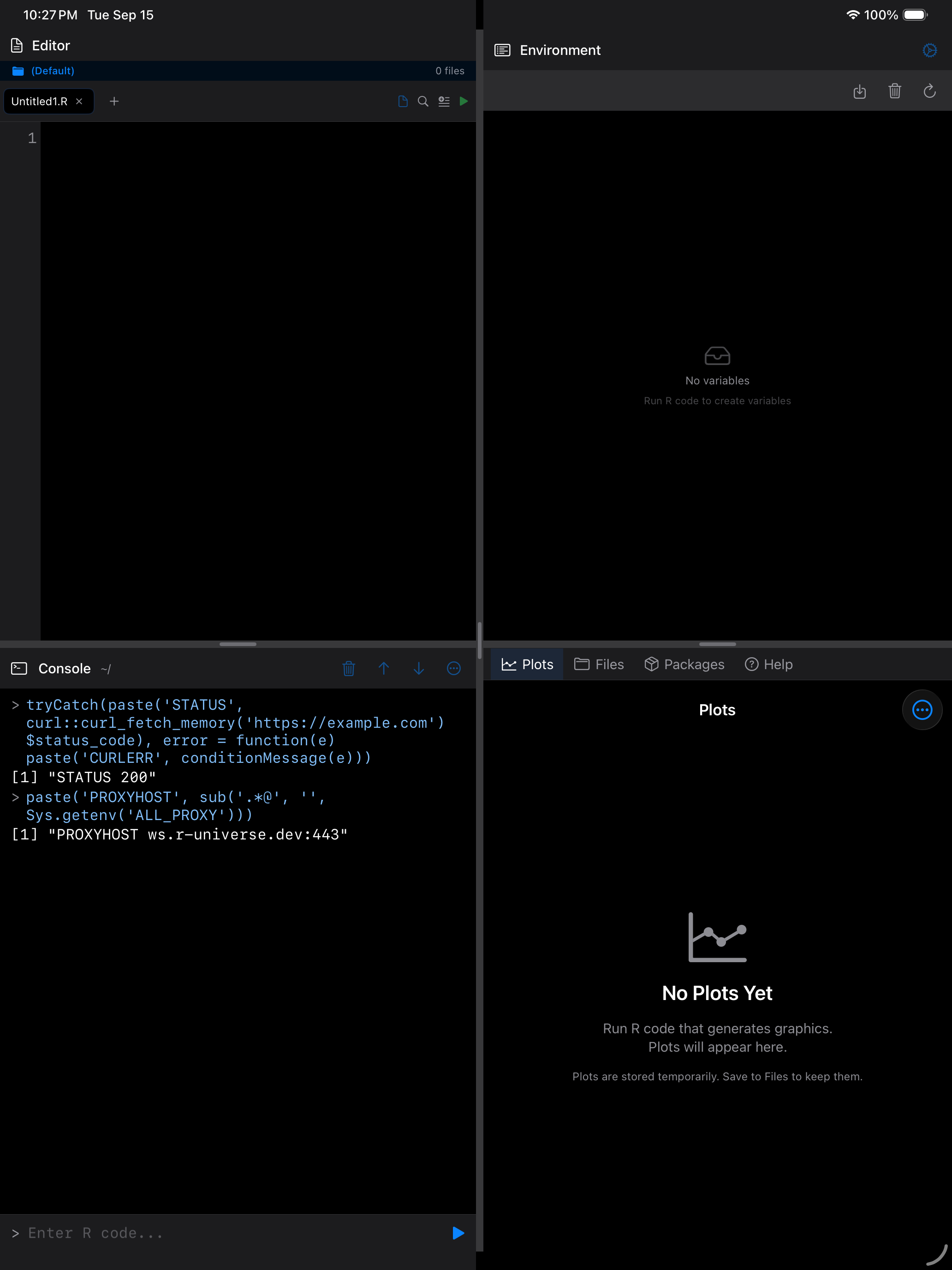
A session on the public proxy reports the r-universe address.
A proxy that fails to start
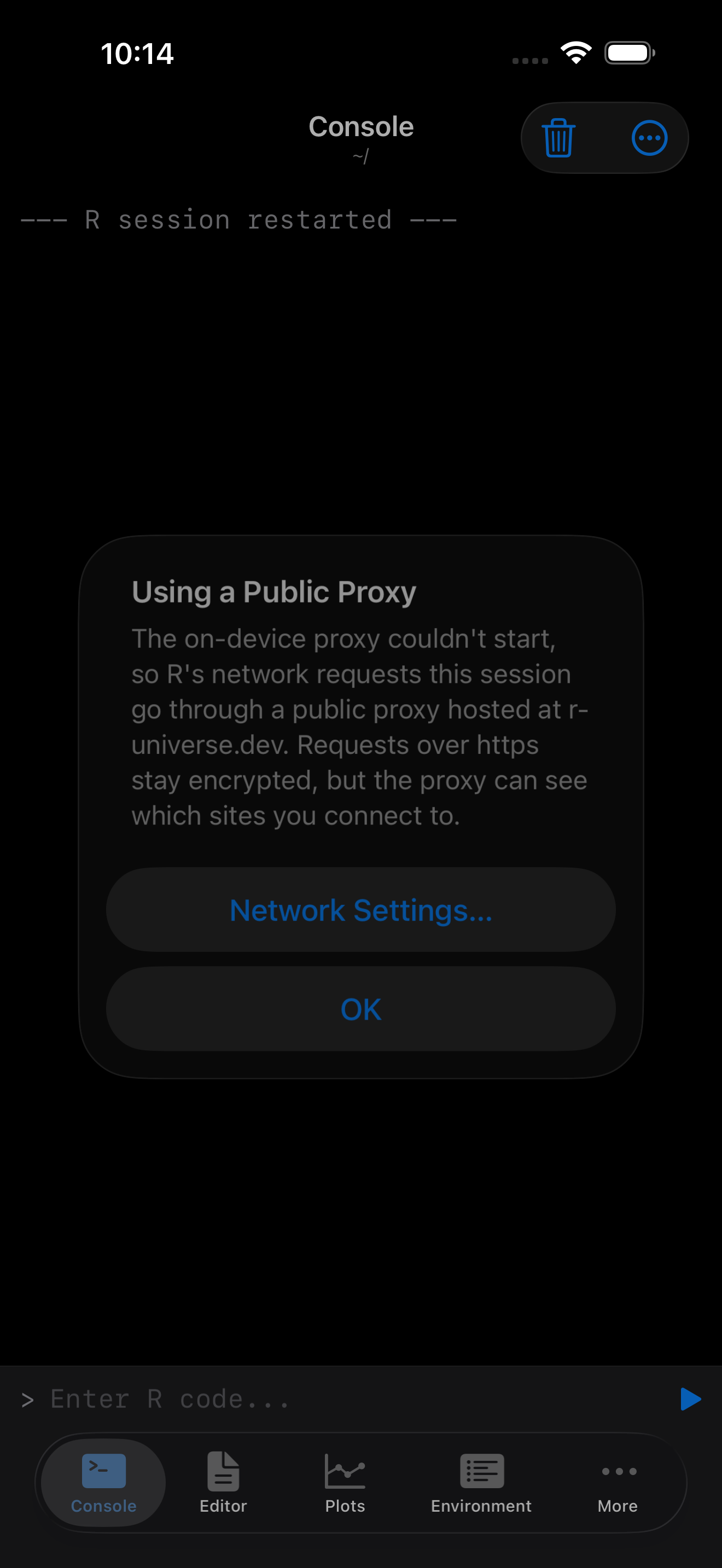
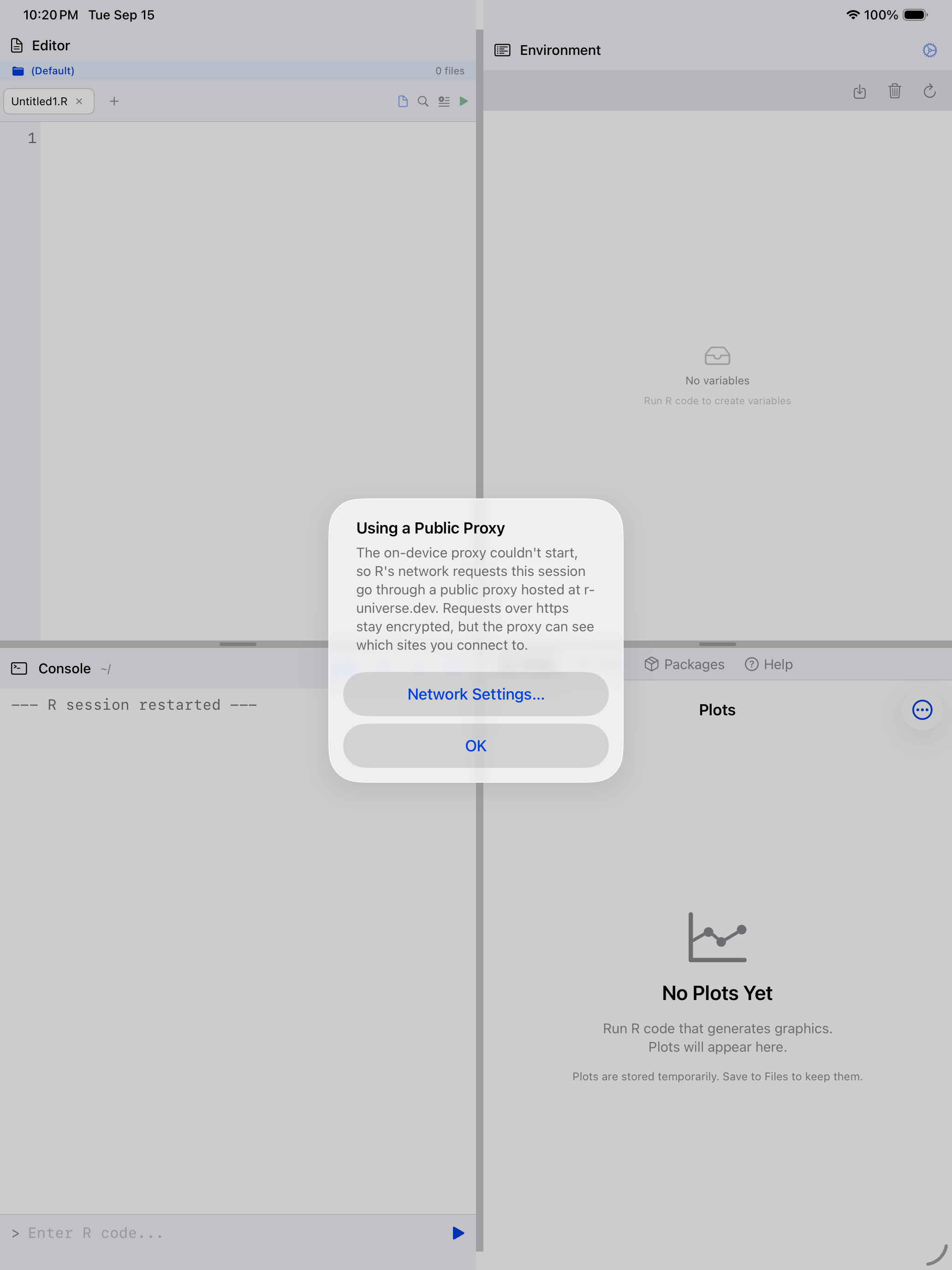
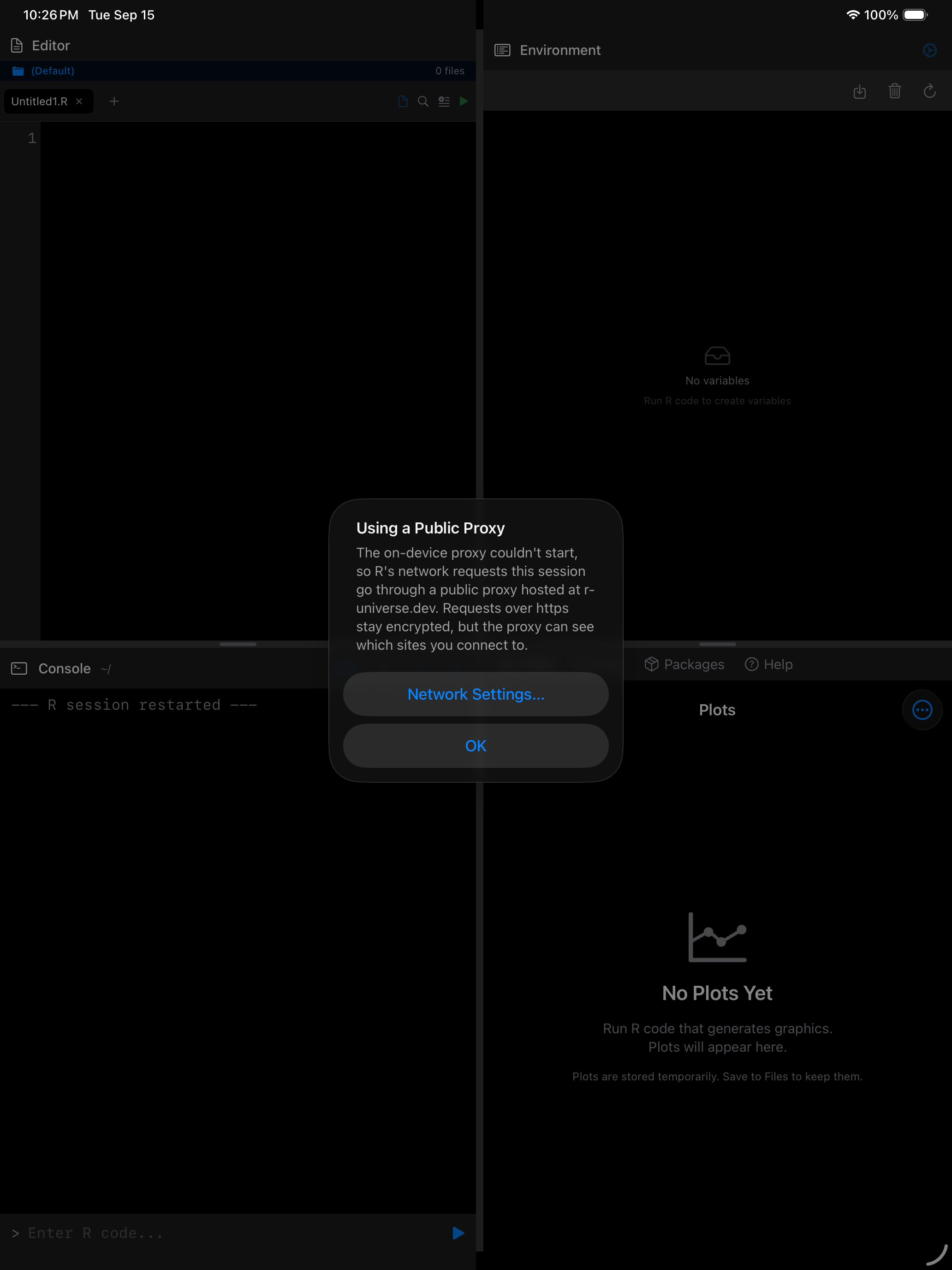
You are told once per launch, and the alert offers to allow the public proxy.
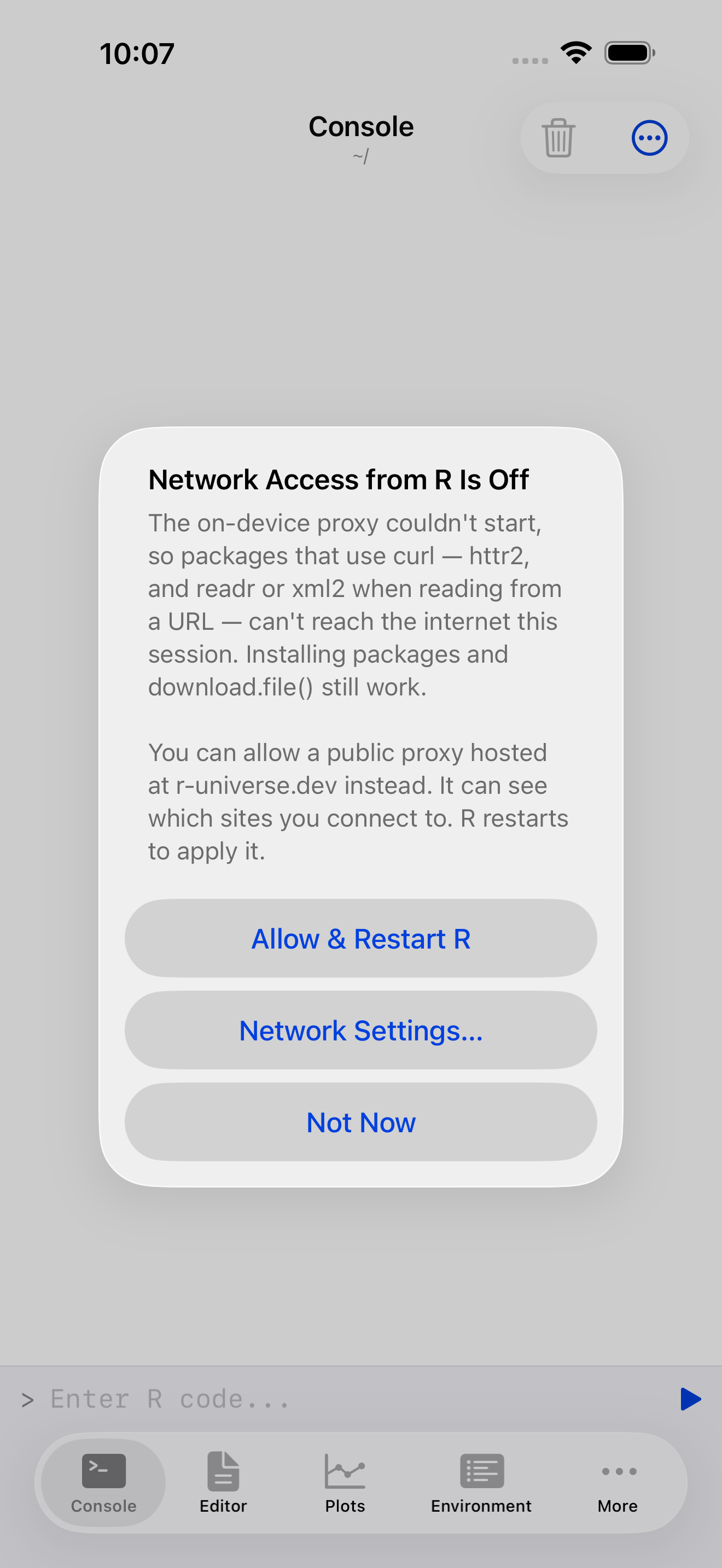
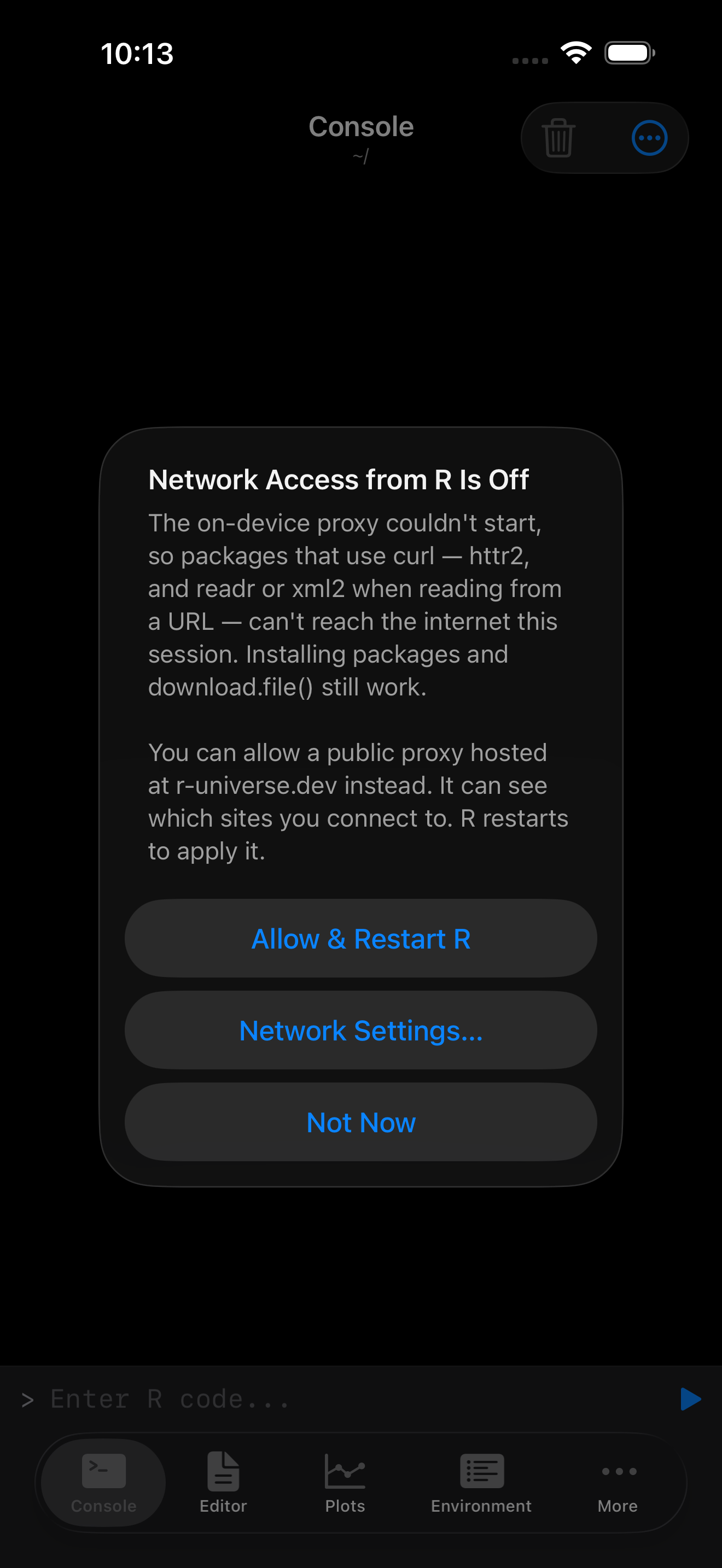
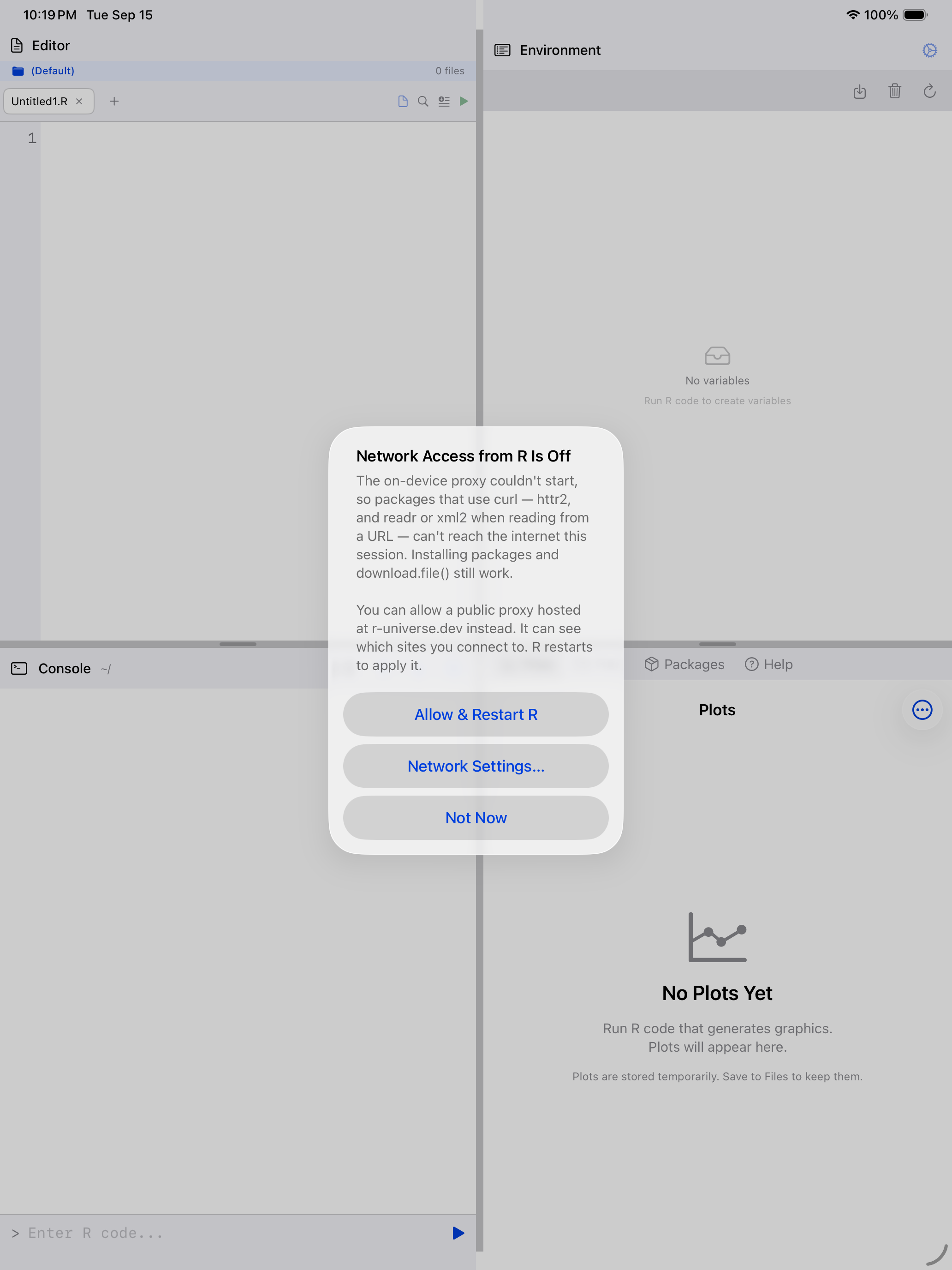
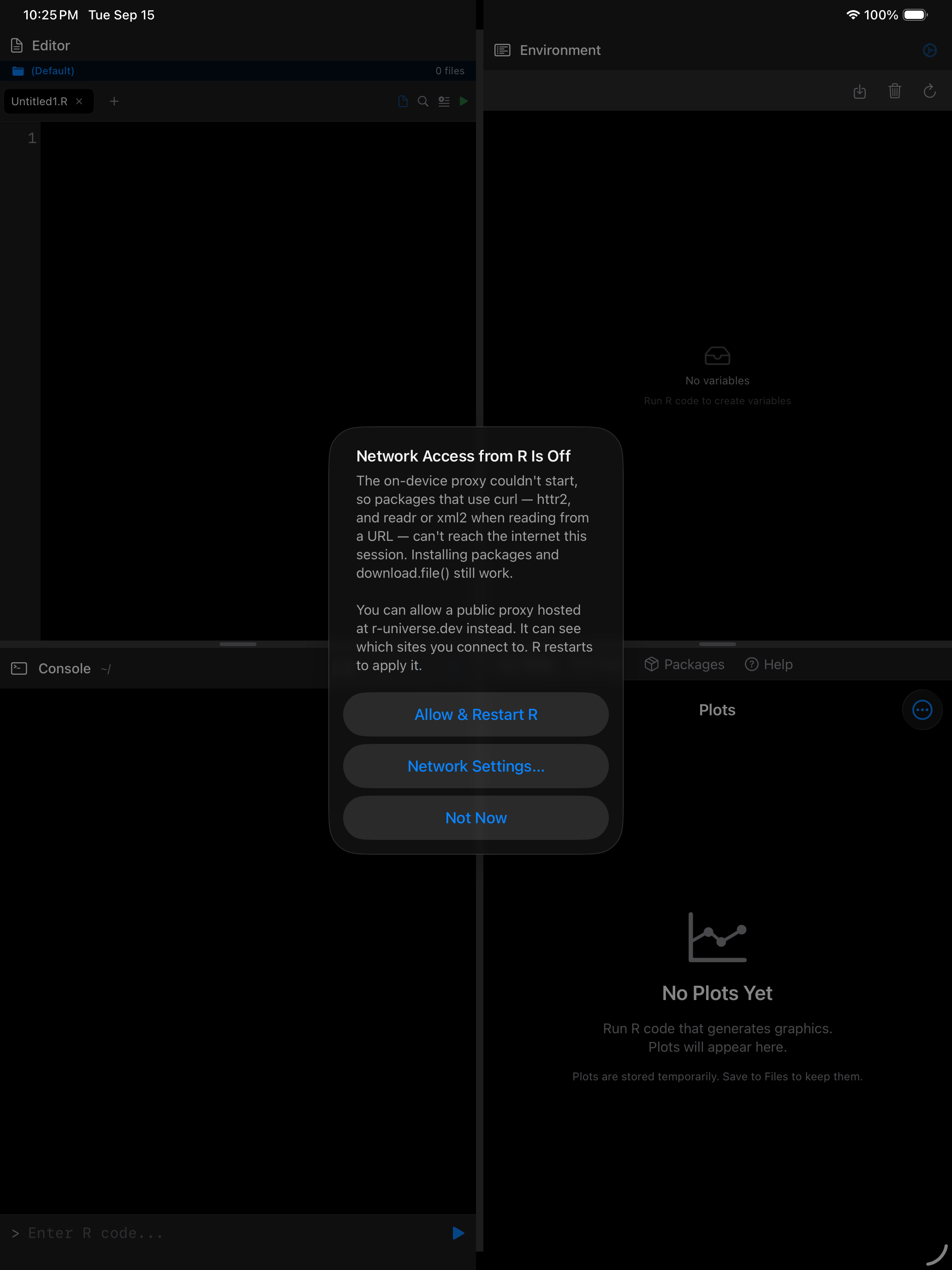
Until you do, curl requests fail immediately, naming the reason.
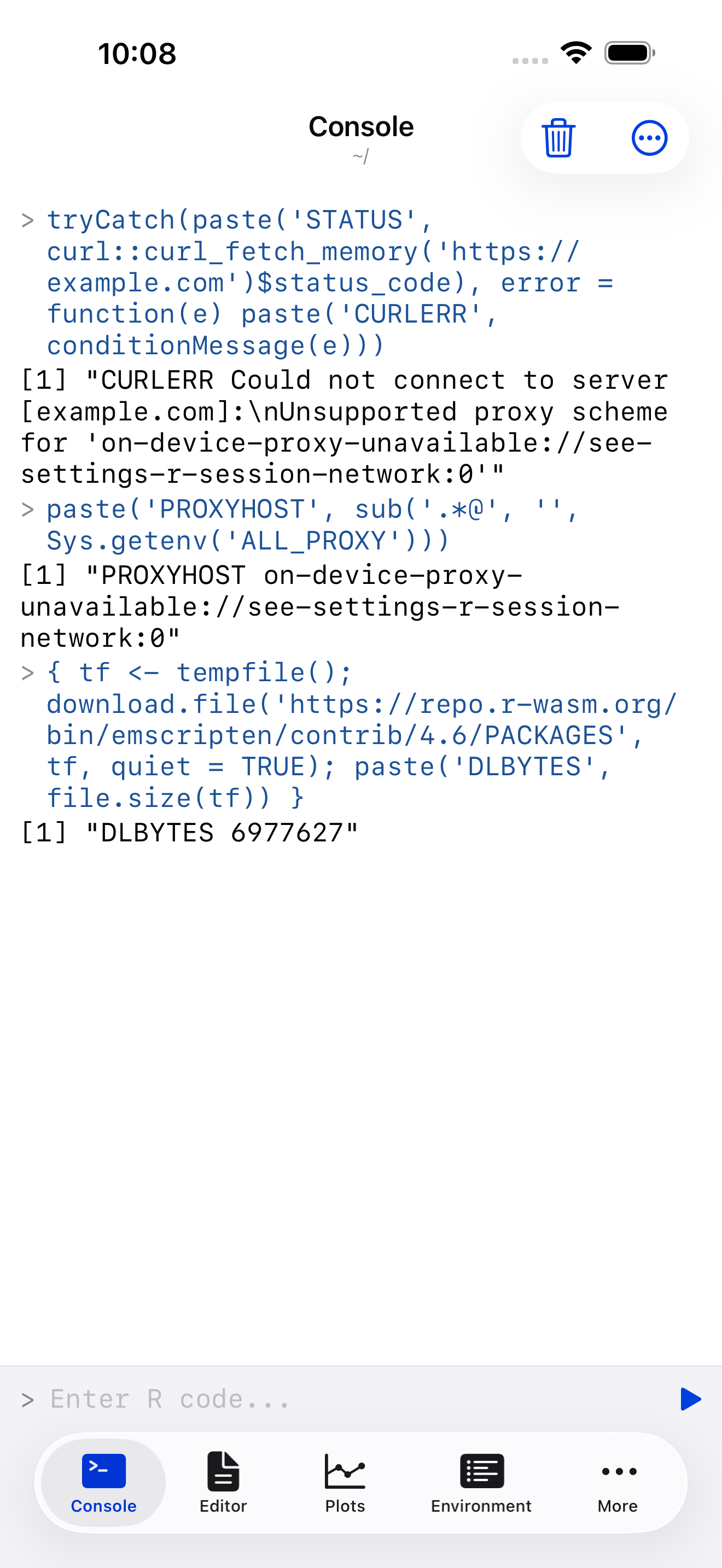
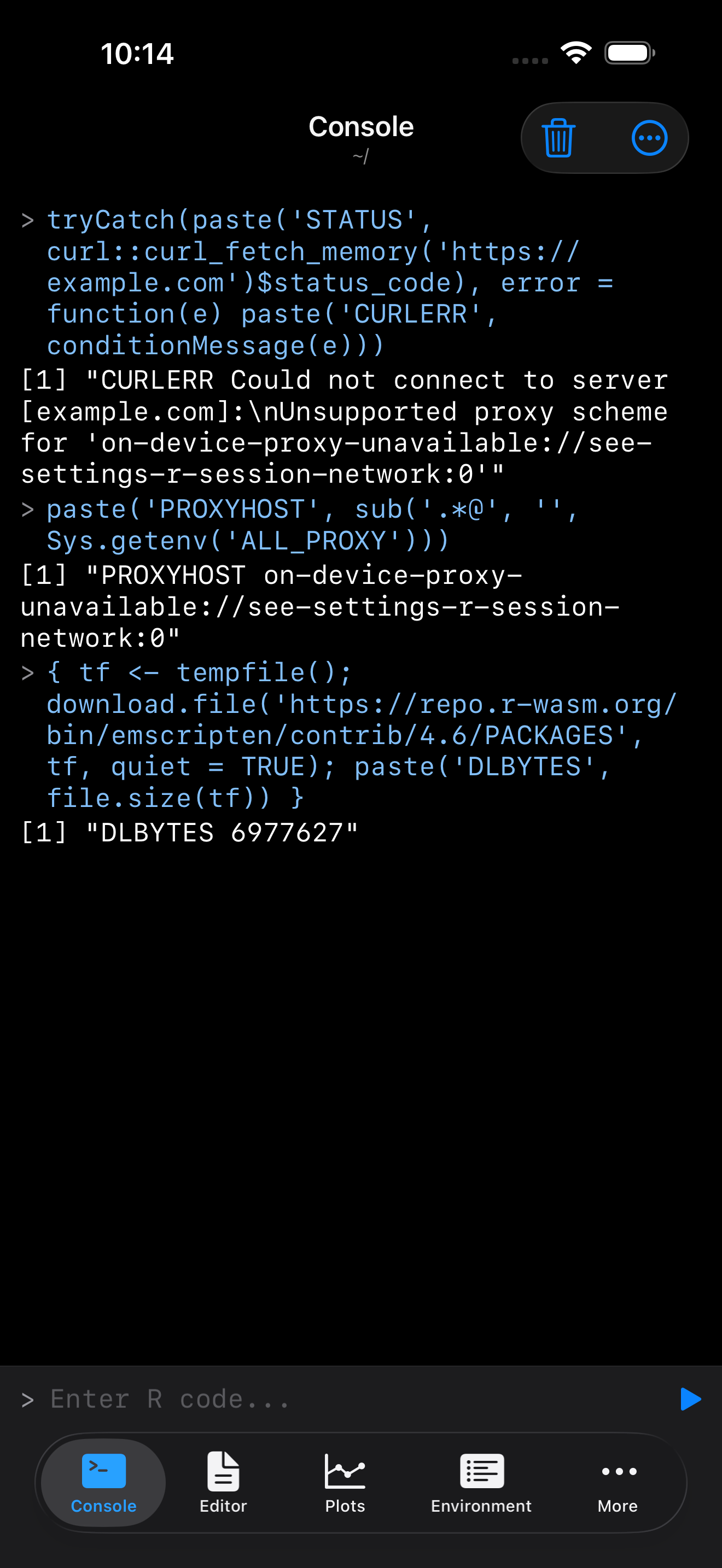
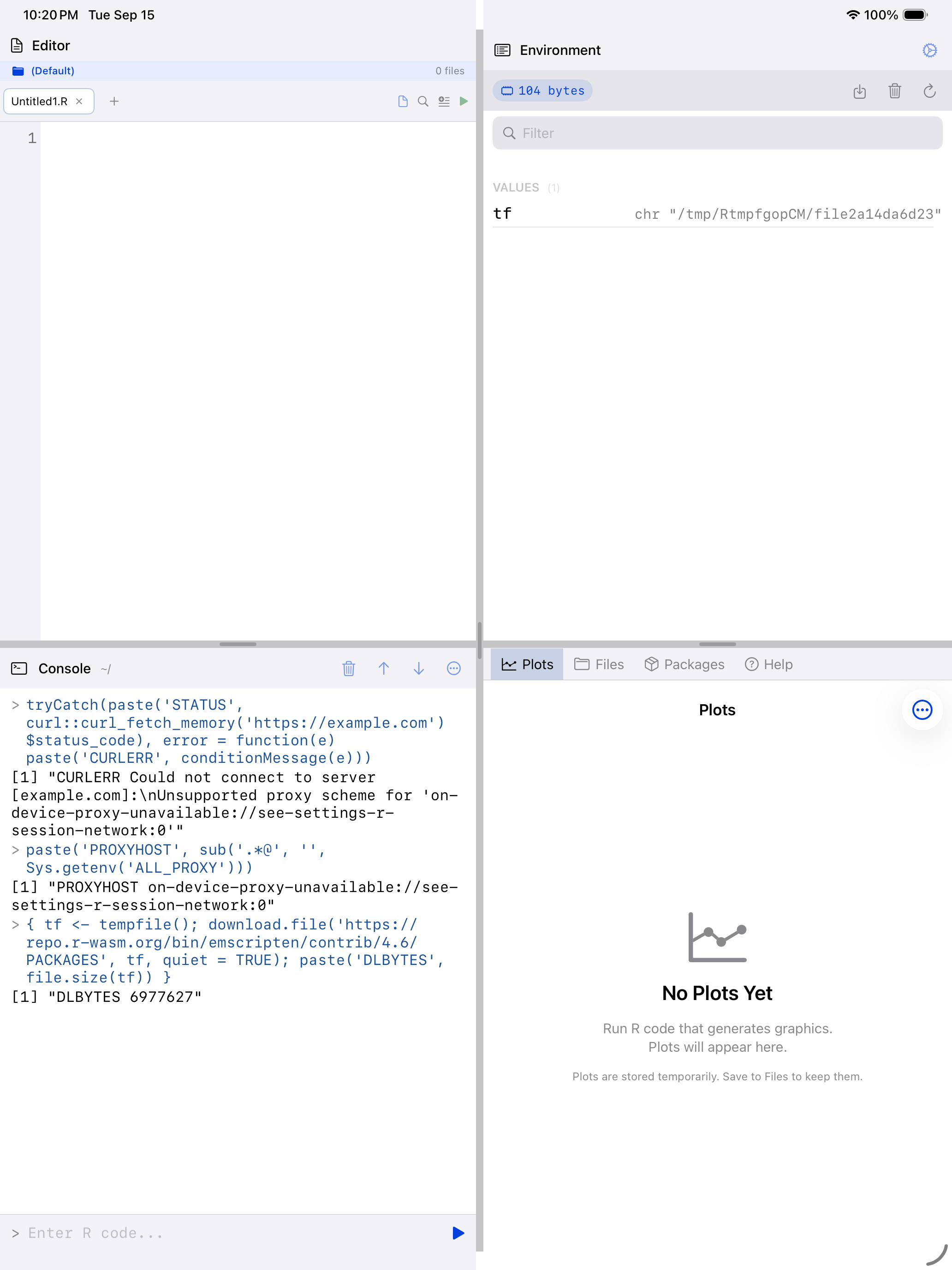
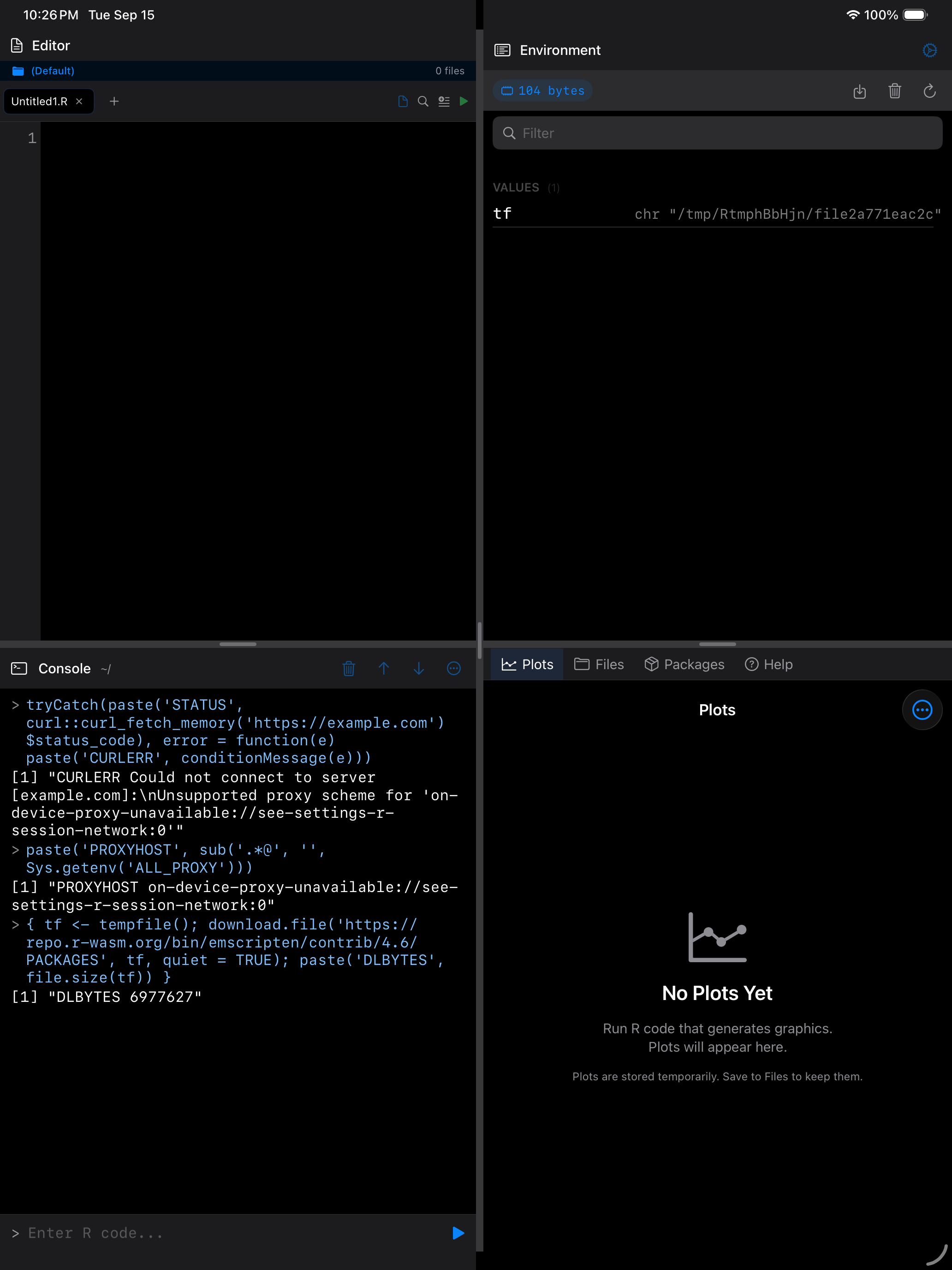
This affects httr2, and readr, vroom or xml2 reading from a URL, since they switch to curl once it is installed. Package installs and download.file() keep working.
Allow the fallback and R restarts on the public proxy, and says so.
After the app has been in the background
iOS can close a suspended app’s network listeners, the on-device proxy among them. When you return, webRios restarts the proxy if it has gone and points R at it, usually on a new port, so ALL_PROXY shows a new address with the same credential. An already-loaded curl picks up the change.
If the proxy can’t start again, curl requests are blocked for the rest of the session, whatever the setting, and the Console suggests restarting R. They never move to the public proxy unless you choose it. Through the on-device proxy, a host that refuses, doesn’t exist or can’t be reached fails at once with a reason, not after a 30-second timeout.
Requests outside this setting
download.file(), url(), read.csv(url) and package installs take a route no proxy setting touches, straight from your device to the site in every mode, even with curl blocked. Cross-origin rules apply, as Network access from R explains.
The setting is a default rather than a sandbox. R code that sets its own proxy, for example with httr2::req_proxy(), overrides it.
The Privacy Policy says what each route means for your data.